

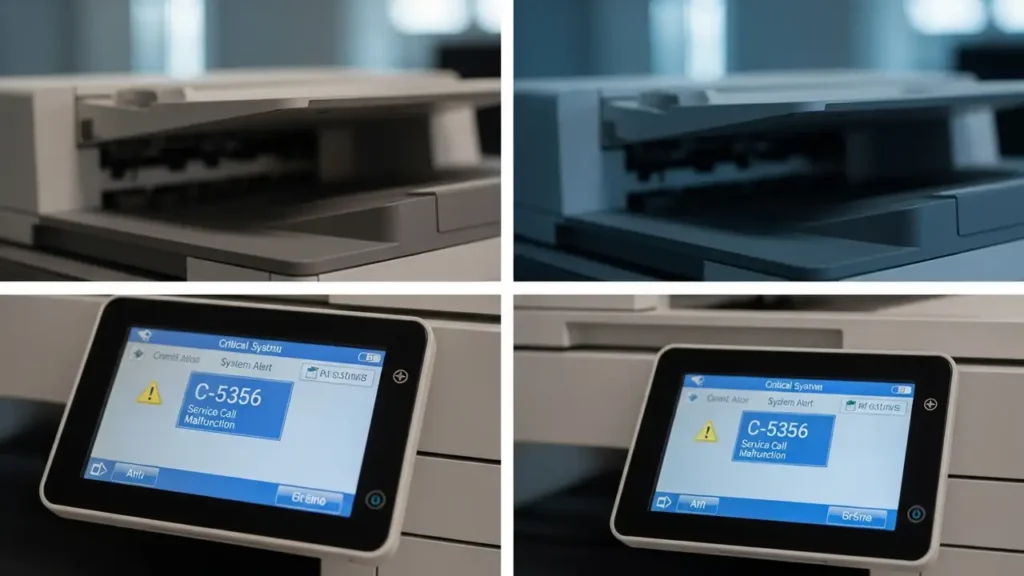
Fix Konica Minolta C5356 Error on Bizhub Printers
Resolve cooling fan issues on Bizhub 227/287/367 series printers quickly and effectively.
Encountering an error C5356 Konica Minolta message on your Bizhub multifunction printer can bring your workflow to a standstill. This specific error code typically indicates a problem with the main cooling fan (FM2), vital for maintaining optimal operating temperatures within the device. When your Konica Minolta Bizhub C287, C227, or C367 detects that this fan is not functioning correctly—either stuck, obstructed, or entirely failed—it will display this warning and often prevent further operation to protect internal components.
The good news is that many instances of the Konica Minolta C5356 error can be resolved with simple troubleshooting steps. This guide will walk you through understanding the error, performing initial checks, and identifying when professional assistance might be necessary. By following these steps, you can often get your Bizhub printer back up and running without extensive downtime.
Understanding the Konica Minolta C5356 Error Code
The Konica Minolta C5356 error specifically points to a malfunction of the main cooling fan, designated as FM2, within your Bizhub printer. This fan plays a critical role in dissipating heat generated by various internal components, such as the fuser unit and control board, during operation. Without adequate cooling, these parts can overheat, leading to damage or premature wear.
When the printer’s sensors detect that the FM2 fan is either not spinning at all, spinning too slowly, or encountering an obstruction, the C5356 error is triggered. This is a protective measure designed to prevent more severe damage to the machine. While frustrating, it’s a clear signal that attention is needed to restore proper cooling.
Initial Troubleshooting Steps for Konica Minolta C5356
Before considering more complex solutions or technician involvement, there are several straightforward steps you can take to address the Konica Minolta C5356 error. These actions often resolve the issue if it’s caused by a temporary glitch or a minor obstruction. Always ensure the printer is completely powered off and unplugged before performing any physical checks.
- Perform a Power Cycle:
- Turn off your Konica Minolta Bizhub printer using the main power switch, usually located on the side or rear of the machine.
- Unplug the power cord from the wall outlet.
- Wait for at least 10-15 seconds to allow any residual electrical charge to dissipate and the system to fully reset.
- Plug the power cord back into a working outlet.
- Turn the printer back on using the main power switch.
- Monitor the display to see if the Konica Minolta C5356 error has cleared. This simple reset can often resolve temporary sensor misreads or minor software glitches.
- Inspect and Clean Air Vents:
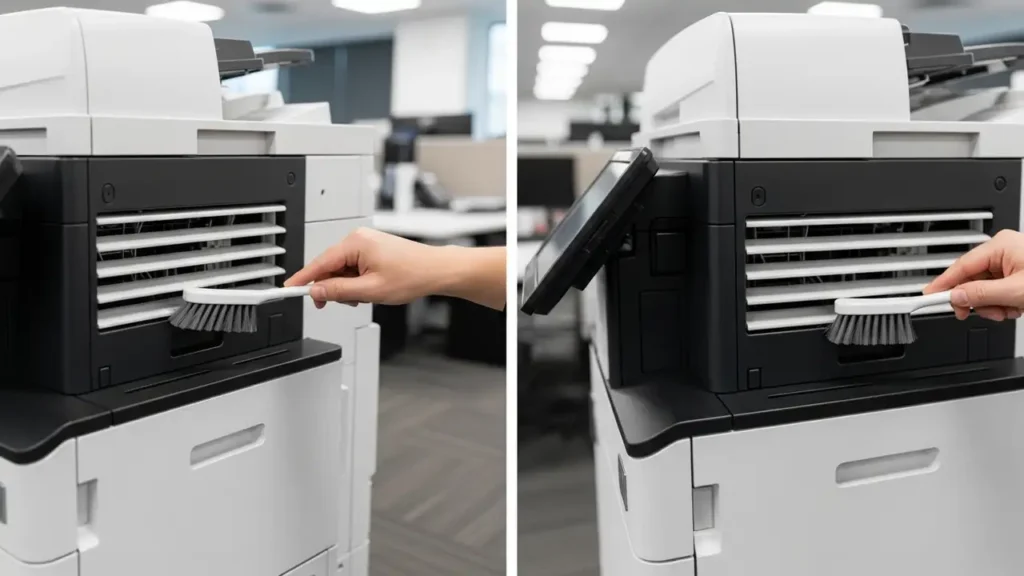
- Locate the air vents on the sides and rear of your Bizhub printer. These vents are crucial for airflow and can become clogged over time.
- Using a soft brush, a vacuum cleaner with a brush attachment, or compressed air, gently remove any accumulated dust, debris, or lint from the vents.
- Ensure that nothing is obstructing the area immediately around the printer that could impede airflow, such as papers, books, or walls too close to the vents.
- After cleaning, power on the printer and check if the Konica Minolta C5356 error persists.
Deeper Checks and Potential Causes of Konica Minolta C5356
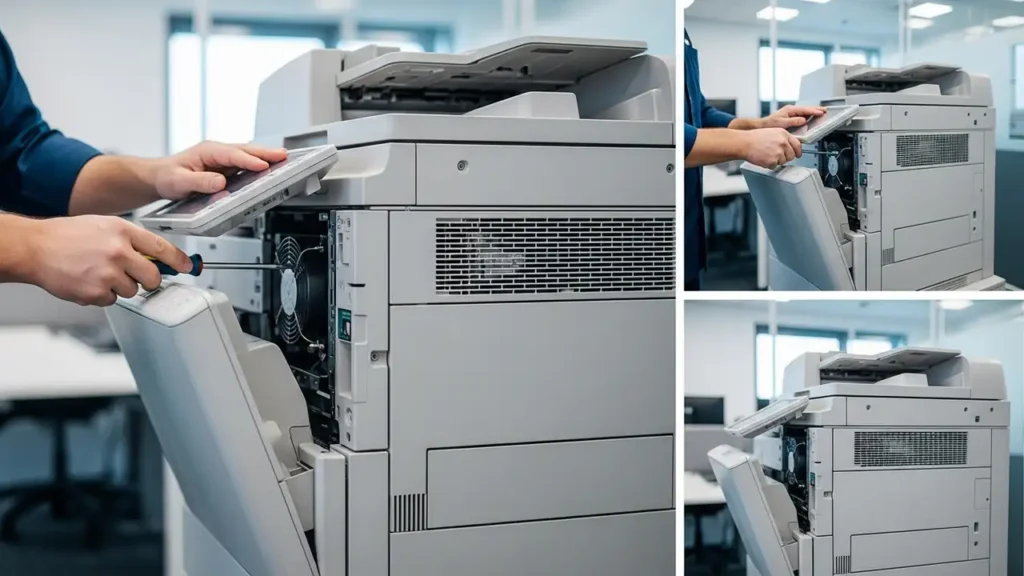
If the basic power cycle and cleaning do not resolve the Konica Minolta C5356 error, the problem might be more physical. At this point, opening the printer’s side panels might be necessary, which is often best performed by a qualified service technician to avoid damaging sensitive components or voiding your warranty.
- Loose Fan Connector: Over time, vibrations or maintenance work can cause electrical connectors to become loose. The main cooling fan (FM2) connects to the main controller board (MFPB), and a poor connection can trigger the C5356 error even if the fan itself is functional. A technician can safely open the panel, locate the fan, and ensure its connector is securely seated.
- Failed Fan Motor: The most common hardware cause for a persistent Konica Minolta C5356 error is a burnt-out or seized fan motor. Mechanical fans have a finite lifespan, and continuous operation can eventually lead to their failure. If the fan blades are not spinning freely even after cleaning, or if the fan makes unusual noises, it likely needs replacement.
- Main Controller Board (MFPB) Issues: In rare cases, the issue might not be the fan itself but the main controller board (MFPB) that sends power and control signals to the fan. If the board is unable to supply power or detect the fan’s operation correctly, it can trigger the Konica Minolta C5356 error. Diagnosing and replacing a motherboard is a complex task that should only be performed by a certified technician.
When to Call a Professional for Konica Minolta C5356
While simple troubleshooting can often help, if the Konica Minolta C5356 error persists after performing power cycles and cleaning, it’s highly recommended to contact an authorized Konica Minolta service technician. Attempting to disassemble complex parts of the printer without proper training and tools can lead to further damage, potential injury, or invalidate your warranty.
A professional technician has the specialized tools and expertise to accurately diagnose whether the issue is a loose connection, a faulty fan, or a problem with the main controller board. They can replace components with genuine parts and ensure all connections are secure, restoring your Bizhub to optimal performance safely.
Safety and Warranty Considerations
Always prioritize safety when troubleshooting any electronic device. Before opening any printer panels or attempting internal inspections, ensure the printer is completely unplugged from the power source. Avoid touching sensitive internal components, especially the fuser unit (which can be hot) and the drum unit. Opening the printer’s covers might void your warranty if not done by an authorized service technician. If you are unsure about any step, it’s always best to consult the user manual or contact professional support.
Common Questions About Konica Minolta C5356
Successfully resolving the Konica Minolta C5356 error is crucial for the longevity and performance of your Bizhub printer. While some issues can be addressed with simple steps like power cycling and cleaning, persistent problems often point to hardware failures requiring a technician’s expertise. Don’t hesitate to seek professional help to ensure your printer operates reliably and efficiently, keeping your office productivity on track.