

Resolving Xerox 093-xxx Error Code Issues
Understand and fix common printer problems related to toner delivery.
When your Xerox printer displays a Xerox 093-xxx error code, it typically points to an issue with the toner dispensing mechanism or the detection of a toner cartridge. These codes act as indicators for specific problems preventing the proper supply of toner to your printing jobs. Addressing these issues often involves simple steps, though some situations may require professional assistance. This guide will help you understand the various 093-series codes and provide clear troubleshooting steps to restore printer functionality.
A Xerox 093-xxx error code can halt printing operations, signaling that the device cannot access or properly utilize the toner supply. These faults are categorized into two main types: those related to the physical delivery of toner and those concerning the printer’s ability to recognize the installed cartridges. Identifying the exact code is the first step in diagnosing the underlying problem, as specific numerical sequences correspond to different components or colors.
Understanding Xerox 093-xxx Error Code Meanings
The 093-series errors are split into two primary categories, each indicating a distinct type of issue within the toner system. Recognizing which category your specific Xerox 093-xxx error code falls into will guide your troubleshooting efforts.
Dispensing Faults (093-31x Series, 093-311)
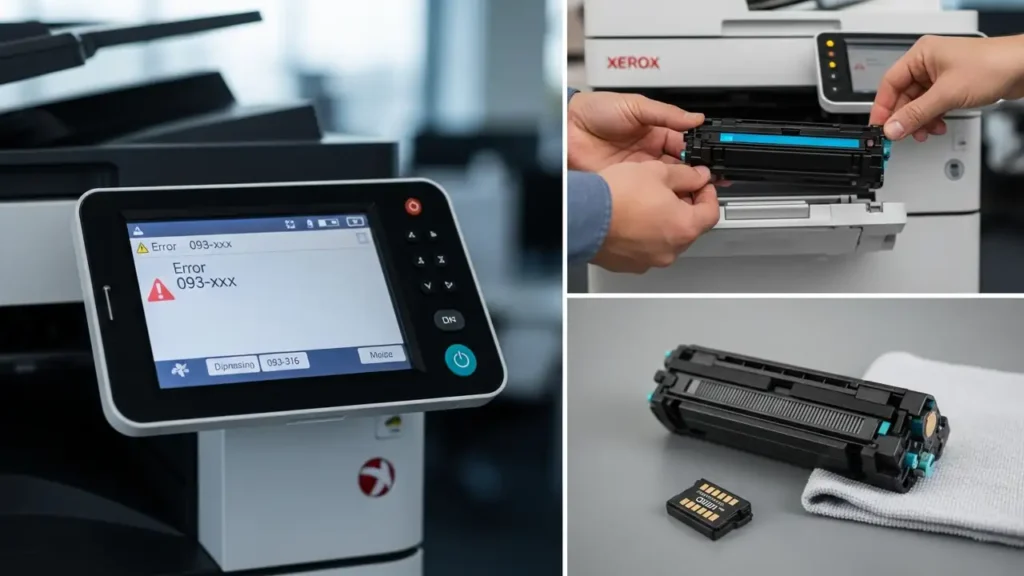
These codes are triggered when the printer experiences difficulty in moving toner from the cartridge into the developer unit. This means the actual physical transfer of toner is obstructed or failing. The codes are often color-specific:
- 093-314: Indicates a problem with yellow toner dispensing.
- 093-315: Points to an issue with magenta toner dispensing.
- 093-316: Signals a cyan toner dispensing error. This specific code, a Xerox 093-316 fix, involves addressing the cyan cartridge or its delivery path.
- 093-317: Denotes a black toner dispensing error.
- 093-311: Suggests a more general dispensing motor failure, affecting the overall toner delivery system regardless of color. This is a critical Xerox toner dispense fault 093.
When these codes appear, it’s a clear sign that the printer’s internal mechanisms are struggling to supply toner for printing.
Cartridge Detection Faults (093-912 to 093-915)
These codes usually appear when the printer cannot properly identify an installed toner cartridge. This might be due to incorrect seating or a problem with the cartridge’s chip, which communicates with the printer.
- 093-912 through 093-915: These codes frequently indicate that a cartridge is not correctly inserted into its slot or that the CRUM chip (a small chip on the cartridge) cannot be read by the printer. Without proper detection, the printer cannot proceed with operations that require toner.
Initial Troubleshooting for Xerox 093-xxx Error Code
Before considering professional service, several basic actions can resolve many common Xerox 093-xxx error code instances. These steps aim to address common mechanical or electronic glitches.
1. Reinstalling the Cartridge to Fix Xerox 093-xxx Error Code
A common remedy for both dispensing and detection errors is to properly reseat the toner cartridge. This ensures good contact and can dislodge compacted toner.
- Identify the Affected Cartridge: Note which color corresponds to the specific error code displayed on the printer’s panel.
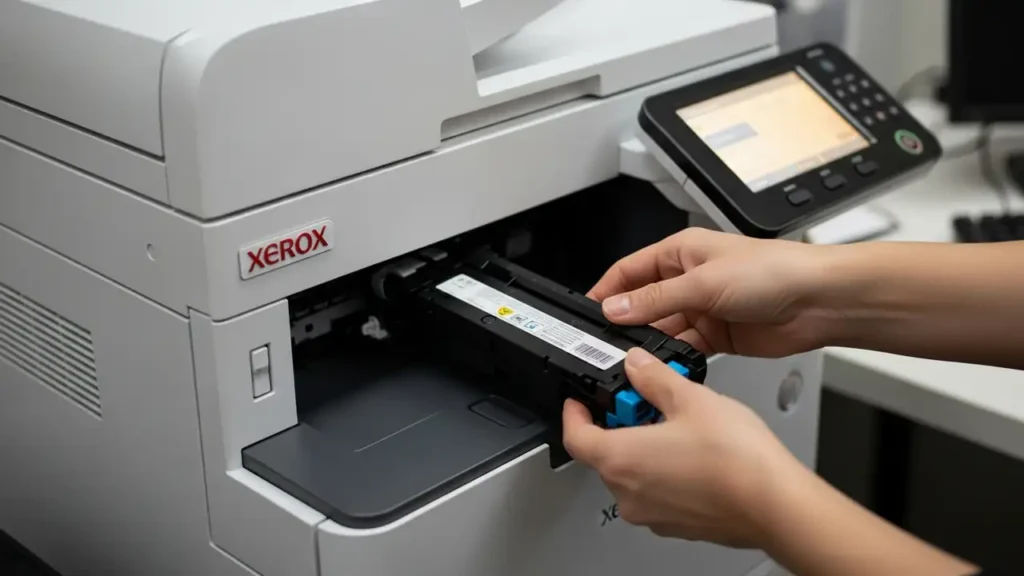
- Remove the Cartridge: Carefully pull out the toner cartridge associated with the error.
- Shake Gently: Hold the removed cartridge horizontally and gently shake it about ten times. This action helps to loosen and redistribute any toner that might have settled or clumped inside, which can sometimes cause a Xerox toner dispense fault 093.
- Reinsert Firmly: Slide the cartridge back into its designated slot until it clicks securely into place. Ensure it is fully seated to allow proper contact with the printer’s sensors and dispensing mechanism.
2. Power Cycle the Printer
A complete power cycle can often clear temporary electronic faults or reset internal sensors that might be misreporting an issue.
- Turn Off: Locate the power button on your Xerox printer and turn it off.
- Wait: Allow the printer to remain powered off for at least two full minutes. This ensures all residual power drains and internal components fully reset.
- Power On: Turn the printer back on. Observe the display for any persistent error codes.
3. Clean Cartridge Contacts (For Detection Codes)
If you are facing a detection code (093-912 to 093-915), the issue might be with the cartridge’s chip.
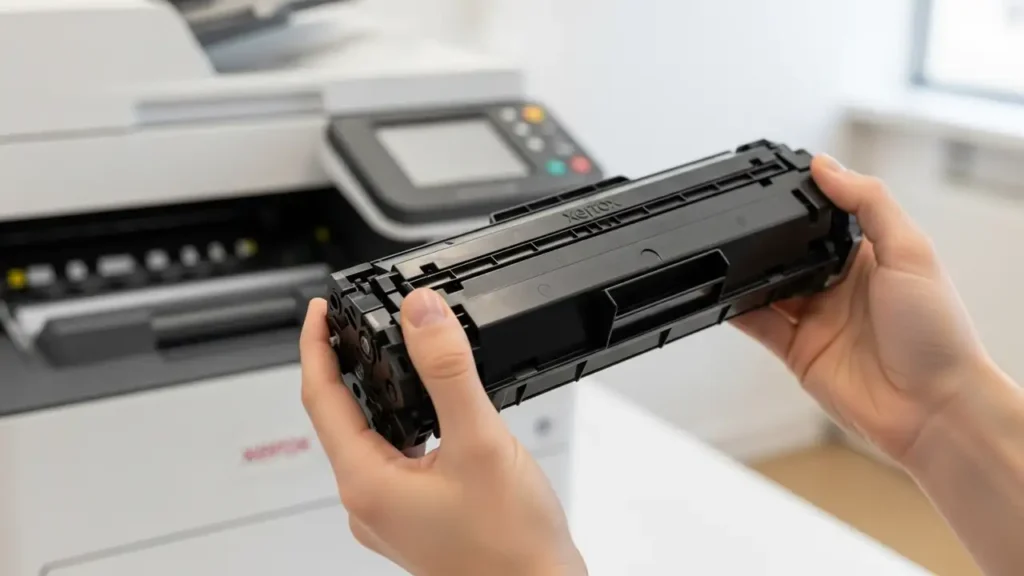
- Remove Cartridge: Take out the toner cartridge that the printer is failing to detect.
- Locate CRUM Chip: Identify the small metal contacts or chip on the cartridge. This is the CRUM chip responsible for communicating with the printer.
- Clean Contacts: Using a clean, dry cloth, gently wipe the metal contacts of the CRUM chip. Avoid using any liquids or abrasive materials.
- Reinsert: Carefully reinsert the cartridge, ensuring it’s properly seated.
When to Seek Professional Support
While many Xerox 093-xxx error code messages can be resolved with the steps above, some situations point to a deeper hardware problem that requires expert intervention.
- Persistent Errors with New Cartridge: If the error persists even after you have replaced the affected toner cartridge with a brand-new, genuine Xerox cartridge and performed the power cycle, it suggests the problem lies beyond the cartridge itself.
- Hardware Malfunction: A continued Xerox toner dispense fault 093 after thorough troubleshooting may indicate a mechanical issue with the delivery assembly. This could involve a blocked motor or a jammed auger, which are components responsible for moving toner within the printer.
- Consult Xerox Support: In such cases, the problem requires service from a qualified Xerox Support technician. They have the tools and expertise to diagnose and repair internal hardware faults safely. For model-specific guidance or to learn more about a particular Xerox 093-316 fix or other dispensing issues, refer to the Xerox Knowledge Base using your exact code.
Frequently Asked Questions
Resolving a Xerox 093-xxx error code often begins with simple, user-friendly steps. By carefully following the cartridge reinstallation, power cycling, and cleaning procedures, you can address many common toner dispensing and detection faults. Should these initial fixes not resolve the issue, especially for a persistent Xerox toner dispense fault 093, seeking professional assistance from a Xerox Support technician is the next appropriate step to ensure proper repair and continued printer functionality.