Samsung C1860FW Stuck on Logo
A Samsung C1860FW stuck on logo problem usually means the printer is freezing before it finishes booting into the normal menu system. When that happens, the touchscreen may show only the Samsung startup screen, the usual menus never appear, and normal fixes like removing the battery, removing memory, or restarting the machine often do very little.
This kind of failure is especially frustrating when you also forgot the administrator password. At that point, two problems get mixed together. One is the startup freeze itself. The other is the loss of administrator access, which blocks firmware tools and deeper recovery options. The important thing is to separate those two issues, because a Samsung C1860FW stuck on logo is often not caused by the password problem alone.
Why a Samsung C1860FW stuck on logo happens
When the printer stops at the logo screen, the machine is usually failing during initialization rather than during normal printing. In practical terms, that means the printer starts powering up, begins loading its internal system, and then fails before it can hand control over to the regular touchscreen menus.
That points more toward a firmware, memory, board, or control-panel startup issue than toward ordinary consumables. Toner, paper, and routine printing faults usually produce error messages after the machine has fully booted. A Samsung C1860FW stuck on logo is different because the system never gets that far.
This is also why removing the battery or memory does not always help. Those steps may sound logical, but they do not guarantee that the startup condition or stored control state is actually being cleared in the area that matters.
Why the forgotten password is a separate problem
It is easy to assume the password is the main reason recovery is failing, but in many cases it is only part of the problem. The administrator password matters when you need to enter the web interface, use firmware upgrade tools, or manage security-related settings.
However, a Samsung C1860FW stuck on logo usually means the printer is already failing before normal user access becomes useful. So even if you remembered the password, that would not automatically solve the startup freeze.
The password issue becomes important only because it blocks one of the cleaner recovery paths. On this model family, firmware upgrades and administrative controls are tied to administrator access. If the default password was changed from sec00000 and then forgotten, that makes the next step harder, but it does not prove that the password caused the freeze in the first place.
Why Samsung Easy Printer Manager may say “CLEARED” but nothing changes
This part confuses many users. If Samsung Easy Printer Manager reports that a reset or clear action succeeded, it is natural to expect the old administrator login to disappear and the default account to work again.
But a Samsung C1860FW stuck on logo can prevent that result from being useful. If the machine is not completing startup normally, a network-side reset may not fully restore the printer in the way you expect. Also, clearing network-related settings is not always the same as fully clearing all administrator or system-level state.
So if the tool says CLEARED but admin and sec00000 still fail, that does not necessarily mean the software lied. It may mean the printer is stuck too early in the boot process, the wrong area was cleared, or the machine needs a deeper reset path than the network reset alone can provide.
The most realistic recovery path
When dealing with a Samsung C1860FW stuck on logo, the smartest approach is to stop treating this as a normal password issue and start treating it as a boot failure with a password complication.
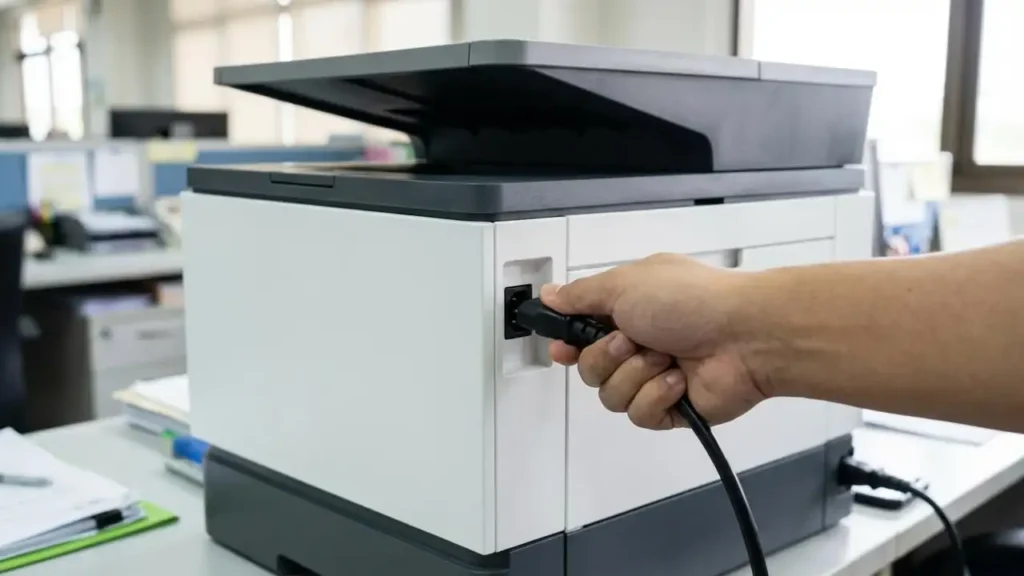
The first thing to do is a true cold power reset. Turn the printer off fully, unplug it from power, wait long enough for the system to discharge, then reconnect and start again. This is not exciting, but it matters because partial reboots often leave the machine in the same frozen state.
After that, check whether the printer responds to service or diagnostic access rather than normal menu access. On this series, service mode is a separate path from the regular administrator web login. That matters because if the normal interface is blocked by the boot freeze, service mode may still give you a way to test or clear memory.
If service access is possible, that is the point where deeper reset options become more meaningful than repeated battery removal or random restarts.
Why service mode matters more than web login here
A Samsung C1860FW stuck on logo that still responds to service key input is in a very different position from a machine that is completely dead. If service mode opens, even briefly, you may still have a path to diagnostic checks or memory clear routines that reset the machine more deeply than a network tool can.
This matters because firmware upgrade through the browser normally depends on administrator login. If that password is forgotten, that path is blocked. Service mode does not depend on that same web login path, so it can sometimes provide the only practical route left before hardware repair becomes necessary.
That is why repeated focus on the forgotten admin password can waste time. On a startup freeze, service access is usually the more important question.
When firmware becomes the main suspect
If the printer worked normally before and then suddenly began freezing on the Samsung logo with no menu access, firmware corruption or a failed internal startup sequence becomes a serious possibility. This is especially true if the printer powers on, shows life on the display, but never reaches a ready state.
In that situation, a Samsung C1860FW stuck on logo is no longer just a settings issue. It becomes a system-start issue. The printer may be failing to load part of its interface logic, control board state, or operating firmware cleanly enough to move beyond the opening screen.
That does not automatically prove the main board is bad, but it does mean the problem is deeper than normal user configuration. If a deeper reset and service-mode attempt do not change the behavior, hardware-level causes such as the control panel board, main board, or corrupted firmware state become much more likely.
What not to do
The biggest mistake is mixing too many random fixes together. Removing memory, removing the battery, retrying the same password, and repeatedly using Easy Printer Manager may create the feeling of progress without changing the real problem.
Another mistake is assuming toner supplies make the printer worth saving only if printing works. Even with a Samsung C1860FW stuck on logo, the more urgent question is whether the machine can complete startup at all. If it cannot, the scanner and touchscreen are affected for the same reason the printing functions are unavailable: the system never finishes booting.
That is why the proper focus should stay on startup recovery, not on individual features.
Frequently Asked Questions
A Samsung C1860FW stuck on logo is frustrating mainly because it looks like a password problem when it is usually more than that. The cleanest way to think about it is this: the forgotten password blocks one recovery route, but the real fault is the startup freeze itself. Once you separate those two issues, the next steps become much clearer.