epson 0x9a fix — carriage jam encoder cleaner
Epson 0x9A Fix: Your Ultimate Guide to Clearing This Error
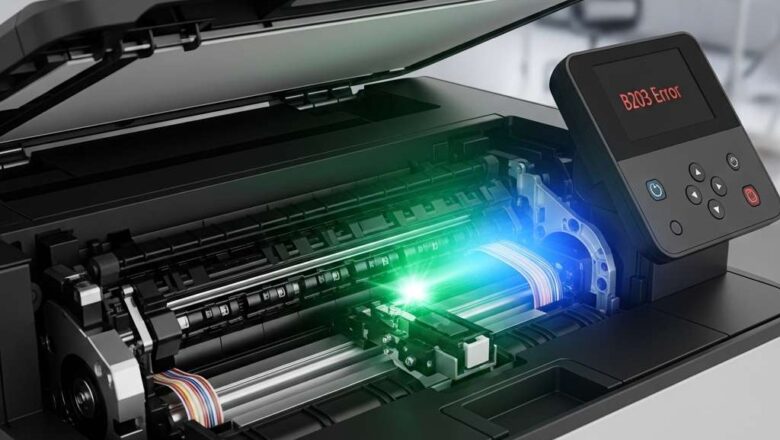
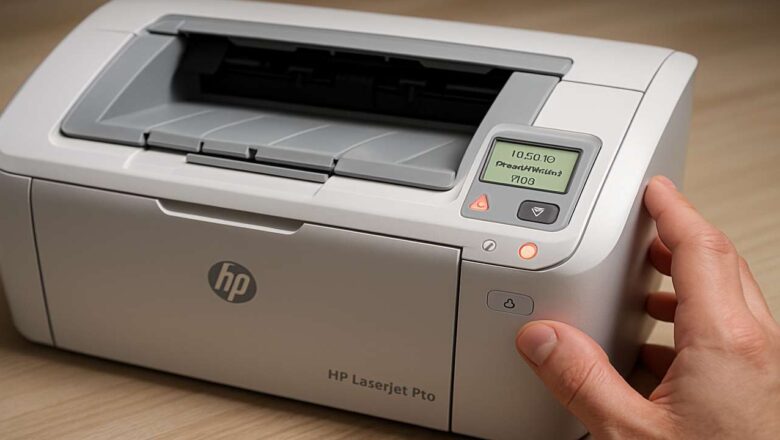
The epson 0x9a fix is often required when your printer abruptly stops, accompanied by flashing lights and an error message on your screen. This error indicates a critical problem: the printhead carriage is jammed or its movement is obstructed. While this can halt your printing tasks, the solution is typically mechanical and can be performed at home with a few simple steps. This guide provides a proven method to diagnose and resolve the 0x9A error safely. Error Meaning: The printer’s internal sensors cannot detect proper printhead carriage movement.
Common Causes: Paper jams, foreign objects, a dirty encoder strip, or debris on the carriage rail.
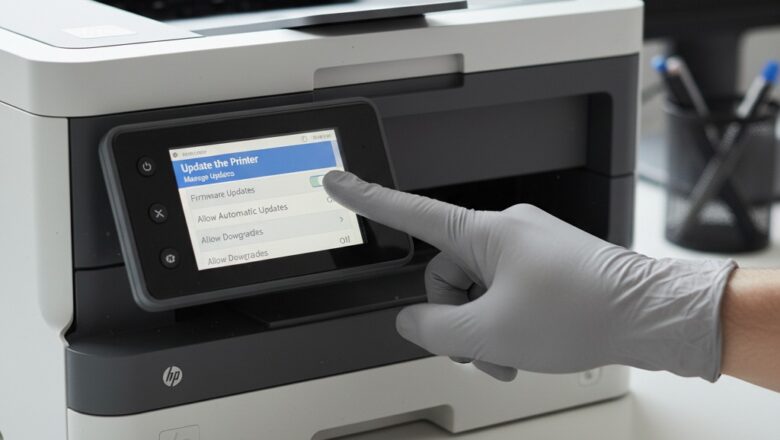
Required Tools: Lint-free cloth, flashlight, and optionally, a pair of non-...