

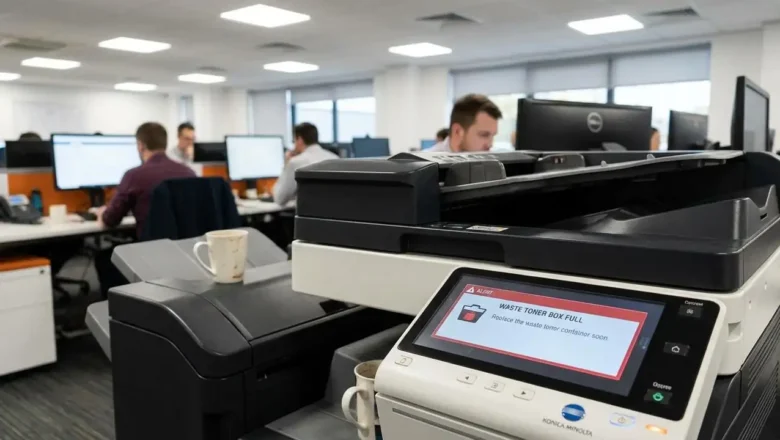
Konica waste toner box full Fixes and Maintenance Guide
Addressing the Konica waste toner box full Warning
Understanding why your copier has stopped printing and how to manage the hardware sensors. When your printing workflow stops suddenly, the cause is often a physical hardware notification rather than a digital glitch. Seeing a Konica waste toner box full message indicates that the internal collection vessel has reached its maximum volume limit. While many users look for a software bypass or a hidden button to clear this notification, such an option does not exist. The system utilizes hardware-level detection to ensure that no overflow occurs inside the delicate internal components of the imaging system. Believing that a software-based command or a service menu button provides a solution for this alert is a common misunderstanding. Th...