

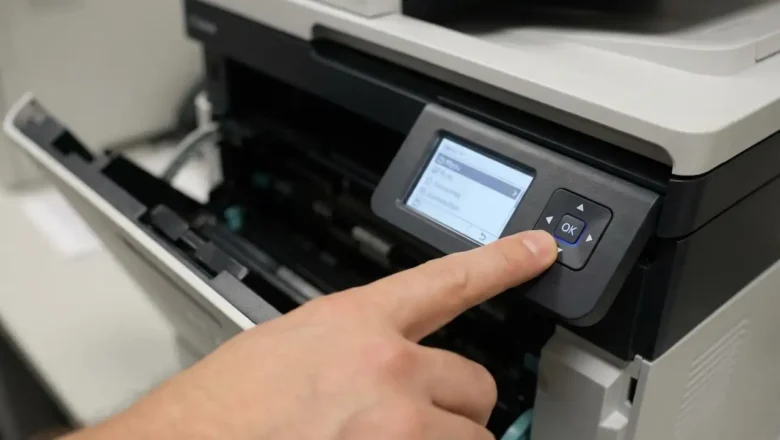
Drum Counter Reset: Fix Printer’s “Replace Drum” Message
Resolve Printer's Drum Counter Reset Issue
Printers, particularly Brother models, often display a "Replace Drum" message that can persist even after installing a new drum unit. This is rarely due to a faulty sensor. Instead, the notification is typically tied to an internal page counter that requires a specific, manual drum counter reset procedure from the user. Understanding and performing this reset is crucial for clearing the message and resuming normal operation. This persistent message indicates that the device has not registered the installation of a fresh drum unit. Rather than a physical detection, the printer tracks print volume. When this volume reaches a predetermined limit, it triggers the "Replace Drum" alert. The only way for the printer to acknowledge the new component i...