
web analytics
Shadow

Tag: drum reset

Reset Samsung CLP-510 Toner Counter: The Complete 2025 Guide

Reset Samsung CLP-510 Toner Counter: The Complete 2025 Guide

RESET PRINTER, Blog, REPAIR PRINTER, resetter software
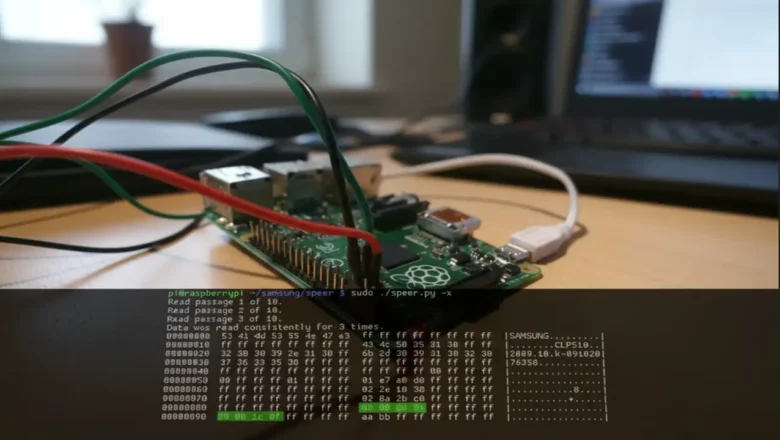
Struggling with a Reset Samsung CLP-510 Toner warning that has stopped you from printing, even when you know there’s toner left in the cartridge?1 This common and frustrating issue is not a technical fault; it is a deliberate design choice by the manufacturer. The printer is not intelligently measuring the actual toner powder. Instead, it is reading a "page counter" from a small electronic chip on the cartridge.2 Once that counter hits a pre-set limit, the printer locks you out. This expert guide provides every known method to bypass this counter, from simple, free tricks 4 to permanent hardware and software solutions.2 This report will walk through all verified methods, step-by-step. Understanding the "Replace Toner" Warning: The Chip at the Heart of the Problem The core issue stems fro...
brother dcp-l2540dw replace drum reset — sensor & counter

brother dcp-l2540dw replace drum reset — sensor & counter

Blog, REFILL TONER, REPAIR PRINTER, RESET PRINTER
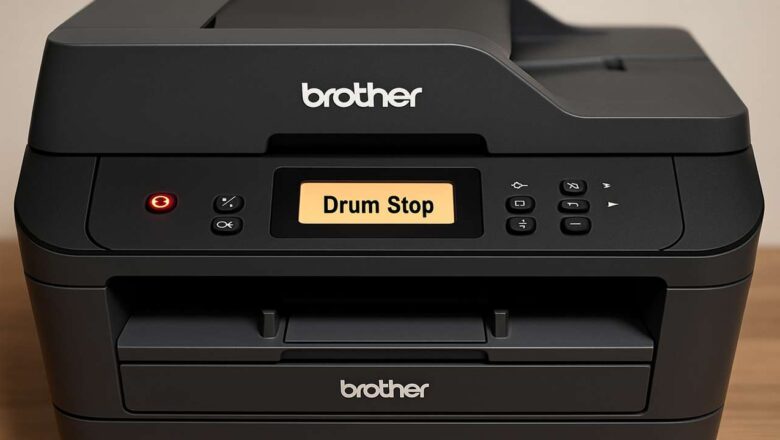
brother dcp-l2540dw replace drum reset — sensor & counter brother dcp-l2540dw replace drum reset is the routine you need when the message won’t clear or returns right after you “reset.” Use our brother dcp-l2540dw replace drum reset guide to store the counter properly, verify the door sensor, clean the corona wire, and confirm the fix with a status page. brother dcp-l2540dw replace drum reset — what the message really means The alert is driven by two things working together: A drum life counter stored in the printer. A front-door sensor that must detect cover open → reset command → close to save the new value.If the sensor doesn’t register, or the drum/toner isn’t fully seated, the counter won’t write and the message comes back. Quick checks before you reset ...
🚫
AdBlock Detected!
It looks like you're using an AdBlock extension.
Ads help us provide free, high-quality content.
Please disable your AdBlocker for this website and refresh the page.

How to disable AdBlock:

  1. Click the AdBlock icon in your browser toolbar.
  2. Select "Don't run on this site" or "Pause on this site".
  3. Reload the page using the button below or press F5.
  4. If you still see this message, try temporarily disabling all ad-blocking extensions.