
web analytics
Shadow

Tag: EcoTank

Epson service required waste ink pad: Fix EcoTank Error

Epson service required waste ink pad: Fix EcoTank Error

RESET PRINTER, Blog, REPAIR PRINTER
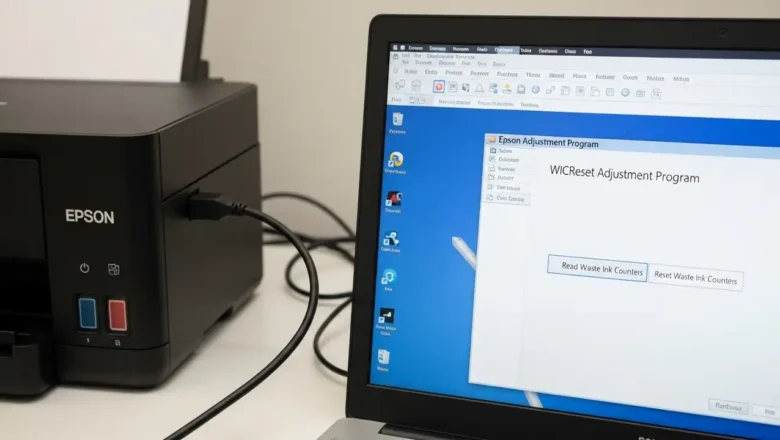
Resolving Epson service required waste ink pad Error on EcoTank When your Epson EcoTank printer displays a "Service required" alert, it usually indicates that the internal Epson service required waste ink pad counter has reached its preset operational limit. This warning means the absorbent pads, designed to collect surplus ink, are deemed full, and it's more involved than simply replacing a common maintenance box. Addressing this prompt is vital for continued printer functionality and preventing potential internal ink issues. You have two primary avenues for resolving this: engaging with official Epson support for professional repair or employing specific third-party software tools for a self-service solution. Each path involves distinct actions and carries specific implications for t...
Best home office printers — top picks for reliability & low running costs

Best home office printers — top picks for reliability & low running costs

Blog
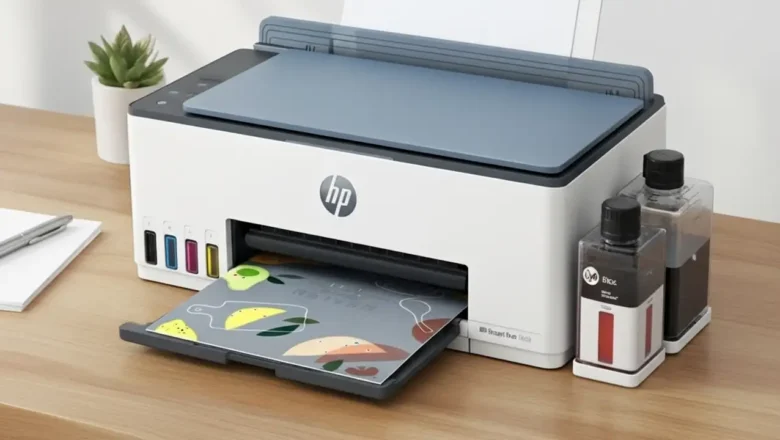
Best home office printers — what to buy right now Best home office printers are the models that balance reliability, speed, and total cost of ownership—not just the sticker price. Below is a clear, no-fluff guide based on what Americans regularly use and recommend for home and small-office setups. You’ll find concise reasons to pick each device, who it’s for, and key considerations so you don’t overpay for features you won’t use. Best overall: HP OfficeJet Pro 9125e (all-in-one inkjet) If you need one printer that does everything well—print, scan, copy, fax—the HP OfficeJet Pro 9125e is a versatile choice. It’s fast for an inkjet, handles mixed workloads, and includes modern conveniences (ADF, duplex printing, mobile printing).Why pick it Strong all-around speed and text qual...
🚫
AdBlock Detected!
It looks like you're using an AdBlock extension.
Ads help us provide free, high-quality content.
Please disable your AdBlocker for this website and refresh the page.

How to disable AdBlock:

  1. Click the AdBlock icon in your browser toolbar.
  2. Select "Don't run on this site" or "Pause on this site".
  3. Reload the page using the button below or press F5.
  4. If you still see this message, try temporarily disabling all ad-blocking extensions.