

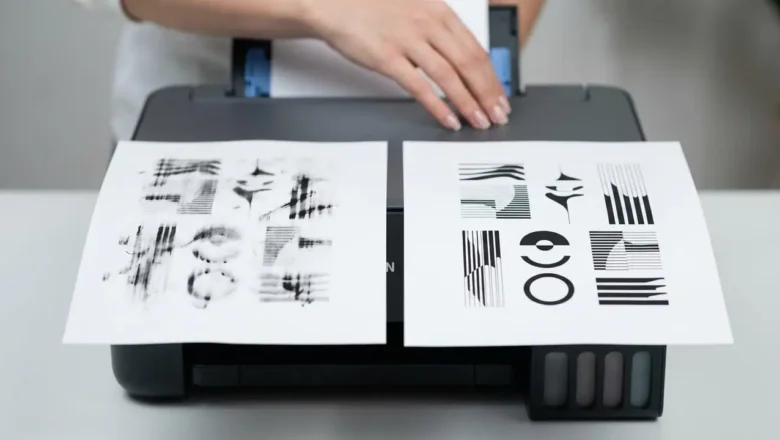
Epson L3210 Smudge Problem: Easy Fixes
Epson L3210 Smudge Problem Fixes
Stop frustrating smudges and ensure crisp prints on your Epson L3210 with these easy troubleshooting steps. Smudges on your printed pages can be incredibly annoying, turning what should be clear text or vibrant images into messy, unusable documents. If your Epson L3210 is leaving ink marks, streaks, or smeared lines across your paper, you're not alone. This common Epson L3210 smudge problem often stems from a few key areas within the printer's paper path or ink delivery system. Fortunately, most Epson L3210 smudge problem issues are fixable without needing a technician. This guide will walk you through simple, safe steps to diagnose and resolve smudges, helping you get back to printing perfectly clear pages. We'll cover everything from checking your ...