

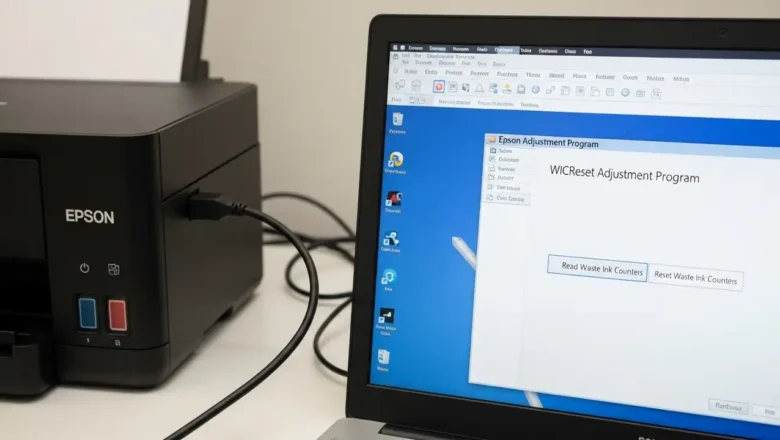
Epson service required waste ink pad: Fix EcoTank Error
Resolving Epson service required waste ink pad Error on EcoTank
When your Epson EcoTank printer displays a "Service required" alert, it usually indicates that the internal Epson service required waste ink pad counter has reached its preset operational limit. This warning means the absorbent pads, designed to collect surplus ink, are deemed full, and it's more involved than simply replacing a common maintenance box. Addressing this prompt is vital for continued printer functionality and preventing potential internal ink issues. You have two primary avenues for resolving this: engaging with official Epson support for professional repair or employing specific third-party software tools for a self-service solution. Each path involves distinct actions and carries specific implications for t...