

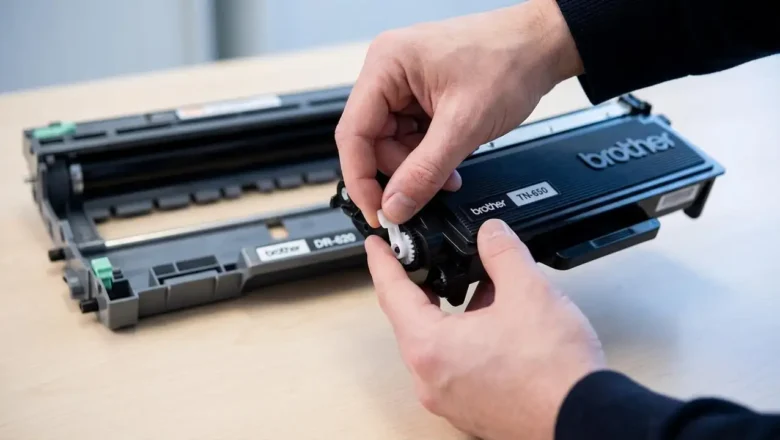
how to reset brother tn650: Clear “Toner Low” and Keep Printing
how to reset brother tn650 is the fix you’re looking for when your Brother printer keeps showing “Toner Low” (or even blocks printing with “Replace Toner”) even though you’ve got usable toner left, you’ve refilled the cartridge, or you installed a compatible TN-650. The good news: on many Brother models, you can manually reset the toner counter so the printer stops nagging and lets you print again.
This guide covers the two reset paths that matter most:
Printer-based toner reset (best for HL models that use a GO button and LEDs, like HL-5340D and HL-5370DW)
Cartridge/gear reset (common on compatible or refilled TN-650 cartridges that include a reset gear/flag) Note: Resetting clears the printer’s estimate of toner usage. It does not magically add toner. If prints ar...