
web analytics
Shadow

Tag: HP Smart App

HP Smart App Can’t Find Printer: Fixes

HP Smart App Can’t Find Printer: Fixes

REPAIR PRINTER, Blog
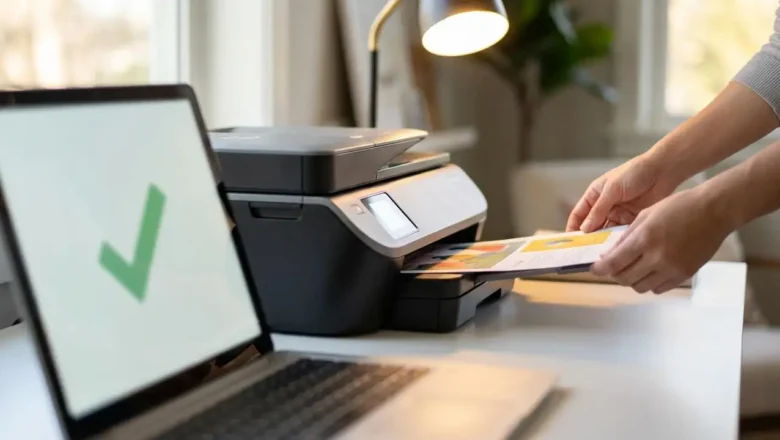
HP Smart App Can't Find Printer Fixes Troubleshoot and resolve HP Smart app printer discovery issues for reliable connectivity. Is your HP printer playing hide-and-seek with the HP Smart app? You've confirmed your Wi-Fi is working, yet the app steadfastly refuses to find your printer. This common issue can be frustrating, preventing you from printing, scanning, or managing your device. Don't worry; most of the time, HP Smart app can’t find printer problems stem from simple network, software, or configuration hiccups. This guide will walk you through the most effective solutions to get your HP Smart app and printer communicating again. The HP Smart app is designed to simplify printer management, but sometimes the connection between your computer or mobile device and the printer gets ...
HP Smart App Not Working? Fix Windows 11 Issues

HP Smart App Not Working? Fix Windows 11 Issues

REPAIR PRINTER, Blog
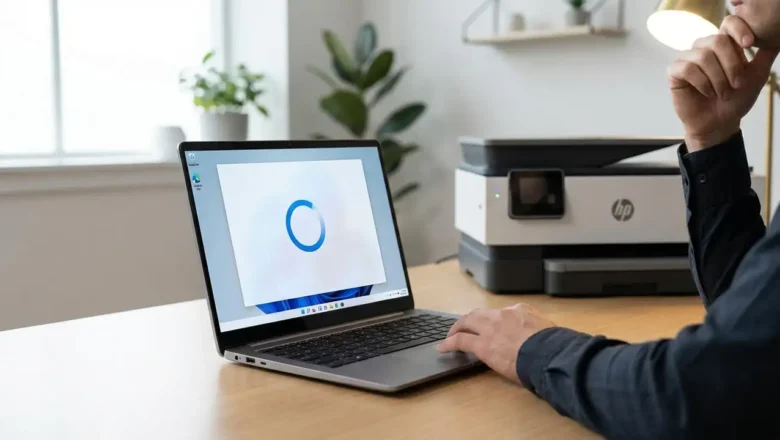
HP Smart App Not Working? Fix Windows 11 Loading Issues Get your HP printer and scanner back online with this simple troubleshooting guide. Experiencing issues with the HP Smart app not working on your Windows 11 computer can be frustrating, especially when you need to print or scan documents. You might find the application won't open at all, or it gets stuck indefinitely on a blue spinning circle, indicating it’s not responding. This guide is designed to help you resolve these common problems and get your HP Smart app functioning correctly again. We understand that a non-functional HP Smart app can disrupt your workflow, whether at home or in a small office. This guide will walk you through a series of clear, actionable steps to troubleshoot and fix the HP Smart app stuck loading i...
🚫
AdBlock Detected!
It looks like you're using an AdBlock extension.
Ads help us provide free, high-quality content.
Please disable your AdBlocker for this website and refresh the page.

How to disable AdBlock:

  1. Click the AdBlock icon in your browser toolbar.
  2. Select "Don't run on this site" or "Pause on this site".
  3. Reload the page using the button below or press F5.
  4. If you still see this message, try temporarily disabling all ad-blocking extensions.