

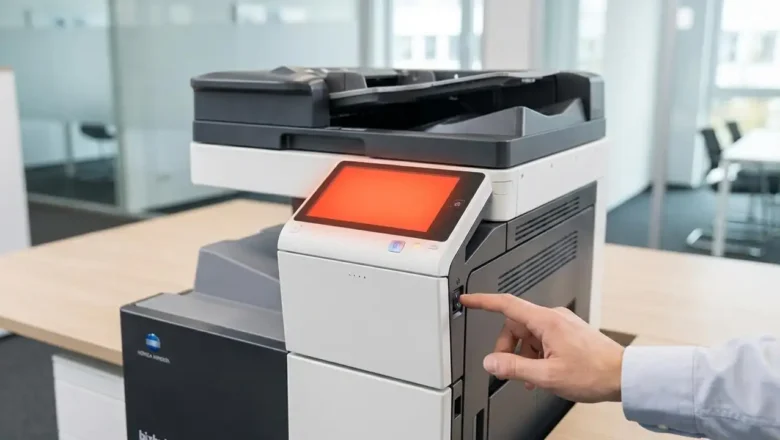
Fix Konica Minolta Error Code C3425 Quickly
Fix Konica Minolta Error Code C3425 Quickly
Resolve fuser unit temperature issues on your bizhub printer with simple steps. Encountering an error code C3425 on your Konica Minolta bizhub printer can bring printing operations to a halt, often displaying a clear message on the control panel. This specific code typically indicates a temperature abnormality within the fuser unit, a critical component responsible for bonding toner to paper. When this error appears, your printer will usually stop all jobs to prevent potential damage. Fortunately, many instances of this common fuser temperature error can be resolved with a simple Konica Minolta trouble reset procedure. This guide will walk you through the necessary steps to clear the error code C3425 and get your bizhub device back to full...