

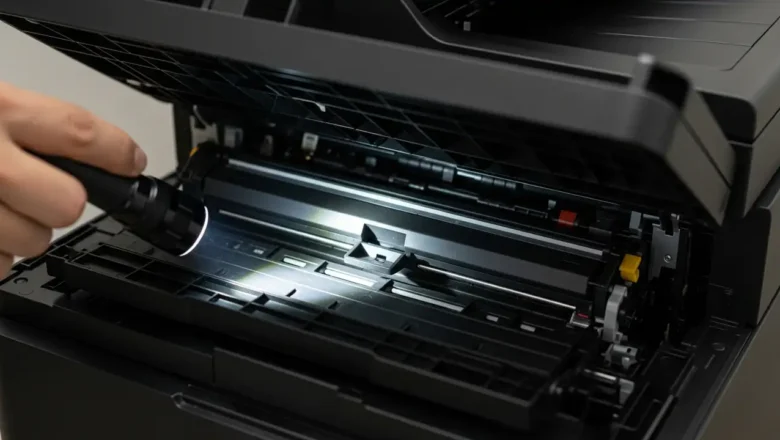
Paper Jam 0 Fix for Samsung Xpress M2020/M2070
Addressing the Paper Jam 0 Error on Samsung Xpress M2020/M2070
Samsung Xpress M2020 and M2070 printers can sometimes display a Paper Jam 0 error message, even when there is no visible paper obstruction in the paper path. This "phantom jam" can be frustrating, as typical paper clearing methods don't apply. This guide outlines real fixes for this specific issue, focusing on often-overlooked internal components and sensors. When your Samsung Xpress printer reports a Paper Jam 0 without any obvious blockage, the cause is usually an unacknowledged sensor trigger or a tiny, hidden piece of debris. Addressing this requires a systematic approach, starting with basic safety precautions before inspecting internal mechanisms.
Initial Steps for Paper Jam 0 Resolution
Before beginning any trouble...