

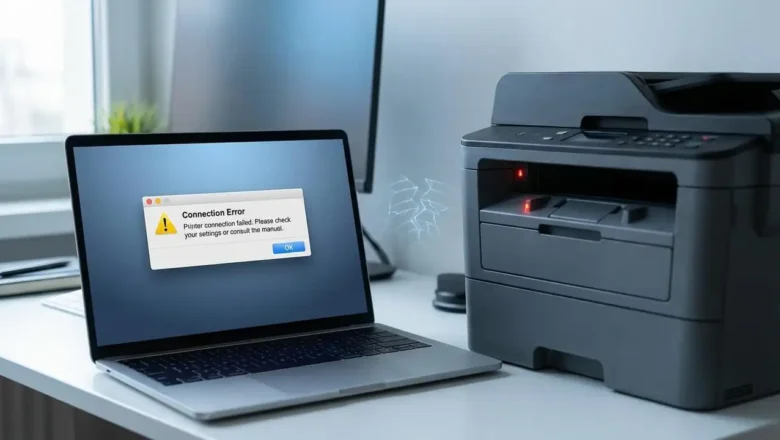
mac filter failed printer: Fix Mac Printing Errors
Fix Mac Printing: Resolving mac filter failed printer and Authentication Issues
Encountering printing issues on a Mac can be frustrating, especially when you face errors like "mac filter failed printer" or "Hold for Authentication." These messages indicate underlying problems with drivers, system settings, or network credentials preventing your documents from printing. This guide provides step-by-step solutions to restore your printer's functionality, addressing both common error types with clear, actionable advice.
Understanding Common Mac Printing Errors
Two primary error messages frequently stop printing jobs on macOS. The "Filter Failed" status typically points to issues with the printer's software components, often related to an outdated or corrupted driver that processes the print...