

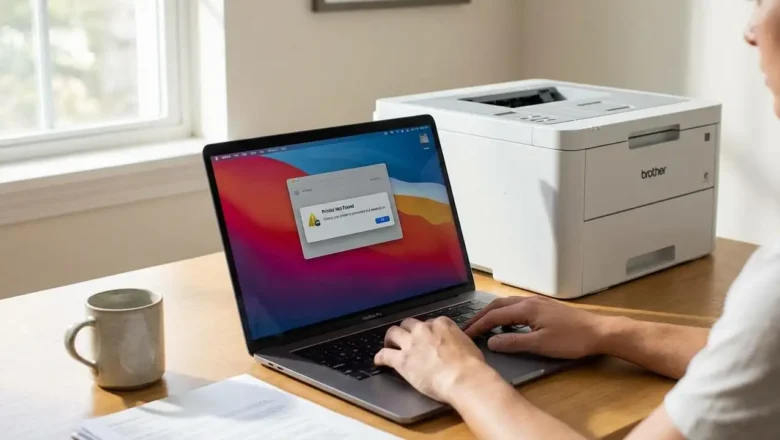
macOS Sequoia 15.3 Printer Problem: Fix Connectivity Issues
Resolving Your macOS Sequoia 15.3 printer problem
Strategies for restoring printer functionality after the Sequoia 15.3 update. Many users encounter a macOS Sequoia 15.3 printer problem where their laser printer appears offline or is simply not found by the system following the recent operating system update. This issue commonly arises due to breaks in driver compatibility or changes in how macOS Sequoia 15.3 manages security extensions and device communication. When your printer disappears or fails to print, it can be frustrating, but reconnecting it is often achievable through specific troubleshooting steps. The core of resolving this connectivity challenge typically involves removing the existing printer setup and then re-establishing the connection. Opting for standard protocols...