
web analytics
Shadow

Tag: printer repair

Fix Brother Printers Not Working After a Windows 11 Update

Fix Brother Printers Not Working After a Windows 11 Update

REPAIR PRINTER, Blog
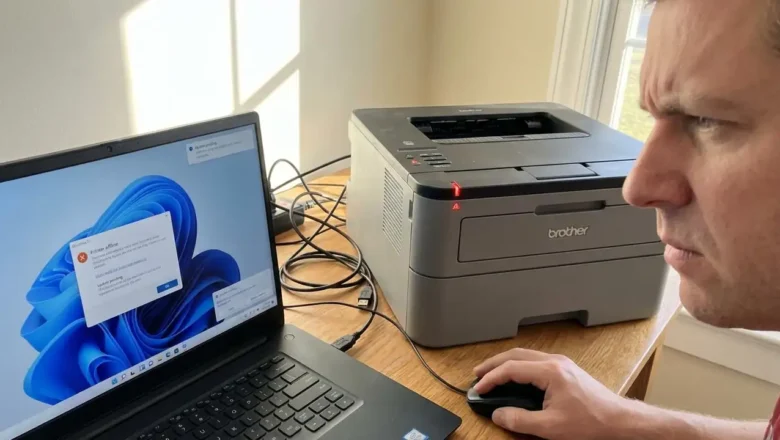
Fix Brother Printers Not Working After a Windows 11 Update Windows 11 updates are designed to enhance security and improve system performance, but they frequently introduce unexpected friction with peripheral hardware. One of the most common complaints following a major system patch is the sudden loss of printing capabilities. When you attempt to fix Brother printers that have stopped responding after an update, the challenge often lies in the way the operating system handles driver signatures and print spooler services. This disruption can halt productivity, leaving users with "Offline" status messages or documents stuck indefinitely in the queue. Understanding how to navigate these software conflicts is essential for restoring your workflow. While it might seem like a hardware failur...
Brother erreur 46: Fix “Machine Error 46” on Brother MFC

Brother erreur 46: Fix “Machine Error 46” on Brother MFC

REPAIR PRINTER, Blog
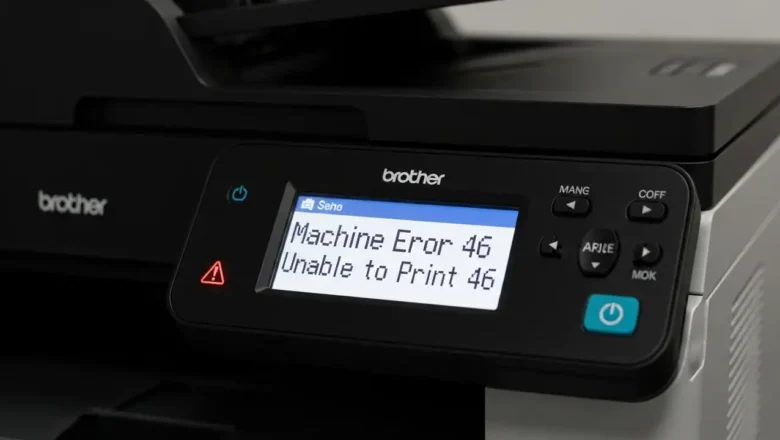
Resolving Brother erreur 46 on Your MFC Printer When your Brother MFC device displays the "Machine Error 46" message, it signals a specific condition related to its internal waste ink collection system. This prompt indicates that the printer's digital counter, tracking cleaning cycles, suggests the ink absorber pad is theoretically full. Fortunately, you have options ranging from an immediate digital reset to more involved physical maintenance to get your printer working again. This message is primarily a software-driven alert. The printer's internal system estimates the absorber pad's saturation based on usage, often prompting the Brother erreur 46 before the pad is actually overflowing. Understanding this distinction is key to choosing the right troubleshooting approach for your situ...
🚫
AdBlock Detected!
It looks like you're using an AdBlock extension.
Ads help us provide free, high-quality content.
Please disable your AdBlocker for this website and refresh the page.

How to disable AdBlock:

  1. Click the AdBlock icon in your browser toolbar.
  2. Select "Don't run on this site" or "Pause on this site".
  3. Reload the page using the button below or press F5.
  4. If you still see this message, try temporarily disabling all ad-blocking extensions.