

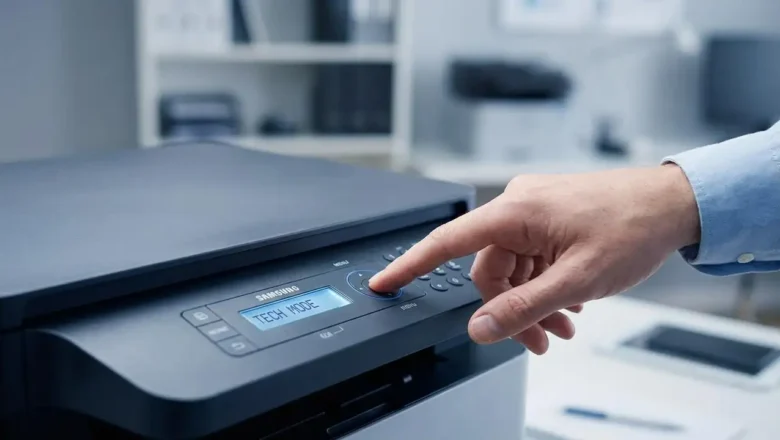
samsung printer tech mode: Hidden Service Codes, Reports & Firmware Check
samsung printer tech mode is a hidden maintenance menu built into many Samsung printers and multifunction devices. It’s mainly used by technicians to print internal reports, check supplies information, view usage data, and sometimes read firmware details that don’t appear on standard configuration pages. If you repair printers, refill toner, or troubleshoot “replace toner” messages, learning samsung printer tech mode can save you a lot of time—because it gives you the exact status pages you need without software tools.
This guide explains how samsung printer tech mode works, how to enter it on popular Samsung models, what each command does, and how to print the right report for your situation. Everything below is written for practical use, clean formatting, and strong SEO structure—withou...