

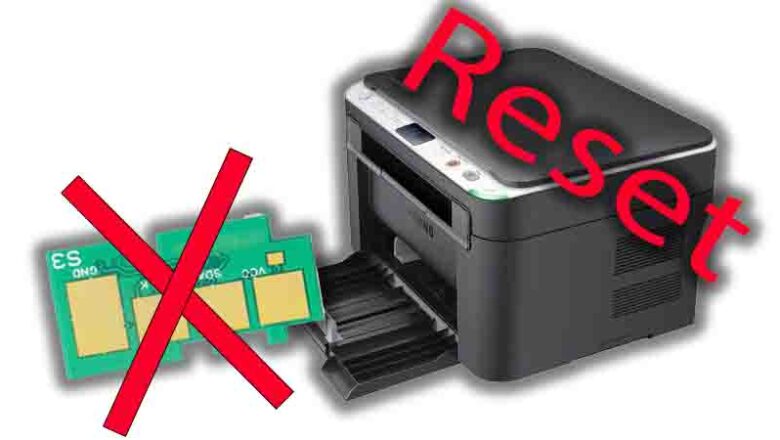
samsung scx-3200 reset counter: Fix “Replace Toner” and “Toner Exhausted
samsung scx-3200 reset counter is one of the most searched solutions when the printer keeps showing “Replace toner” or “Toner exhausted” even after you install a new cartridge or refill the old one. On many Samsung laser models, this alert is triggered by a built-in page counter (often stored on the cartridge chip), and sometimes it remains stuck due to a detection or firmware mismatch. The good news: you can usually resolve it with the right troubleshooting sequence, and in some cases, an official firmware update process can clear false warnings.
This guide explains the safest ways to handle printer troubleshooting for the SCX-3200, when a resetting counter attempt makes sense, and how to avoid common mistakes that can waste time—or risk the device. Why the SCX-3200 shows “Toner exhau...