

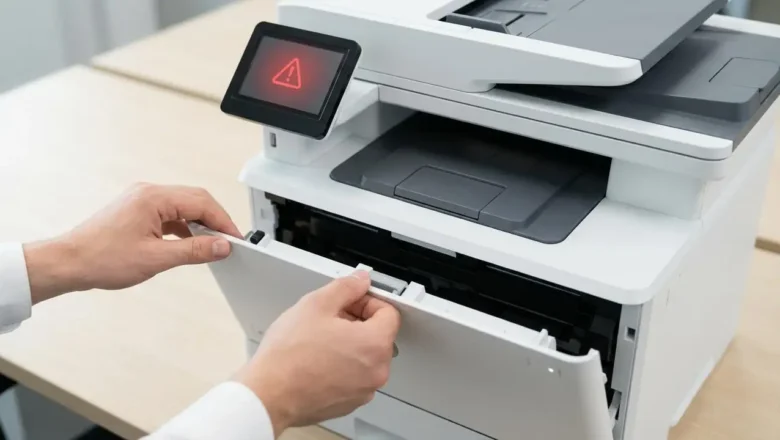
Replace Waste Toner Box Error Fix Guide
Replace Waste Toner Box Error
Stop printing errors and get your laser printer working again. Many laser printer users have encountered a frustrating error message: "Replace waste toner box" or "Waste toner bottle full." This message often appears even when the waste toner box appears to be empty or hasn't been in the printer long. This situation can bring your printing workflow to a sudden halt, especially in busy office environments where timely document production is crucial. Understanding how waste toner systems work and how to address this common message is key to resolving the issue efficiently. This guide will walk you through the common reasons behind the replace waste toner box message, even when it seems empty, and provide practical steps to resolve it for major brands like...