

wifi printer offline? Fix Network & IP Issues (Step-by-Step)
wifi printer offline? Fix Network & IP Issues (Step-by-Step)
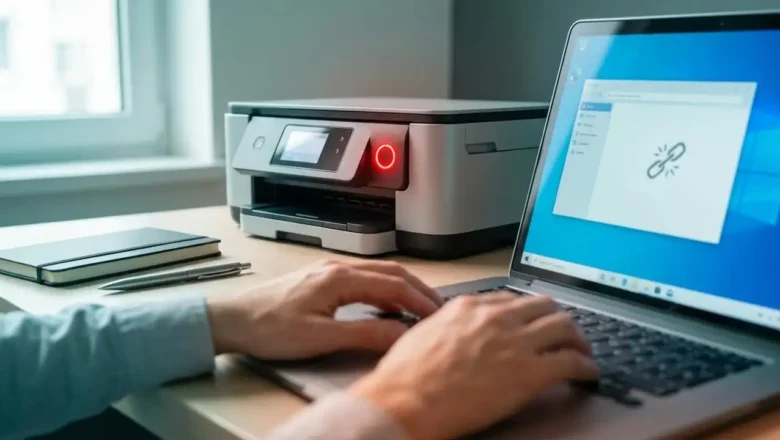
wifi printer offline? This usually happens because of Wi-Fi signal problems, router changes, or an IP address mismatch after a restart. The good news is that most cases can be fixed in a few minutes using the right steps.
In this guide, you’ll learn the fastest troubleshooting checklist first, then advanced fixes like TCP/IP ports and static IP settings to stop your printer from going offline again. Quick Fix Checklist (Try This First)
Before doing anything advanced, follow this order: 1) Restart the Printer and Router (Fastest Win)
Turn the printer OFF
Restart your Wi-Fi router
Wait 60 seconds
Turn the printer ON
Wait 2–3 minutes and print a test page ✅ This simple step fixes ...