

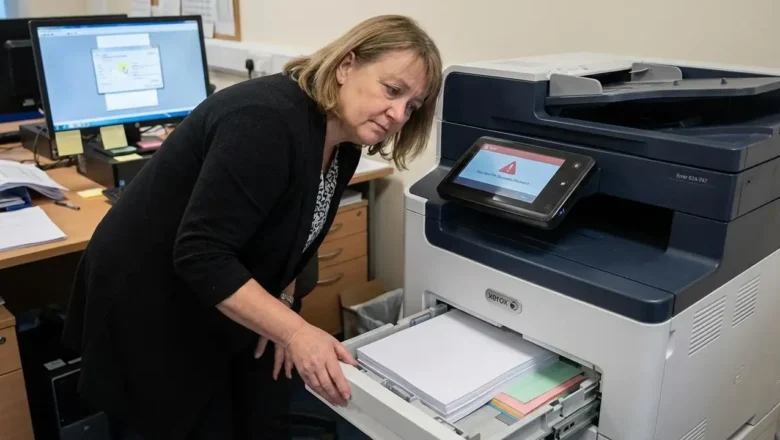
How to Fix Xerox error 024-747: Resolve Paper Mismatch Issues
How to Resolve Xerox Printing Failures and Correct the 024-747 Parameter Mismatch
Encountering a print job failure can disrupt the workflow of any office environment, particularly when the hardware identifies a conflict between the digital instructions it has received and its physical configuration. The error 024-747 is a common indicator of this specific type of technical friction. It serves as a notification that the printer is unable to execute a task because the parameters provided by the print driver do not align with the actual state of the paper trays. Understanding the nuances of this communication breakdown between software and hardware is the first step toward restoring full functionality to your device.
The Nature of the error 024-747 Parameter Conflict
At its core, the error...