

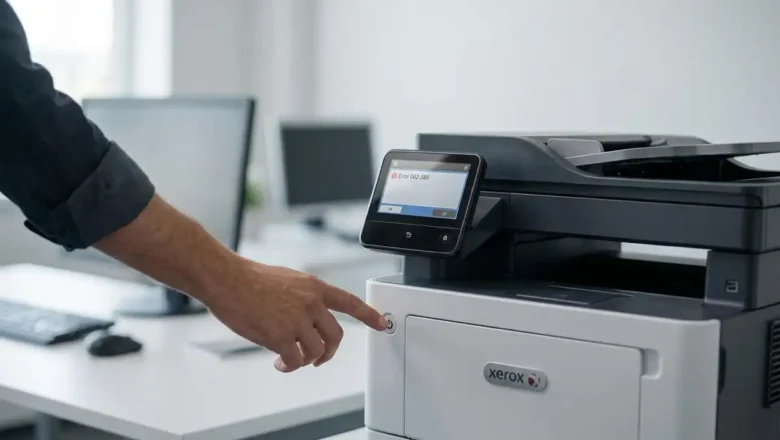
Xerox Error 062-380: Causes, Fix Steps, and When to Service
Xerox Error 062-380: Causes, Fix Steps, and When to Service
If your Xerox printer displays Error 062-380, the issue is commonly linked to the scanner subsystem (calibration/illumination/scan lamp behavior). In many cases, a clean restart and a few basic checks can clear it—but if it persists, it may require service.
This guide walks you through safe troubleshooting steps in the right order. Quick Fix (Try First)
Power cycle
Turn the printer OFF
Unplug for 60 seconds
Plug in and turn ON
Check covers and paper path
Make sure all covers are fully closed
Remove any stuck paper or small scraps
Let the printer fully initialize
Wait 2–3 minutes after startup before testing again If the error returns, cont...