

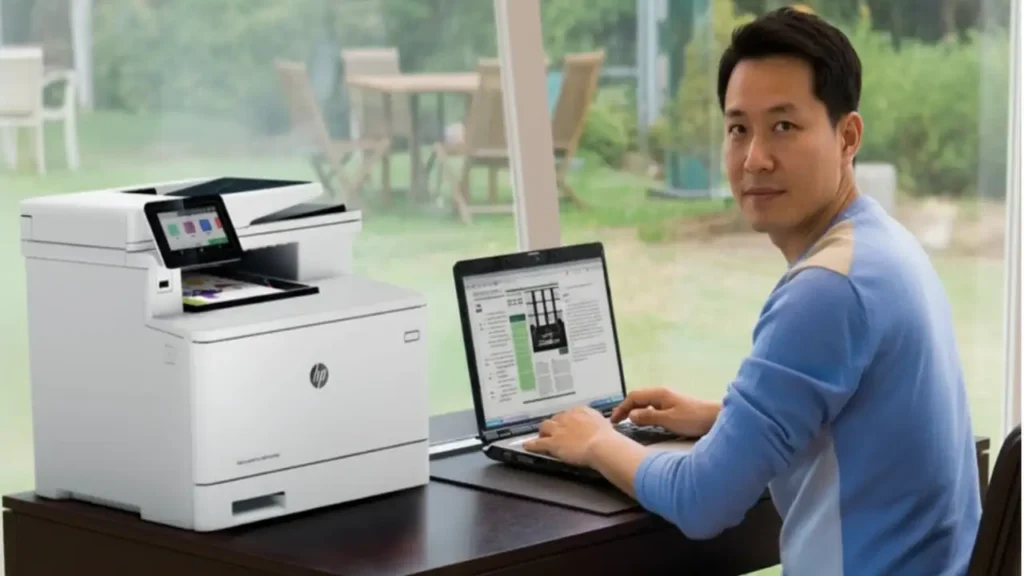
hp color laserjet m477fdw driver — installing the correct, model-specific package from HP ensures stable printing, scanning, and fax features without risking malware or license issues. This guide shows how to identify the right package for your OS, install it cleanly, connect via USB or Wi-Fi, and verify everything works—while staying fully compliant with copyright and vendor terms.
What you need (safely and legally)
Always download from HP’s official Support portal for the exact model. Avoid third-party mirrors and “driver packs.” The hp color laserjet m477fdw driver bundle typically includes the print/scan drivers, HP Scan software, and utilities such as HP Easy Start (macOS) or the full solution installer (Windows).
Identify your operating system
Windows: Windows 11 / 10 are fully supported; older systems like Windows 8.1/8/7 and some Server editions may require legacy packages.
macOS: Recent versions install through HP Easy Start, which fetches the correct driver and scan plugins automatically.
Tip: If you’re unsure which OS build you’re running, check Settings → System → About (Windows) or Apple menu → About This Mac (macOS).
Step-by-step: Windows installation
Get the package
Go to HP’s model page for the M477fdw and select your OS. Choose either Full Software Solution (recommended) or Basic Driver if you want a lean install. This keeps your hp color laserjet m477fdw driver aligned with firmware features.Run as Administrator
Right-click the installer → Run as administrator to avoid permission issues.Choose connection type
Wi-Fi/Ethernet: The wizard will discover printers on your network.
USB: Connect the cable when prompted (don’t plug in early; Windows may attach a generic driver).
Finish & test
After install, open Printers & Scanners, set the device as Default, and print a test page. Use HP Scan to confirm scanning works from the ADF and flatbed.
Step-by-step: macOS installation (HP Easy Start)
Download HP Easy Start for the M477fdw from HP Support.
Open the app and allow required permissions (System Settings may prompt for extensions).
Select your printer (Wi-Fi/Ethernet discovery or USB).
Install recommended software — Easy Start fetches the correct hp color laserjet m477fdw driver, scan plugins, and utilities.
Test printing and scanning from System Settings → Printers & Scanners and the HP utility.
Connect the printer (USB or wireless)
USB: Use a good-quality cable under 2 meters. Connect only when the installer asks.
Wireless: On the printer panel, run Wireless Setup Wizard to join your SSID. For routers with 2.4/5 GHz, prefer 2.4 GHz for range.
Ethernet: Plug into your router/switch; the printer will get an IP via DHCP. Print a Network Configuration Page to confirm.
Keep software and firmware aligned
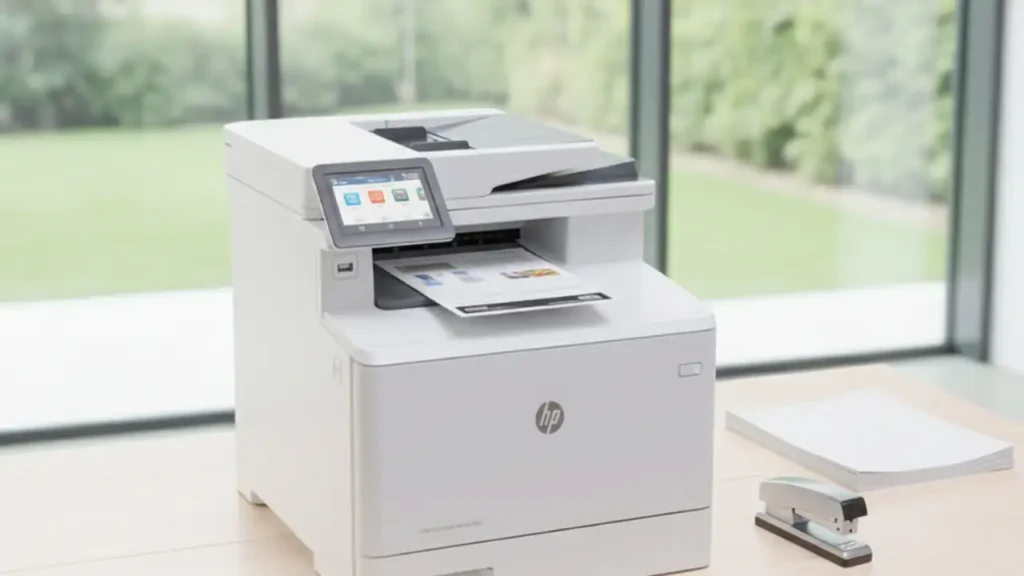
While drivers run on your computer, firmware runs inside the printer. Keeping both current improves stability. If you update firmware later, re-check the hp color laserjet m477fdw driver version to ensure feature parity (scan to PC, fax, color profiles).
Troubleshooting (quick fixes)
Printer not found (Wi-Fi): Ensure the printer and PC are on the same subnet; temporarily disable VPN; print a config page to confirm IP.
USB issues: Try a different port/cable; avoid unpowered USB hubs.
Print but no scan: Install the full solution (Windows) or re-run HP Easy Start (macOS) to add scan plugins.
Stuck queues: Clear the print spooler (Windows Services → Print Spooler → Restart) and re-add the printer.
Frequently Asked Questions
Conclusion
Installing the hp color laserjet m477fdw driver is straightforward: select the correct OS package from HP, choose your connection type during setup, and verify print/scan operation. Staying with official downloads keeps your system secure and ensures the best performance and feature support.
Download All Driver.
Windows Xp (32-bit) Download
Windows Vista (32-bit) Download
Windows Server 2012. Download
Windows 7 (32-bit). Download
Windows 7 (64-bit). Download
Windows 8 (32-bit,64-bit). Download
Windows 8.1 (32-bit,64-bit). Download
Windows 10 (32-bit,64-bit). Download
Windows 11 All Editions (64-bit) Download
HP Universal Fax Driver. Download
HP Easy Start Install For Mac OS X. Download