

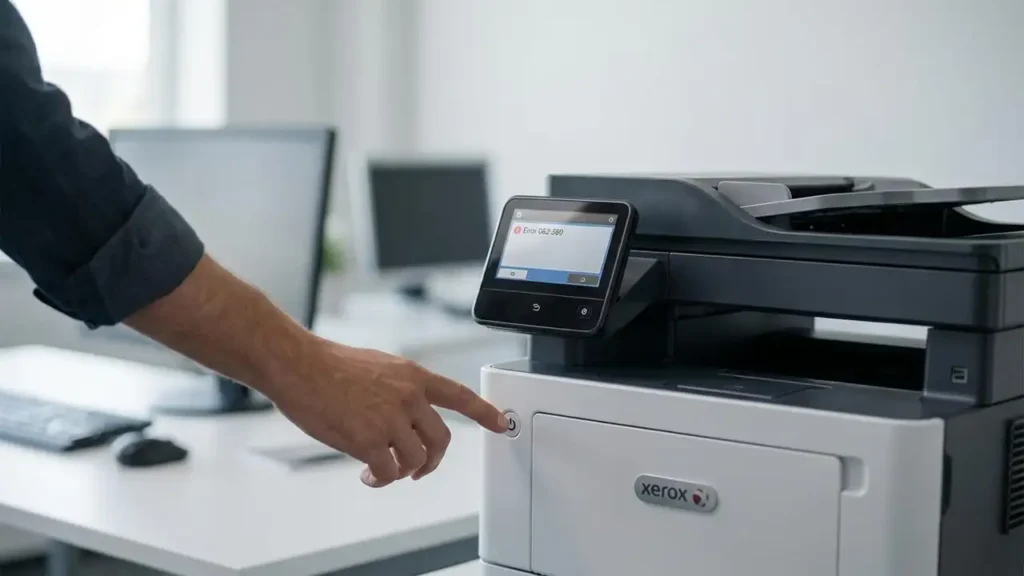
Xerox Error 062-380: Causes, Fix Steps, and When to Service
If your Xerox printer displays Error 062-380, the issue is commonly linked to the scanner subsystem (calibration/illumination/scan lamp behavior). In many cases, a clean restart and a few basic checks can clear it—but if it persists, it may require service.
This guide walks you through safe troubleshooting steps in the right order.
Quick Fix (Try First)
Power cycle
Turn the printer OFF
Unplug for 60 seconds
Plug in and turn ON
Check covers and paper path
Make sure all covers are fully closed
Remove any stuck paper or small scraps
Let the printer fully initialize
Wait 2–3 minutes after startup before testing again
If the error returns, continue below.
What Error 062-380 Usually Indicates
On many Xerox models, 062-380 is often associated with scanner calibration/illumination problems (for example, insufficient lamp brightness or a calibration failure).
Because Xerox devices differ by model family, the exact wording may vary, but the troubleshooting approach below remains valid.
Safe Troubleshooting Steps (Beginner → Advanced)
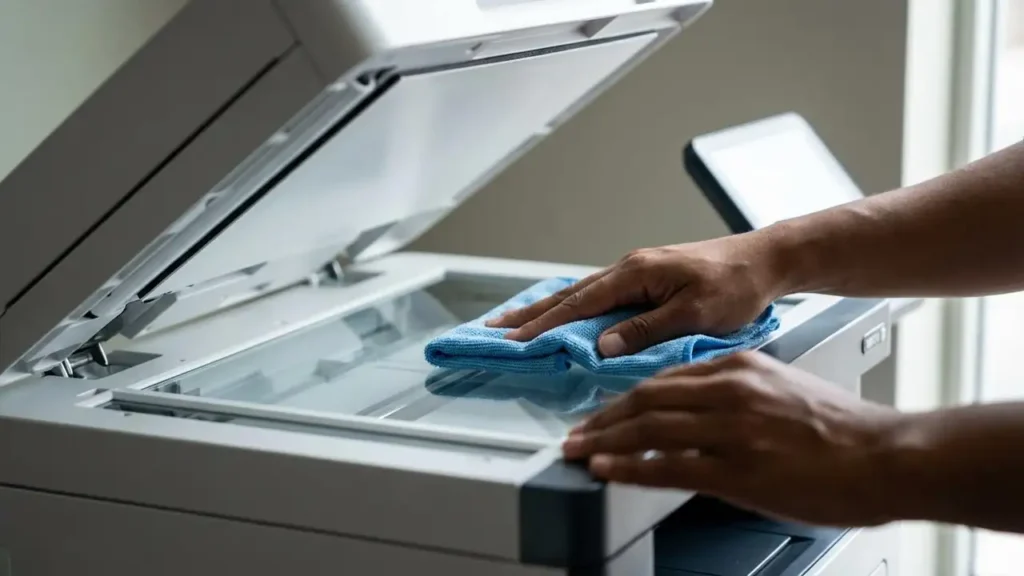
Step 1) Clean the Scanner Glass (Simple but Effective)
Dust or residue can disrupt calibration.
Power the printer off
Clean the scanner glass gently with a soft lint-free cloth
Dry it completely, then restart
Step 2) Remove External Causes
Disconnect any unnecessary USB devices
If networked: ensure the printer has stable power and network (avoid power strips that cut power)
Step 3) Run a Copy Test (If Available)
Try making a basic copy:
If copying fails immediately and the error appears, it reinforces a scanner-related issue.
Step 4) Check for Overheating / Warm-Up Behavior
Some units trigger scanner faults during warm-up:
Turn off for 10 minutes
Turn on and test once cool
Step 5) Firmware / Software Consideration
If the error started after an update or driver change:
Reinstall the official driver
Avoid random “driver packs”
Consider checking Xerox’s official support resources for model-specific updates
(Do not interrupt firmware updates once started.)
When You Should Stop Troubleshooting and Service It
If 062-380 returns after the steps above, it may indicate a hardware-level issue such as:
scanner lamp/illumination failure
calibration sensor problems
scanner motor/cable issues
At this point, professional servicing is recommended—especially for office-grade Xerox machines.