web analytics
Shadow

Tag: Printer

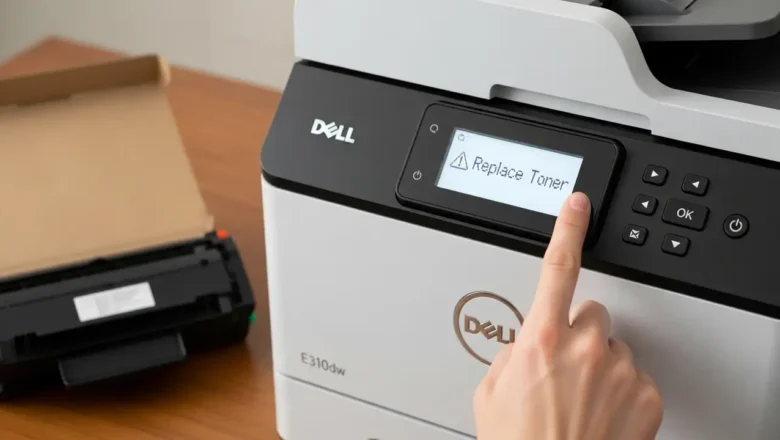
Dell E310dw: Fix Persistent ‘Replace Toner’ Message

Dell E310dw: Fix Persistent ‘Replace Toner’ Message

REPAIR PRINTER, Blog, RESET PRINTER
Troubleshooting Dell E310dw: Persistent 'Replace Toner' Message Encountering a persistent "Replace Toner" notification on your Dell E310dw printer can interrupt printing tasks and cause frustration. Even after installing a new toner cartridge, this message may remain, indicating that the device's internal counter or sensors haven't registered the change. This guide provides a series of systematic troubleshooting steps to address and resolve this common issue, from basic physical checks to a comprehensive settings reset that can clear cached memory. The Dell E310dw requires specific actions to clear the toner message, especially if it's struggling to recognize non-OEM, starter, or even new official toner. By carefully following these procedures, you can override the counter and restore ...
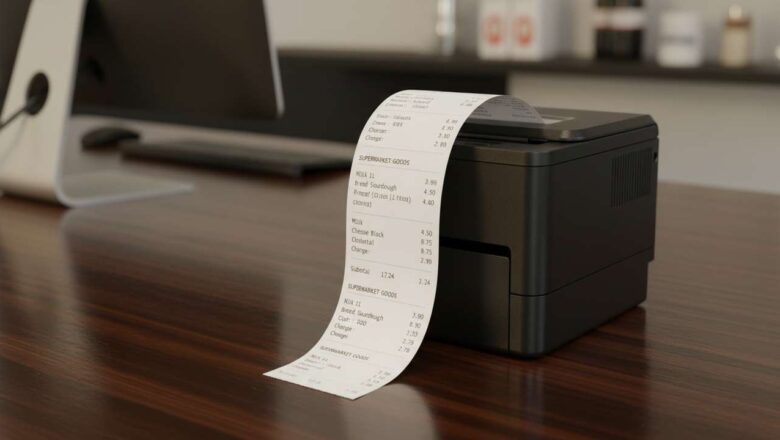
receipt printer prints blank after roll change fix

receipt printer prints blank after roll change fix

Blog, RESET PRINTER
Receipt Printer Prints Blank After Roll Change Fix: Ultimate Guide The receipt printer prints blank after roll change fix is a common troubleshooting task in any point-of-sale environment, but it can bring business to a halt. When a customer is waiting and your machine produces nothing but blank paper, the frustration is immediate. The good news is that the solution is almost always simple and can be resolved in minutes without needing a technician. This guide walks you through the most common causes and provides a clear path to get your printer working again. A blank receipt is typically caused by one of four things: incorrect paper loading, the wrong type of paper, a dirty print head, or a software communication glitch. By following a logical diagnostic process, you can quickly ident...
🚫
AdBlock Detected!
It looks like you're using an AdBlock extension.
Ads help us provide free, high-quality content.
Please disable your AdBlocker for this website and refresh the page.

How to disable AdBlock:

  1. Click the AdBlock icon in your browser toolbar.
  2. Select "Don't run on this site" or "Pause on this site".
  3. Reload the page using the button below or press F5.
  4. If you still see this message, try temporarily disabling all ad-blocking extensions.