
web analytics
Shadow

Tag: Printer Firmware Downgrade

hp m180 m181 firmware downgrade: Safe Rollback Guide

hp m180 m181 firmware downgrade: Safe Rollback Guide

RESET PRINTER, REPAIR PRINTER
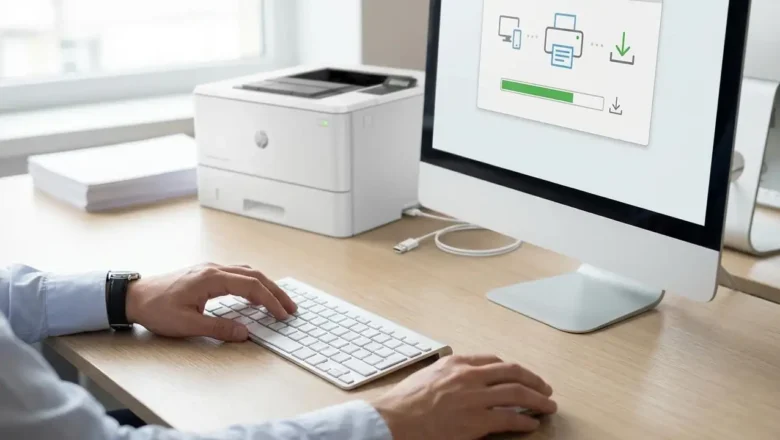
hp m180 m181 firmware downgrade: How to Roll Back HP Firmware Safely If you’re searching for hp m180 m181 firmware downgrade, you’re probably dealing with a familiar headache: the printer worked fine, you updated firmware, and suddenly you’re seeing new errors (supply communication problems, printing blocks, or strange behavior that wasn’t there before). Firmware updates are meant to improve stability and compatibility, but sometimes they introduce unexpected issues—especially if your printer environment includes older drivers, different operating systems, or supplies that were previously recognized without trouble. This guide explains how to update firmware correctly, how a downgrade works on HP LaserJet models like the M180/M181, what to check before you roll back, and how to keep your...
HP Laser Printers M280 M281 Printer Firmware Downgrade

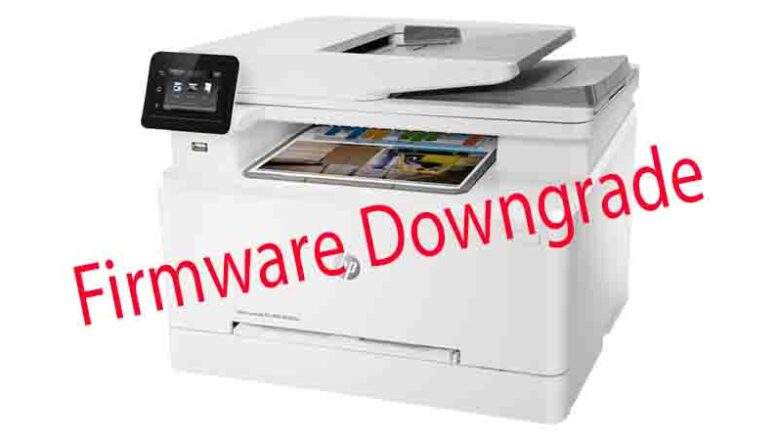
HP Laser Printers M280 M281 Printer Firmware Downgrade

RESET PRINTER
HP printer firmware downgrade: Roll Back to a Previous Version and Fix “Supply problem” (M280/M281) HP printer firmware downgrade is one of the most effective fixes when your HP LaserJet Pro M280/M281 suddenly starts showing a “Supply problem” message right after a firmware update. Many users notice the same pattern: the printer worked perfectly for months, then an update installs, and the device begins complaining that a cartridge is “not communicating successfully,” even if the toner is seated correctly and was printing fine the day before. The key thing to understand is that firmware controls how the printer reads supply chips, handles authentication, and interprets cartridge data. When firmware changes, the printer’s “rules” can change—sometimes leading to false supply alerts, blocke...
🚫
AdBlock Detected!
It looks like you're using an AdBlock extension.
Ads help us provide free, high-quality content.
Please disable your AdBlocker for this website and refresh the page.

How to disable AdBlock:

  1. Click the AdBlock icon in your browser toolbar.
  2. Select "Don't run on this site" or "Pause on this site".
  3. Reload the page using the button below or press F5.
  4. If you still see this message, try temporarily disabling all ad-blocking extensions.