

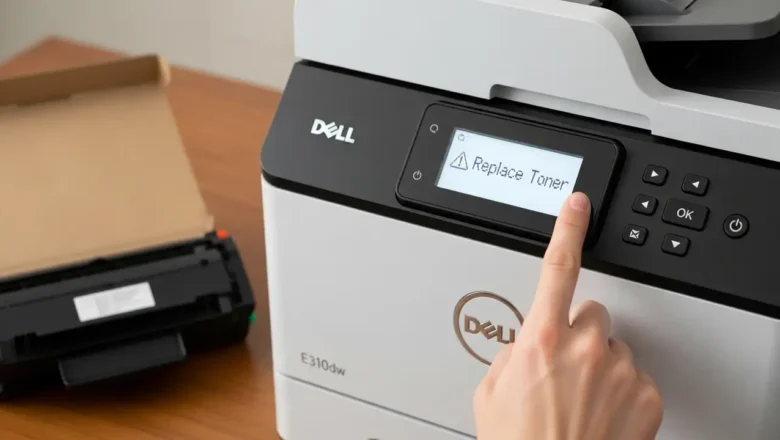
Dell E310dw: Fix Persistent ‘Replace Toner’ Message
Troubleshooting Dell E310dw: Persistent 'Replace Toner' Message
Encountering a persistent "Replace Toner" notification on your Dell E310dw printer can interrupt printing tasks and cause frustration. Even after installing a new toner cartridge, this message may remain, indicating that the device's internal counter or sensors haven't registered the change. This guide provides a series of systematic troubleshooting steps to address and resolve this common issue, from basic physical checks to a comprehensive settings reset that can clear cached memory. The Dell E310dw requires specific actions to clear the toner message, especially if it's struggling to recognize non-OEM, starter, or even new official toner. By carefully following these procedures, you can override the counter and restore ...