

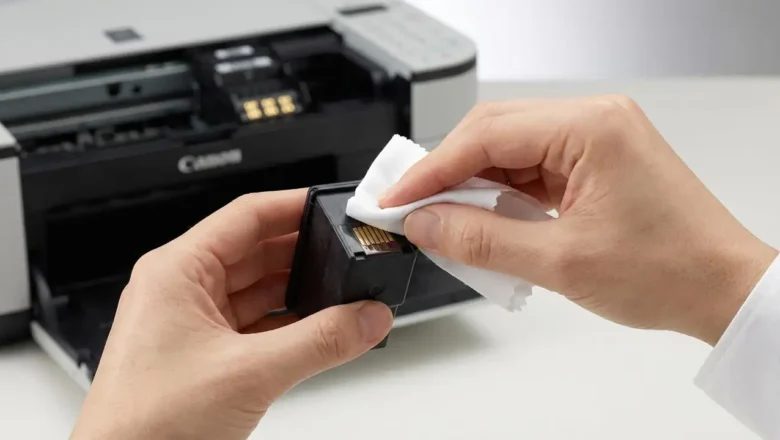
how to reset canon pixma mp250 cartridge: Fix “Ink Empty” & Cartridge Not Recognized
how to reset canon pixma mp250 cartridge is a common search when your Canon PIXMA MP250 refuses to recognize an ink cartridge, keeps showing an “Ink Empty” message after a refill, or throws cartridge installation errors even though everything looks correctly seated. The MP250 doesn’t “reset” the cartridge itself in the magical sense—what you usually do is reset/override the printer’s ink monitoring so it stops blocking printing based on the cartridge chip’s stored ink estimate.
This guide gives you the clean, safe steps that actually work, explains what each reset does, and helps you avoid the #1 mistake that can damage print quality: printing with a truly empty cartridge. Why the Canon PIXMA MP250 stops recognizing cartridges
The MP250 relies on ink monitoring (a chip + internal memo...