
web analytics
Shadow

Tag: reset & drivers

printer filter failed mac sequoia fix — reset & drivers

printer filter failed mac sequoia fix — reset & drivers

Blog
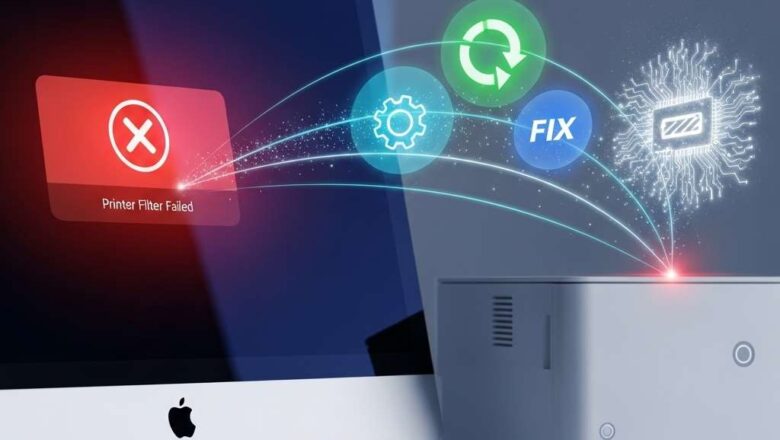
printer filter failed mac sequoia fix: The Ultimate Guide A printer filter failed mac sequoia fix is often necessary when your Mac suddenly refuses to print, displaying a vague but frustrating "Filter failed" error message. This issue typically points to a software conflict between macOS and your printer's driver, a corrupted print queue, or network communication problems. It is rarely a hardware fault with the printer itself. This guide provides a proven, step-by-step process to resolve this error permanently, getting you back to printing quickly and efficiently. Introduction The "Filter failed" error on macOS Sequoia, and previous versions, signifies a breakdown in the printing pipeline. When you print, your Mac uses software filters to convert the document from its original format (l...
HP LaserJet 1018 Driver: The Complete Download and Install Guide

HP LaserJet 1018 Driver: The Complete Download and Install Guide

PRINTER DRIVER
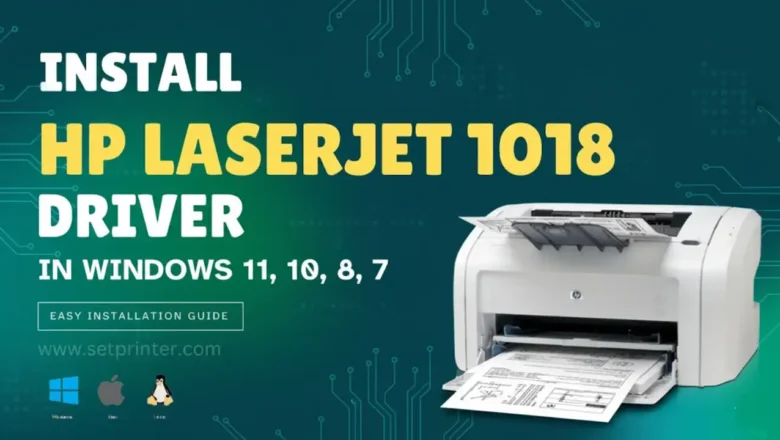
The HP LaserJet 1018 driver is essential software that allows your computer to communicate with your reliable HP LaserJet 1018 monochrome printer. While this printer is known for its durability, many users encounter significant problems when trying to find and install the HP LaserJet 1018 driver on modern operating systems like Windows 11, often seeing a "Driver is unavailable" error. This comprehensive guide provides the official methods for downloading the HP LaserJet 1018 driver, along with expert workarounds for Windows 11 and Linux-based systems like the Raspberry Pi, ensuring you can keep your printer running perfectly. Why You Must Use the Official HP LaserJet 1018 Driver Source Before downloading, it's critical to understand that the HP LaserJet 1018 driver is proprietary soft...
🚫
AdBlock Detected!
It looks like you're using an AdBlock extension.
Ads help us provide free, high-quality content.
Please disable your AdBlocker for this website and refresh the page.

How to disable AdBlock:

  1. Click the AdBlock icon in your browser toolbar.
  2. Select "Don't run on this site" or "Pause on this site".
  3. Reload the page using the button below or press F5.
  4. If you still see this message, try temporarily disabling all ad-blocking extensions.