

Toner laser vs ink cartridge: What’s the Real Difference?
toner laser vs ink cartridge is one of the most common comparisons people make when choosing a printer for home, office, school, or business use. At first glance, both seem to do the same job: they put text and images on paper. But the way they work, how much they cost over time, and the type of results they produce are very different. That difference matters a lot, especially if you print frequently, need sharp documents, or want the best possible photo quality.
If you understand the strengths and weaknesses of each option, it becomes much easier to choose the right printer for your needs instead of buying the wrong machine and regretting it later.
What an ink cartridge printer is
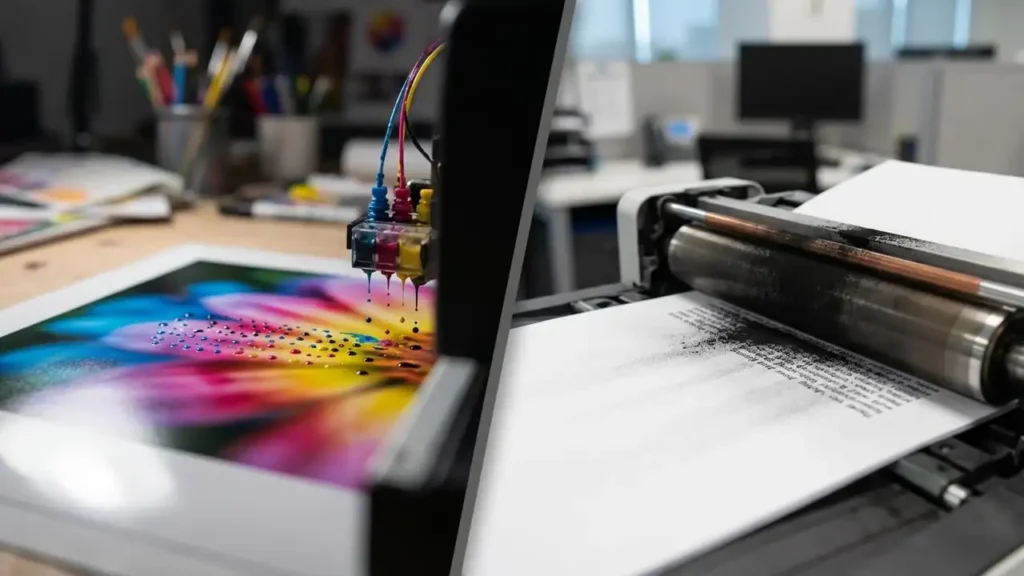
An ink cartridge printer is usually an inkjet printer. It works by spraying tiny droplets of liquid ink onto the paper through very small nozzles. Most models use four colors: black, cyan, magenta, and yellow. Some photo printers use additional colors to improve gradients and produce more detailed images.
Because liquid ink can blend smoothly on paper, inkjet printers are well known for strong color performance. They are often chosen for photo printing, school projects, colorful graphics, and creative work where image quality matters more than raw speed.
Main strengths of ink cartridge printers
Ink cartridge printers are popular because they are usually:
cheaper to buy at the beginning
better for colorful images and photo output
compact and suitable for home use
widely available in many price ranges
For casual users, an ink cartridge printer can feel like the obvious choice. The catch, of course, appears later—consumable cost and maintenance.
What a toner laser printer is
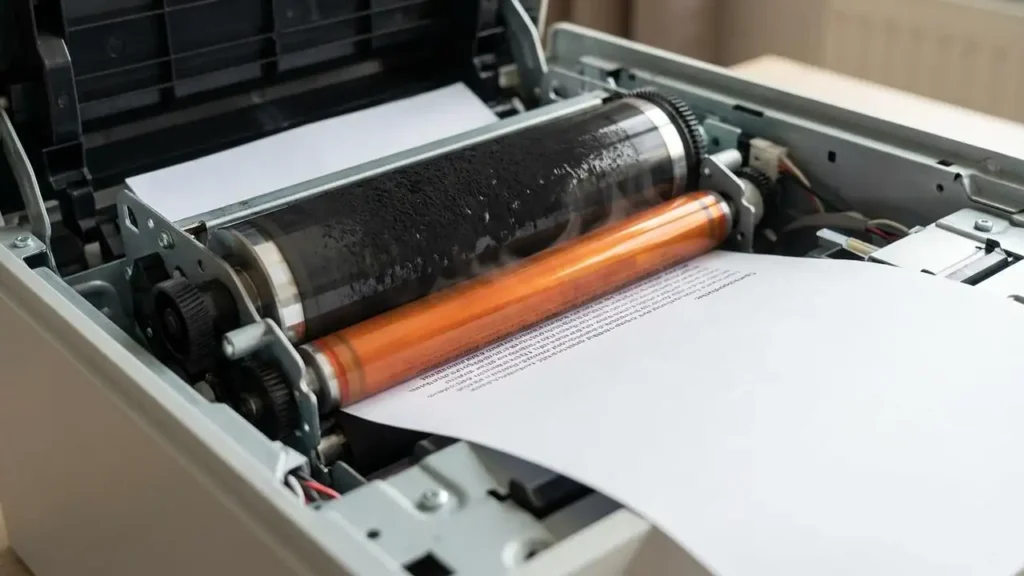
A toner laser printer works very differently. Instead of liquid ink, it uses a dry powder called toner. Inside the printer, the toner is transferred onto the page using an electrostatic process, then fused to the paper using heat.
This method is fast, clean, and highly efficient for text-heavy printing. That is why laser printers dominate in offices, copy rooms, and workplaces where the printer is expected to produce many pages every day without drama.
Main strengths of toner laser printers
When people compare toner laser vs ink cartridge, laser models are often favored for:
faster printing speed
crisp and sharp black text
high monthly print volume
lower cost per page over time
less risk of clogging when left unused for short periods
Laser printers are less romantic, perhaps, but they are workhorses. They exist to get the job done without sentimental nonsense.
Print quality: color vs text
One of the biggest differences in the toner laser vs ink cartridge debate is print quality.
Ink cartridge quality
Ink cartridge printers are generally better for:
photo printing
colorful graphics
gradients and image-rich pages
artwork and design samples
Liquid ink can create smoother transitions between colors, which makes photos look more natural and vibrant.
Toner laser quality
Toner laser printers are usually better for:
sharp black text
invoices and contracts
reports and forms
high-volume office documents
Laser text tends to look cleaner and more precise, especially on standard office paper. If your main goal is printing documents that look neat and professional, toner usually wins.
Printing speed and efficiency
Speed is another major factor when choosing between toner laser vs ink cartridge.
Inkjet printers are often slower, especially when printing high-quality images or color-heavy pages. That is not always a problem at home, where you may print only a few pages at a time.
Laser printers, however, are designed for speed. They can produce page after page quickly and consistently. In a busy office, that difference is not small. Waiting for a slow printer while ten people are breathing behind you is a unique flavor of modern misery.
Cost: upfront vs long-term
A lot of buyers make the same mistake: they focus only on the purchase price.
Ink cartridge cost
Inkjet printers usually cost less upfront. That sounds great at first. But ink cartridges often have lower page yield, which means you replace them more often. If you print regularly, the long-term cost can become surprisingly high.
Toner cartridge cost
Laser printers usually cost more at the beginning, but toner cartridges often last much longer. That lowers the cost per page, especially for black-and-white printing. Over time, toner is often the more economical choice for users with medium or heavy print needs.
This is where the toner laser vs ink cartridge comparison becomes practical rather than theoretical. A cheap printer is not really cheap if it devours supplies like a tiny plastic beast.
Maintenance and reliability
Maintenance is another hidden difference that people often ignore until the printer starts misbehaving.
Ink cartridge printers may need:
printhead cleaning
regular use to prevent clogging
more attention when colors stop printing correctly
If an inkjet printer sits unused for too long, the ink can dry in the nozzles. That can lead to wasted ink and annoying cleaning cycles.
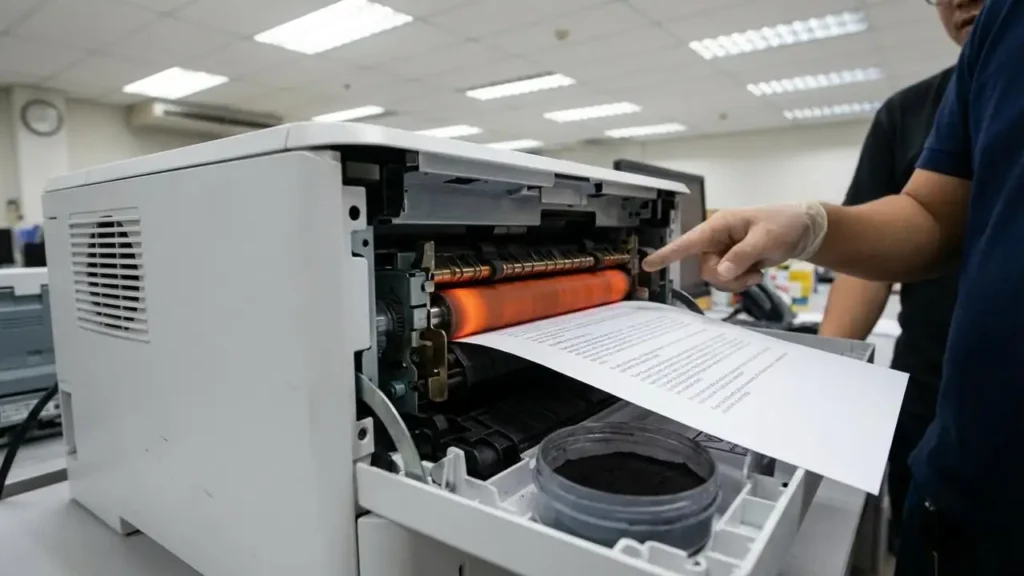
Laser printers usually require less frequent routine maintenance, but they do have components like drums and fusers that may eventually need replacement. Still, for many users, laser printers feel more stable in day-to-day office use.
Which one is better for home use?
For home users, the best choice depends on what you print.
Choose an ink cartridge printer if you mainly print:
photos
school projects with color
creative designs
occasional documents
Choose a toner laser printer if you mainly print:
text documents
forms
work files
large numbers of pages
So the answer to toner laser vs ink cartridge is not “one is always better.” It depends on your printing habits. A photo enthusiast and an office manager are living in different printer universes.
Frequently Asked Questions
Conclusion
The toner laser vs ink cartridge decision comes down to print style, volume, and budget. Ink cartridge printers are excellent for colorful, image-focused work and usually cost less upfront. Toner laser printers shine when you need speed, clean text, and lower long-term printing costs. Choose based on what you actually print—not on marketing fluff—and your printer will feel like a tool instead of a recurring household villain.