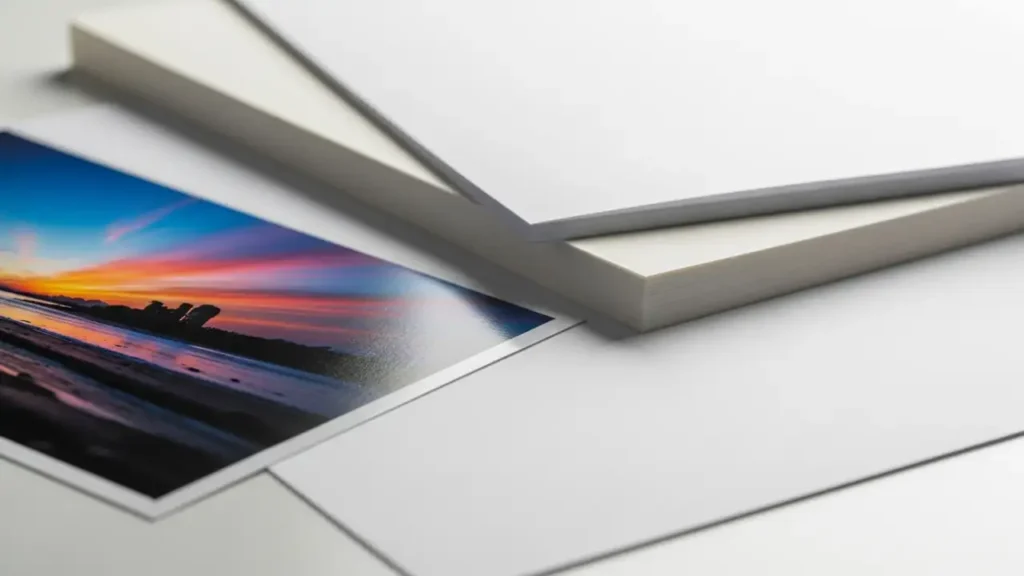
Understanding Printer Paper Types for Quality Prints
Choosing the right paper weight, coating, and brightness has a huge impact on sharpness, color vibrancy, and durability, making it a core decision for any serious print job.
Unlock the true potential of your printer by understanding the nuances of paper selection, ensuring every print meets your expectations for clarity and longevity.
Why Paper Matters for Print Quality
When you send a document or photo to your printer, it’s easy to overlook the humble sheet of paper. However, the paper you use is as critical as the ink or toner and the printer itself. Different paper types for printing interact with ink or toner in distinct ways, affecting how sharp images appear, how true colors look, and how long prints last. Simply using the cheapest option might save money initially, but it often leads to disappointing results and can even cause print defects over time.
Understanding the basics of choosing printer paper allows you to elevate your prints from ordinary to extraordinary. This guide will delve into the key factors: paper weight, coating, and brightness, and how they influence your final output. Whether you’re printing important reports, vibrant photos, or creative projects, selecting the correct paper ensures your efforts are showcased to their fullest potential.
The Significance of Paper Weight (GSM)
Paper weight, often measured in grams per square meter (GSM), is a fundamental characteristic that dictates a paper’s thickness, opacity, and stiffness. A higher gsm and print quality typically correlate with a more substantial feel, reduced show-through from the other side, and better handling in the printer. For everyday documents, standard copy paper at around 75-90 GSM is usually sufficient, offering a good balance of cost and performance.
However, for professional documents, marketing materials, or photographs, stepping up to heavier papers is crucial. Papers in the 100-160 GSM range offer a premium feel, making brochures and reports more impactful. For true photographic output or high-end presentations, weights of 200 GSM and above provide exceptional rigidity and prevent any ink from bleeding through, ensuring your photo paper vs plain paper distinction is clear.
Coated vs. Uncoated Paper: A Clear Distinction
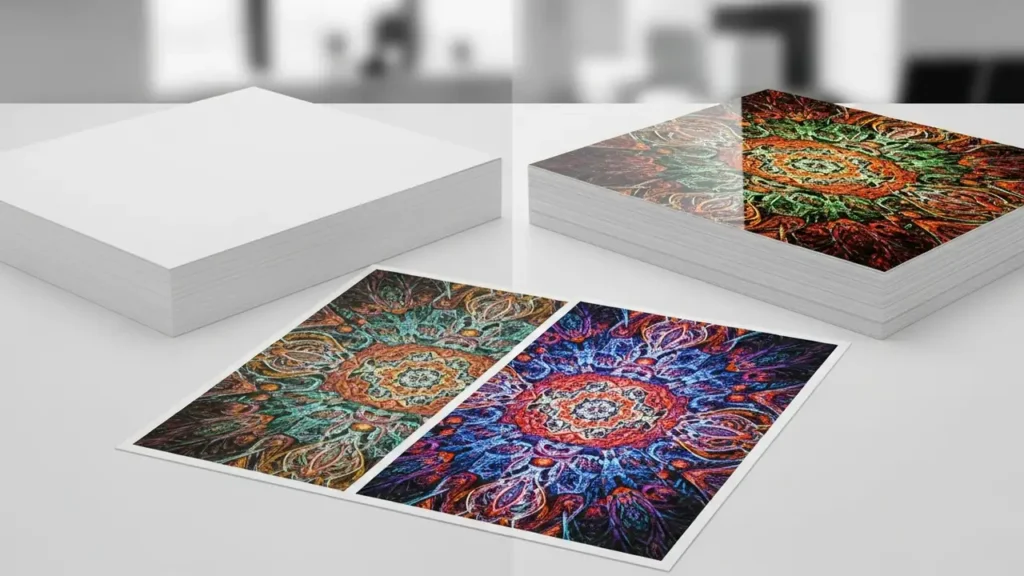
The surface treatment of paper, whether it’s coated vs uncoated paper, profoundly impacts how ink or toner adheres and appears. Uncoated papers, like standard copy paper or textured art papers, have a porous surface that absorbs ink. This results in a matte finish and can sometimes lead to slightly less vibrant colors and less crisp detail, as ink can spread slightly into the paper fibers.
Coated papers, on the other hand, have a thin layer of clay or plastic applied to their surface, which seals the fibers and creates a smoother finish. This coating prevents excessive ink absorption, allowing ink or toner to sit on the surface. This leads to sharper details, brighter, more vivid colors, and a more durable print. Coated vs uncoated paper choice is paramount for photos and graphics where color accuracy and detail are critical.
Understanding Brightness and Color Accuracy
Paper brightness, often measured on a scale of 0-100, refers to how much light the paper reflects. A higher brightness level (e.g., 90-100) makes text appear crisper and colors more vibrant against a clean white background. This is especially important for black and white prints and documents where contrast is key. For photo paper vs plain paper, higher brightness papers are almost always preferred to make colors pop.
The interaction between your printer’s color gamut, the ink or toner, and the paper’s brightness and coating determines the final color accuracy. A paper with good brightness and appropriate coating will reproduce colors more faithfully, achieving greater print sharpness and color. Conversely, duller papers or those with an undesirable coating can mute colors and reduce overall print impact.
Choosing the Right Paper for Different Print Needs
Your decision on choosing printer paper should align with the intended use of the printed material. For general office documents and drafts, standard 75-90 GSM uncoated paper is economical and effective. For presentations, resumes, or stationery where a more professional feel is desired, opt for 100-120 GSM uncoated paper with good brightness.
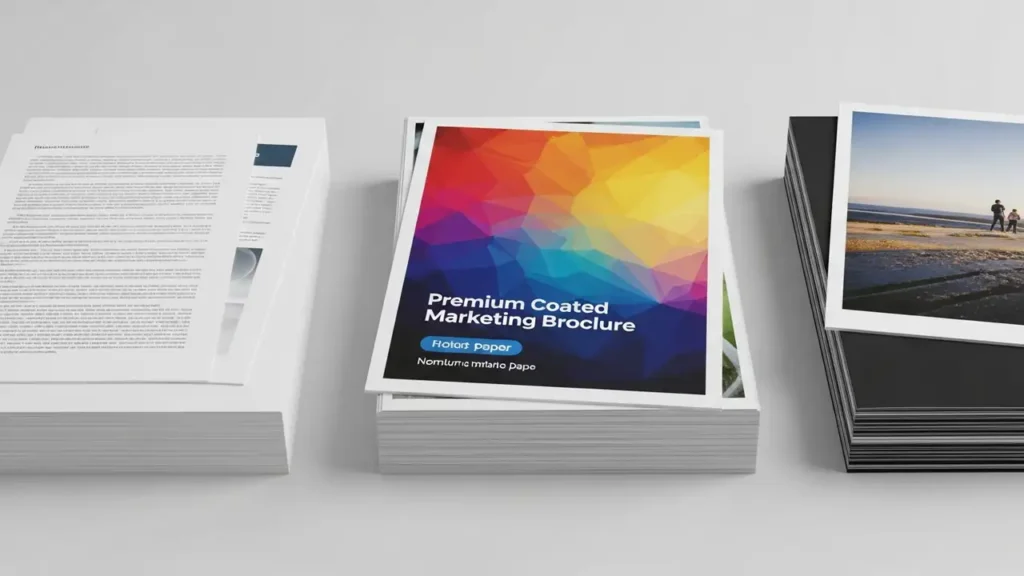
When printing graphics-heavy documents, brochures, or flyers, a coated paper, perhaps with a satin or gloss finish, will enhance vibrancy and detail. For professional photography, specialized photo papers are essential. These come in various finishes (glossy, semi-gloss, matte) and are engineered to handle high ink densities for stunning print sharpness and color reproduction, significantly outperforming photo paper vs plain paper.
Special Papers and Their Applications
Beyond standard types, a wide array of specialty papers cater to specific needs. Cardstock, typically 160 GSM and above, is ideal for invitations, business cards, and covers due to its thickness and rigidity. Textured papers, like linen or laid finishes, add a tactile and visual appeal to formal documents or creative projects.
For vibrant, true-to-life photographs, choose papers specifically designed for inkjet or laser photo printing. These papers often have advanced coatings that optimize ink absorption for superior color depth and gloss. Understanding these specialized options allows you to push the boundaries of what your printer can achieve, ensuring your photo paper vs plain paper decision leads to professional results.
Troubleshooting Common Print Quality Issues
Many print quality problems can be traced back to the paper. Faded prints, streaky lines, or dull colors might indicate the paper is not suitable for the ink or toner type, or that it’s not of sufficient quality for the print job. For instance, using standard copy paper for high-resolution photos will not yield the same results as dedicated photo paper vs plain paper.
A paper jam could also be related to paper types for printing that are too thick, too thin, or have damaged edges. If you notice banding, it might be the paper’s surface not allowing ink to spread evenly. Ensuring your printer settings match the paper type selected is also crucial for optimal output. Examining gsm and print quality correlation is often a key step in troubleshooting.
Enhancing Print Sharpness and Color
To achieve the best print sharpness and color, start with a high-quality paper that has a brightness rating of 92 or higher. For inkjet printers, choose papers with specialized coatings designed for inkjet inks to prevent feathering and bleeding. For laser printers, ensure the paper is rated for laser printing, as the toner fusing process requires specific paper characteristics.
When printing photos, select a paper that complements the desired finish. Glossy papers offer vibrant colors and high contrast, while matte papers provide a softer look and reduce glare. Experimenting with different paper types for printing and observing the impact on gsm and print quality can help you fine-tune your output to perfection. Always ensure the paper is compatible with your printer model and type.
Frequently Asked Questions About Printer Paper
Safety and Warranty Considerations
Always ensure your printer is unplugged before attempting any internal maintenance or clearing paper jams. Avoid touching sensitive components like the print heads or toner drums directly, as oils from your skin can damage them. Modifying your printer or using non-standard consumables may void your warranty. If you are unsure about any procedure, consult your printer’s manual or contact an authorized service center.
By understanding the various paper types for printing and their properties, you can significantly improve your print quality, ensuring sharp, vibrant, and durable results for all your projects. Experimenting with different weights and finishes will help you discover the perfect paper for your specific needs, truly transforming your output.