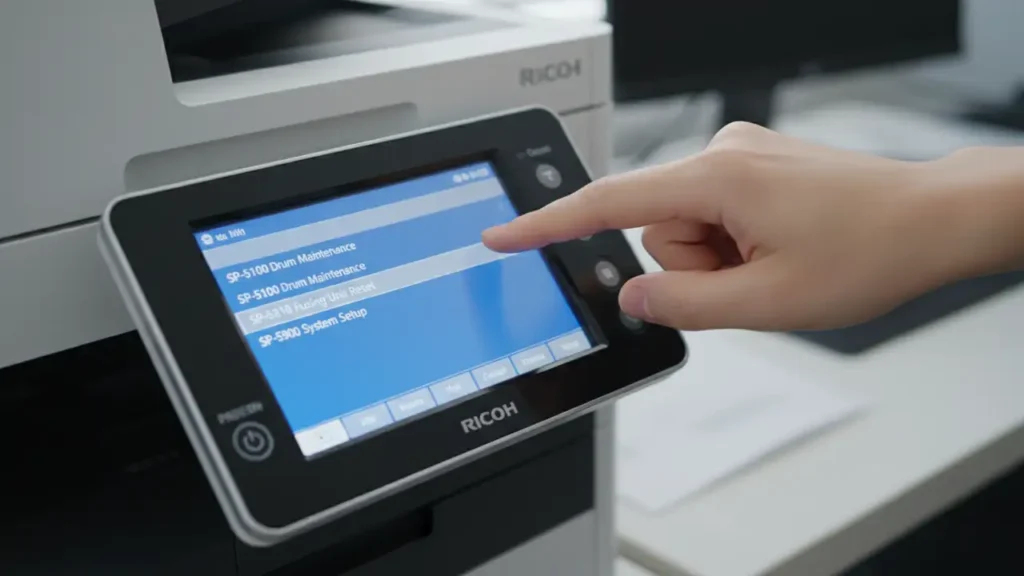
Fix Ricoh SC 552 Error Code on Your Printer
Resolve fuser issues and get your Ricoh MFP back to printing quickly.
Encountering an error code like Ricoh SC 552 can bring your printing operations to a halt, causing frustration and delays. This specific service code, often appearing as SC 552-02 or SC 552-03, points directly to a problem with your printer’s fuser unit. The fuser is a critical component responsible for bonding toner to the paper through heat and pressure.
Typically, the Ricoh SC 552 error indicates that the fuser unit failed to reach its target temperature within a specified time, or that a thermistor (temperature sensor) is reporting an abnormal reading. This could be due to a faulty fuser lamp, a defective thermistor, or even heavy toner contamination. Fortunately, many users can resolve this issue by performing a simple reset procedure.
This guide will walk you through the necessary steps to clear the Ricoh SC 552 error using the machine’s maintenance mode. We’ll also cover what to do if the error persists and provide important safety considerations. By following these instructions carefully, you can often restore your Ricoh printer to full functionality without needing a service technician immediately.
Understanding the Ricoh SC 552 Error
The fuser unit is the heating element inside your Ricoh printer that melts the toner particles onto the paper, making the print permanent. When the Ricoh SC 552 error code appears, it generally signifies that this crucial component is not operating within its expected temperature parameters. This could mean the fuser is heating up too slowly, not heating at all, or a sensor is misreading its temperature.
Variations like SC 552-02 and SC 552-03 typically refer to slight differences in the detected fuser error, such as specific thermistor readings or heating stage failures. Regardless of the exact sub-code, the core issue remains centered on the fuser’s temperature control. Addressing this problem correctly is vital to prevent further damage or potential safety hazards.
Common causes include a worn-out fuser lamp that cannot generate enough heat, a faulty thermistor that provides incorrect temperature feedback, or even a buildup of toner debris on the fuser rollers or thermistor itself. Understanding these potential culprits helps in troubleshooting if the initial reset does not resolve the issue.
Performing the Ricoh SC 552 Reset Procedure
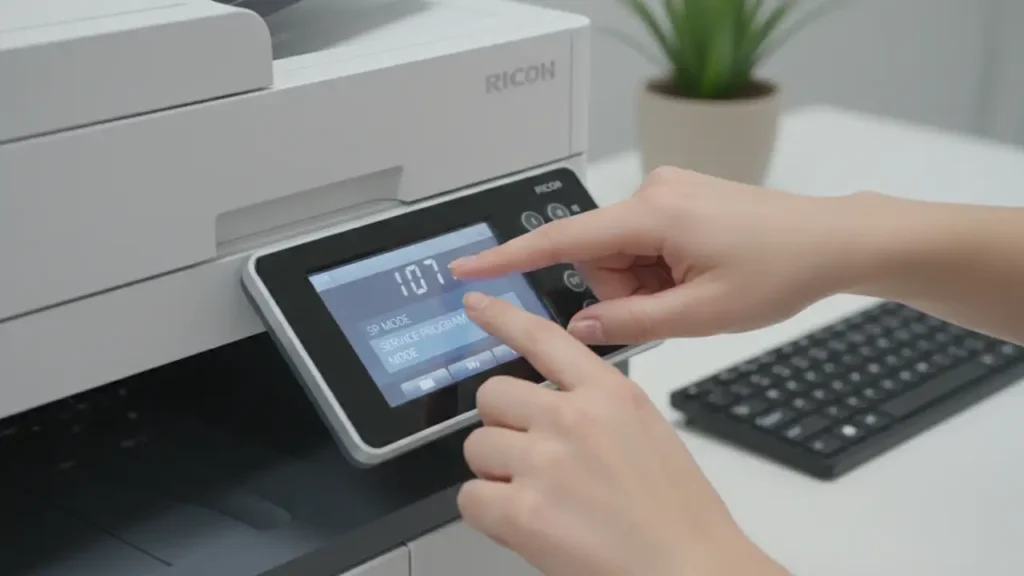
To clear the Ricoh SC 552 error, you will need to access the printer’s Service Mode, also known as SP Mode. This special diagnostic menu allows you to reset various service codes and calibrate components. Always follow these steps precisely to ensure you don’t inadvertently alter other settings.
Here’s how to perform the Ricoh SC 552 reset:
- Enter Service Mode (SP Mode):
- Locate the yellow [Clear Modes] or [Reset] button on your printer’s control panel and press it once.
- Using the numeric keypad, type in
107. - Immediately press and hold the red [Clear/Stop] button for a few seconds. Continue holding until the screen changes to display the Service Program Mode menu. This sequence is a common Ricoh SC reset code.
- Navigate to the Fuser Reset Option:
- Once in SP Mode, touch [System SP] on the touchscreen display. This will open a submenu of system-related service programs.
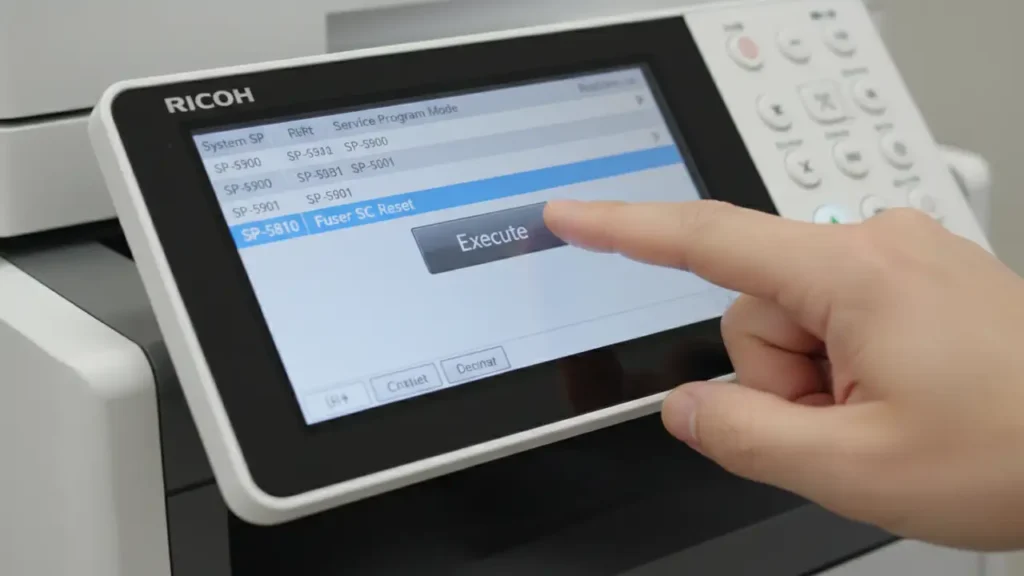
- Scroll through the options or use the search function to find
SP-5810. This entry is typically labeled “Fuser SC Reset” or something similar, specifically designed to handle Ricoh SC 552 type errors.
- Execute the Reset:
- Select
SP-5810. - Press the [Execute] button on the screen. This action will initiate the fuser error reset process, attempting to clear the Ricoh SC 552 code from the printer’s memory.
- Select
- Exit Service Mode and Power Cycle:
- Press the [Exit] button multiple times until you return to the main operational screen.
- Turn off the printer using its main power switch, usually located on the side or back.
- Wait for approximately 10-15 seconds to allow all internal components to power down completely.
- Turn the printer back on. The machine will go through its startup sequence, and ideally, the Ricoh SC 552 error will be gone.
What to Do if Ricoh SC 552 Reappears
If the Ricoh SC 552 error reappears shortly after performing the reset, it indicates a more persistent underlying hardware issue. Simply resetting the code multiple times without addressing the root cause is not recommended and can be dangerous. The fuser unit operates at extremely high temperatures, and continuous attempts to force it can lead to overheating, damage, or even fire.
Physical Inspection for Underlying Issues
Before attempting any further troubleshooting, always unplug your printer from the power source. This is crucial for your safety.
- Check for Toner Buildup: Carefully open the fuser access panel (refer to your printer’s manual for exact location). Look for any excessive toner buildup on the fuser rollers, pressure roller, or especially around the thermistor. Toner can insulate the thermistor, causing inaccurate temperature readings, or prevent proper heat distribution. Gently clean any accessible areas with a soft, lint-free cloth.
- Inspect the Fuser Lamp: While the fuser unit is hot during operation, a physical inspection can sometimes reveal obvious damage to the heating lamp. If you see a broken lamp or discoloration indicating overheating, the fuser unit itself likely needs replacement.
- Verify Thermistor Position: Ensure the thermistor is properly seated and making good contact with the fuser roller. If it’s dislodged or covered, it won’t accurately measure the temperature. Do not touch the thermistor directly with bare hands as oils can affect its performance.
- Consider Fuser Unit Age: Fuser units are consumable parts with a finite lifespan. If your printer has high page counts and the Ricoh SC 552 error is recurring, the fuser unit may have reached the end of its operational life.
If you are unsure about performing these physical checks or if the error persists after careful inspection and cleaning, it is best to contact a qualified Ricoh service technician. Attempting repairs beyond your skill level can void your warranty and cause further damage.
Preventive Maintenance for Your Ricoh Fuser Unit
Proactive maintenance can significantly reduce the likelihood of encountering errors like Ricoh SC 552. The fuser unit is a workhorse, and taking simple steps to ensure its longevity can save you time and repair costs. Integrating these habits into your routine will help maintain optimal printer performance.
Regularly ensure that only the recommended paper types and weights are used for your specific Ricoh model. Using incorrect paper can cause excessive wear on the fuser rollers and lead to toner adhesion issues. Always store paper in a dry environment to prevent moisture absorption, which can also affect toner fusing.
Periodically clean accessible areas around the fuser with a dry, lint-free cloth or a specialized printer vacuum. This helps prevent toner buildup that could insulate the thermistors or cause print quality issues. While direct fuser unit cleaning is often best left to technicians, keeping the surrounding areas clear contributes to overall system health.
Consider the printer’s operating environment. Extreme temperatures or dusty conditions can put extra strain on the fuser and other internal components. Ensure your printer is in a well-ventilated area, away from direct sunlight or heat sources, to help maintain stable internal temperatures and prevent the premature appearance of a Ricoh SC 552 error.
Common Questions About the Ricoh SC 552 Error
The Ricoh SC 552 error, while disruptive, is often a manageable issue. By understanding its cause and carefully following the reset procedure, you can frequently resolve the problem and restore your printer’s functionality. Remember that persistent errors signal a need for deeper inspection or professional intervention. Addressing the root cause will ensure the longevity and reliable performance of your Ricoh MFP.