Resolving Brother erreur 46 on Your MFC Printer
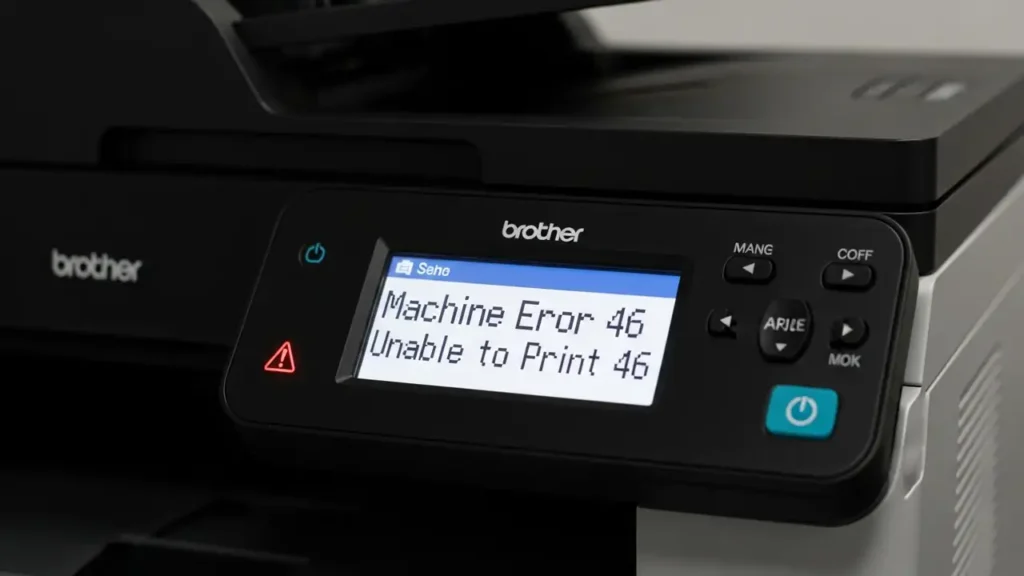
When your Brother MFC device displays the “Machine Error 46” message, it signals a specific condition related to its internal waste ink collection system. This prompt indicates that the printer’s digital counter, tracking cleaning cycles, suggests the ink absorber pad is theoretically full. Fortunately, you have options ranging from an immediate digital reset to more involved physical maintenance to get your printer working again.
This message is primarily a software-driven alert. The printer’s internal system estimates the absorber pad’s saturation based on usage, often prompting the Brother erreur 46 before the pad is actually overflowing. Understanding this distinction is key to choosing the right troubleshooting approach for your situation, whether you need a quick fix or a more permanent solution.
Understanding the Brother erreur 46
The “Machine Error 46” on your Brother MFC printer is essentially a notification that the internal ink absorber pad, a component designed to collect excess ink during cleaning cycles, has reached its estimated capacity. This estimation is based purely on a digital purge counter, not a physical sensor. The counter increases with each cleaning operation, eventually triggering the Brother erreur 46 when a pre-set limit is met.
Ignoring this error long-term without addressing the physical pads can lead to issues. While an immediate counter reset allows continued printing, the physical ink will keep accumulating. This could eventually result in ink leaking from the machine or staining your printed documents. Therefore, consider your long-term usage and the value of your printer when deciding on a fix.
Resetting the Purge Counter for Brother erreur 46
A primary method to address the Brother erreur 46 is to reset the internal purge counter. This action immediately bypasses the error message, allowing your Brother MFC printer to resume operations. Because the counter is often programmed to alert users before the pad reaches its true saturation point, this reset is frequently successful for urgent printing needs.
Performing a Brother erreur 46 Counter Reset
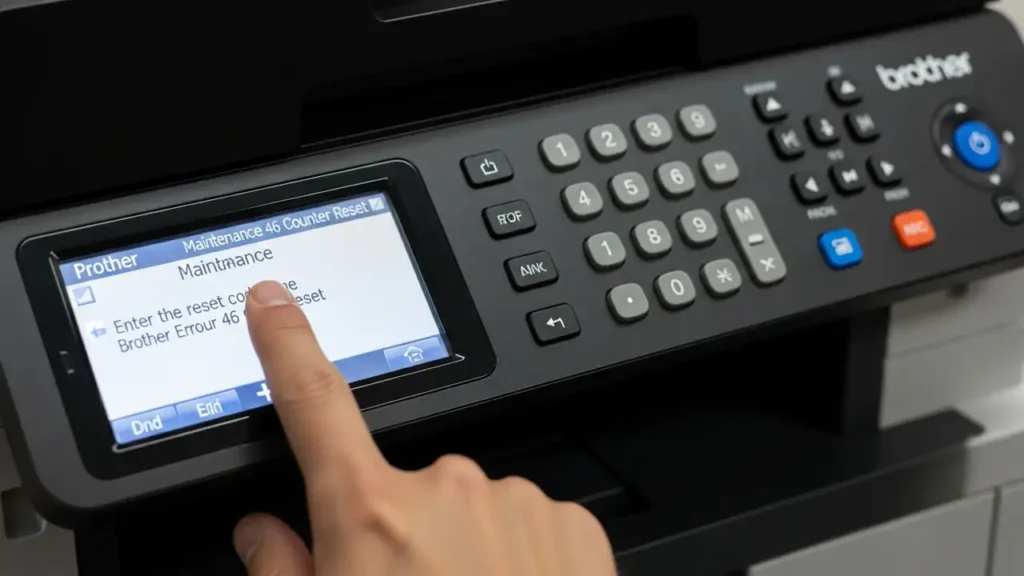
Accessing the maintenance menu is the first step to reset the purge counter. The exact method varies slightly between models, but once in, the process is straightforward. This procedure clears the printer’s digital record of waste ink, effectively removing the “Machine Error 46” prompt.
- Enter Maintenance Mode (Standard Keypad Models):
- Ensure the printer is powered off.
- Unplug the power cord from the back of the device.
- While holding down the Menu/Set button, plug the power cord back in.
- Continue holding the Menu/Set button until “MAINTENANCE” appears on the display.
- Enter Maintenance Mode (Touchscreen Models):
- Ensure the printer is powered on.
- Locate and hold the Home icon on the touchscreen for approximately five seconds.
- A screen displaying ROM versions will appear.
- Find the blank bottom bar on this screen and hold it for several seconds until a numeric keypad is displayed.
- Access the Purge Count:
- Once in maintenance mode (keypad visible), carefully enter the code 80.
- Use the arrow keys to scroll through the menu options until you find the display showing “PURGE: XXXXX” (where XXXXX represents the current purge count).
- Reset the Purge Count:
- With “PURGE: XXXXX” visible, input the specific reset code 2783 using the keypad.
- This action should reset the displayed purge count to zero.
- Exit and Restart:
- Press the Stop/Exit button to confirm the reset and move out of the current menu.
- To finalize the process and restart your printer, enter the code 99. Your Brother MFC printer should now reboot without the Brother erreur 46.
Physical Maintenance for Waste Ink Absorber Pads
While resetting the counter can quickly resolve the Brother erreur 46 temporarily, it does not address the underlying physical accumulation of ink. For a long-term solution and to prevent potential ink leakage, physical maintenance of the ink absorber pads is necessary. This involves either cleaning or replacing the pads.
- DIY Cleaning of Absorber Pads:
- This option requires dismantling your Brother MFC printer.
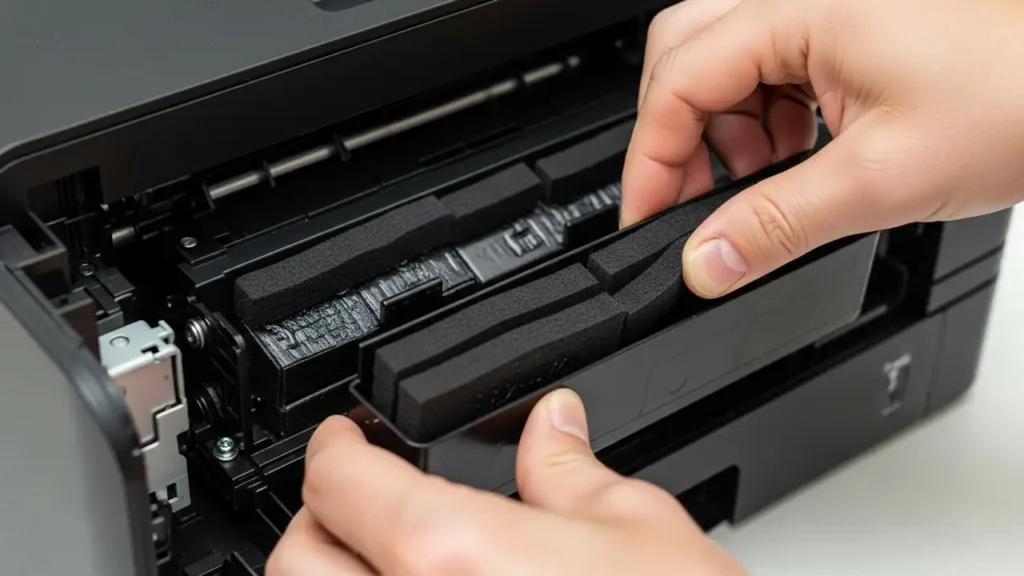
- Carefully locate the ink absorber box, which is typically found at the bottom section of the printer.
- Once located, gently remove the felt pads from their housing.
- Rinse the pads thoroughly under warm running water until the ink is no longer visible.
- It is crucial to dry the pads completely before reinstallation. Ensure they are bone dry to prevent moisture-related issues within the printer.
- Reinstall the dry pads and reassemble the printer.
- External Waste Tank Installation (Advanced Users):
- For users with advanced technical skills, an alternative is to install an external waste ink bottle.
- This involves rerouting the internal pump tube that typically directs waste ink to the internal pads.
- The tube is extended outside the printer chassis, allowing waste ink to collect in an easily replaceable external container, thereby bypassing the internal pads entirely.
- Professional Replacement:
- Brother, the manufacturer, suggests seeking assistance from an authorized service technician for pad replacement.
- However, industry experts from TonerGiant and Inktweb often note that the cost associated with professional repair can frequently surpass the price of acquiring a brand-new printer, especially for consumer-grade models. Consider the age and original cost of your device before opting for professional service.
Safety and Prevention
When performing any physical maintenance on your Brother MFC printer, always prioritize safety. Disconnect the power cord completely before beginning any dismantling process. Exercise caution to avoid touching internal electronic components or sensitive parts, and be gentle with plastic clips and connectors to prevent damage. Be aware that opening your printer for DIY repairs might impact any existing warranty. If you are unsure or uncomfortable with dismantling the device, it is advisable to consider the reset option or professional service.
To minimize the recurrence of Brother erreur 46 due to physical ink accumulation, regularly evaluate your printer’s cleaning cycles. While direct control over these cycles is limited, understanding their impact on the purge counter can inform your decision to perform periodic physical maintenance if you frequently print. The most effective prevention is to combine periodic counter resets with eventual physical cleaning or replacement of the waste ink pads, particularly if you observe external signs of ink leakage.
Summary of Options for Brother erreur 46
Addressing the “Machine Error 46” can be approached in several ways, each with its own level of effort and potential risks. For an immediate resolution, resetting the purge counter is the quickest path back to printing. For a more robust, long-term solution that prevents ink spills, physical maintenance of the absorber pads is essential.
Decide based on your immediate needs and long-term printer usage. If you need to print urgently, a simple reset is sufficient. If you plan to keep your printer for an extended period, investing time in physical pad maintenance will be beneficial.