

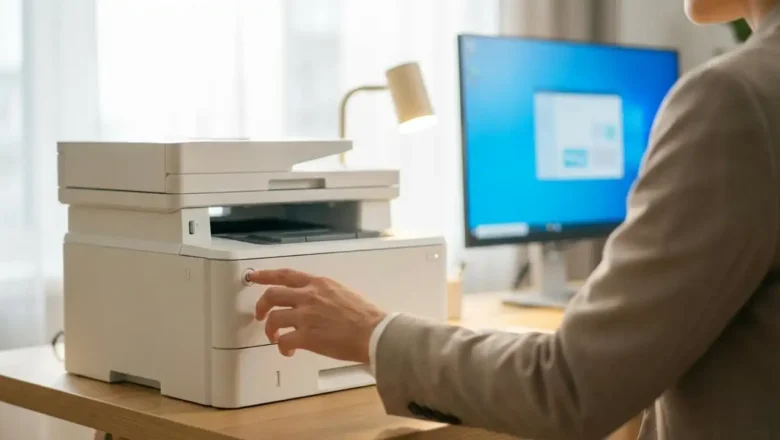
Why Is My Printer Offline? Windows 10/11 Fixes That Work
Why Is My Printer Offline? (Windows 10/11) — Real Fixes That Work
If you’re wondering “Why is my printer offline?” on Windows 10 or Windows 11, the good news is: most cases are caused by a few common issues—like a stuck print queue, Windows toggling the offline mode, or a connection glitch.
This guide gives you the fastest fixes first, then moves into deeper troubleshooting if needed.
Quick Fix (Try These First)
1) Power Cycle the Printer (Fastest)
Turn the printer OFF
Unplug it for 60 seconds
Plug it back in and turn it ON
Wait 2–3 minutes and try printing again
2) Uncheck “Use Printer Offline” (Most Common Fix)
Open Control Panel → Devices and Printers
Right-click your printer → See what’s printing
Click Printer (top menu)
...