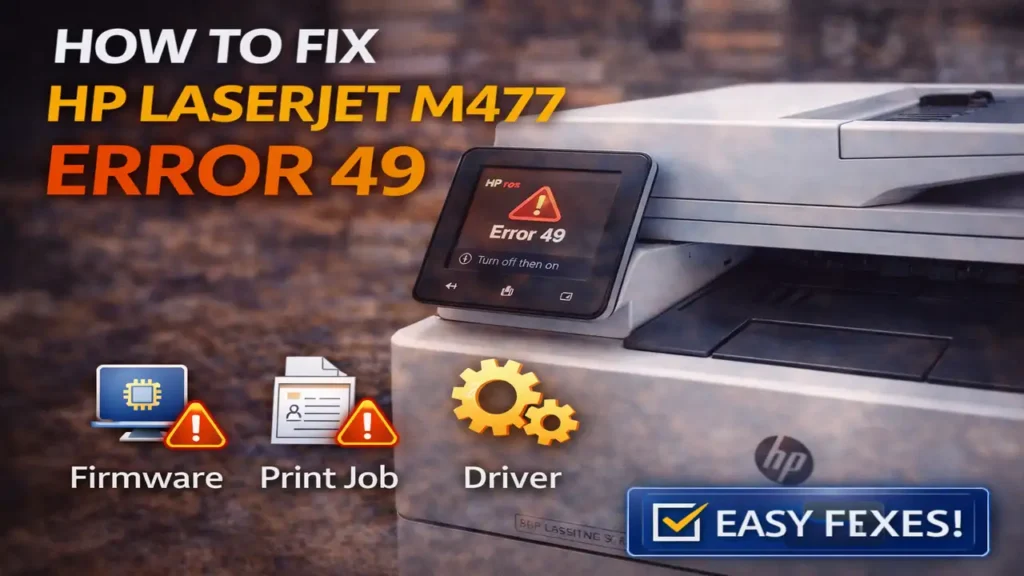
How to Fix HP LaserJet M477 Error 49
If your printer suddenly stops and shows HP LaserJet M477 error 49, the problem is usually tied to firmware, a corrupted print job, a driver conflict, or a communication issue between the printer and the device sending the job. In simple terms, the printer receives something it cannot process correctly, then crashes into the 49 error state.
The good news is that HP LaserJet M477 error 49 is often recoverable without replacing the printer. In many cases, the fix is to restart the printer, clear the stuck print queue, isolate the connection, and then update the firmware so the same crash does not happen again.
What HP LaserJet M477 error 49 means
A 49 error on HP LaserJet printers is commonly associated with a firmware exception or a bad communication event. That does not always mean the hardware is dead. Very often, the printer is reacting to a specific print job, driver language problem, network issue, or unsupported command that caused the firmware to fail.
That is why HP LaserJet M477 error 49 can appear suddenly even when the printer was working fine earlier. The trigger may be one damaged PDF, one incompatible print command, a bad queue entry, or an outdated firmware version that handles a document poorly.
So the goal is not just to restart the printer. The real goal is to remove the trigger that caused the crash.
First restart the printer and clear the queue
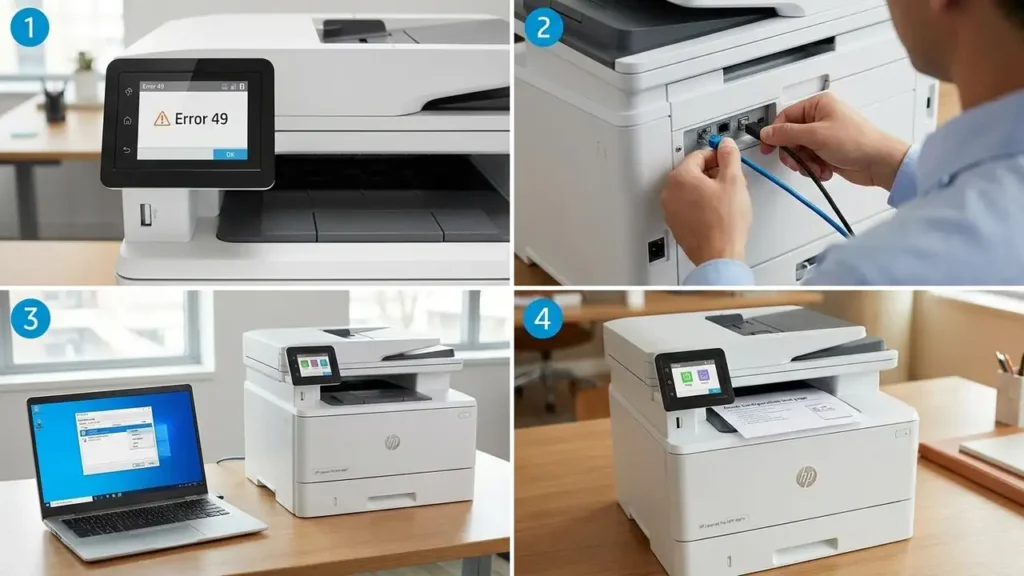
Start with a full restart. Turn the printer off, wait at least 30 seconds, then turn it back on. Let it finish starting completely.
At the same time, go to the computer that sent the print job and clear the print queue. Delete every pending job, not just the most recent one. If a corrupted job remains in the queue, the printer can return to HP LaserJet M477 error 49 as soon as it reconnects and receives that same job again.
This is one of the most important steps. Many people restart the printer but forget to clear the queue, which causes the exact same crash to happen again immediately.
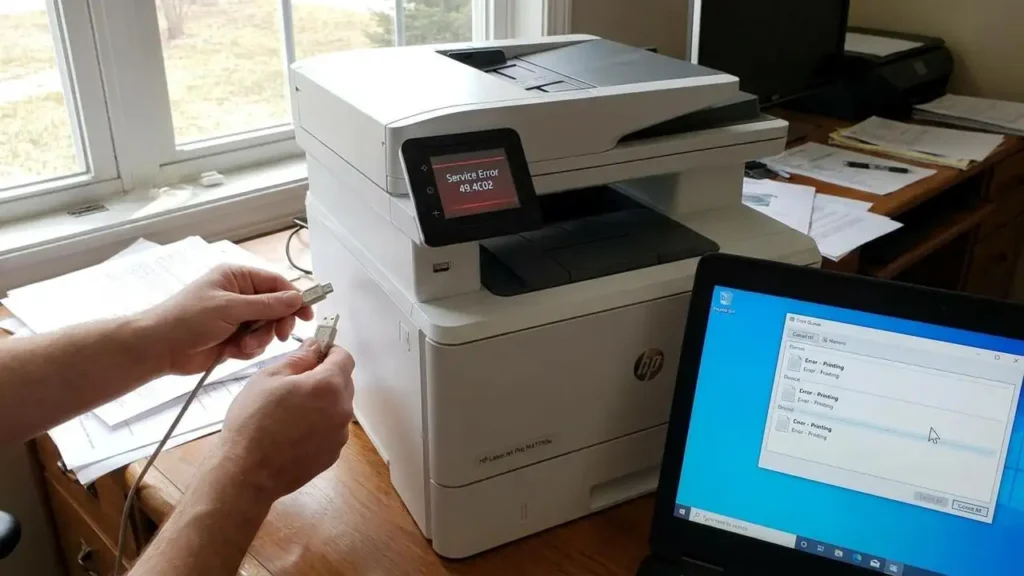
Disconnect the printer from the network or USB temporarily
If the printer keeps returning to HP LaserJet M477 error 49, turn it off again and disconnect the Ethernet cable or USB cable before turning it back on.
This test is extremely useful. If the printer reaches the Ready state normally while disconnected, the problem is likely not the base hardware itself. It strongly suggests that a print job, computer connection, or network communication is triggering the error.
If the printer still shows the 49 error even while isolated, then the issue may be deeper, such as firmware corruption or a formatter-related fault. But if it boots normally when disconnected, that is a strong sign you should focus first on the queue, driver, and firmware side.
Update the printer firmware
Firmware is one of the biggest causes of HP LaserJet M477 error 49, especially when the error appears with specific documents, newer software, or certain print paths like AirPrint, network printing, or PDF-heavy jobs.
Updating the firmware can fix bugs that cause the printer to crash when processing certain commands. On the M477 series, firmware can often be updated directly through the printer’s network-connected update function or by using HP’s support tools from a computer.
This step matters because restarting alone does not remove the underlying bug. If outdated firmware is the reason HP LaserJet M477 error 49 keeps returning, the update is what often makes the fix stick.
Check the driver and print language
A bad driver or an incompatible print language can also cause HP LaserJet M477 error 49. If the error appears only from one computer, one application, or one type of file, driver compatibility becomes even more likely.
Reinstall the printer driver on the affected computer. If needed, test with HP Universal Print Driver using PCL 6, which is often more stable than a mismatched or damaged custom setup. The goal here is to reduce the chance that the printer is receiving commands it does not interpret well.
This is especially important when the printer works fine with internal pages or other devices but crashes only during certain print jobs from one machine.
Test with an internal page before sending a new job
After the printer returns to Ready, print an internal page such as a configuration or status page before sending anything from a computer. This matters because it tells you whether the printer can still print on its own without external job data.
If the internal page prints correctly but the printer crashes again only when you send a job from a computer, then the problem is almost certainly external to the printer engine itself. That points back to the print queue, the driver, the file, or the communication method.
This is one of the clearest ways to narrow down HP LaserJet M477 error 49 instead of guessing randomly.
Watch for one bad file or one bad app
Sometimes HP LaserJet M477 error 49 is caused by a very specific file rather than by general printer failure. Complex PDFs, damaged files, or unusual embedded fonts can trigger it. If the error happens only when printing one document, do not keep retrying that same file the same way.
Try printing a different simple document first. If that works, the original file may be the trigger. In that case, try saving it differently, printing it as an image, exporting it again, or sending it from another application.
This is an important distinction because not every 49 error means the printer is broadly unstable. Sometimes it only means one job is toxic for that printer’s current firmware or driver path.
What if the error keeps coming back?
If you already cleared the queue, isolated the printer, updated firmware, and tested a clean driver, but HP LaserJet M477 error 49 still returns even with no cable connected, then the issue may be more serious.
At that point, the formatter board or network-related internal hardware becomes a stronger suspect. Persistent 49 errors that occur even before fresh print jobs are sent are more concerning than errors that appear only during printing.
That does not automatically mean the printer is beyond saving, but it does mean the problem is less likely to be a simple queue or driver issue.
What not to do
Do not keep sending the same stuck document repeatedly after restart. Do not reconnect the printer to the network before clearing all pending jobs. And do not assume the printer is dead just because the error code looks severe.
A lot of HP LaserJet M477 error 49 cases are caused by software-side triggers, not permanent hardware failure. The wrong order of troubleshooting can make the issue look worse than it really is.
Frequently Asked Questions
In most cases, HP LaserJet M477 error 49 is not a sign that the printer is finished. It is usually the printer crashing on bad job data, unstable communication, or outdated firmware. Start with restart and queue cleanup, isolate the printer, update the firmware, and test with a clean driver. That sequence solves a large number of 49 error cases on the M477 series.