
web analytics
Shadow

Tag: canon 5200 error

canon 5200 error — step-by-step fix

canon 5200 error — step-by-step fix

Blog, REPAIR PRINTER, RESET PRINTER
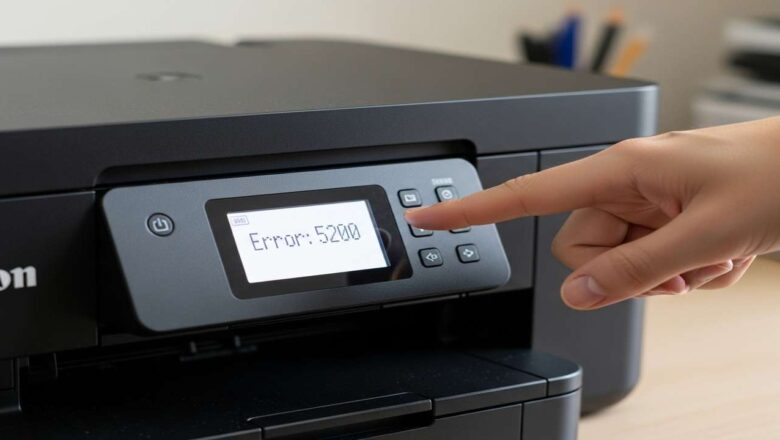
canon 5200 error — step-by-step fix canon 5200 error stops your PIXMA mid-job to protect the printhead from heat or poor ink flow. Use our canon 5200 error guide to cool the head safely, restore ink delivery, and run a single controlled cleaning—so you can print again without triggering P08. What canon 5200 error really means The printer detected a printhead temperature/ink flow issue. Typical triggers: repeated cleanings that overheated the head, blocked cartridge vents, low/empty ink forcing overmixing, or dried ink around the nozzle plate. The fix is a simple routine: cooldown → reseat/vent → one cleaning → (optional) nozzle flush → verify. Safety & prep Power off and unplug the printer; let it cool 10–15 minutes. Keep distilled water, lint-free cloths, and glo...
canon 5200 error fix — printhead cooldown & flush

canon 5200 error fix — printhead cooldown & flush

Blog, REPAIR PRINTER
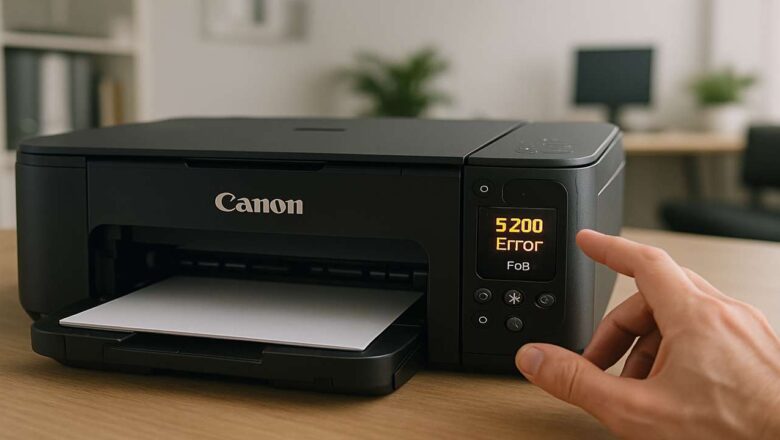
canon 5200 error fix — printhead cooldown & flush canon 5200 error fix is the fastest way to recover from E5200/P08 when your PIXMA locks up mid-job. Use this canon 5200 error fix walkthrough to cool the printhead safely, decide whether you need a deep ink flush or a cartridge reseat, and get back to clean, consistent prints. canon 5200 error fix — what the code means 5200 (often shown as P08) is a printhead temperature/ink system fault. The device stops to protect the head when it detects overheating, ink starvation, or a bad reading from the ink system. Good news: most cases clear with cooldown, proper ink flow, and a single controlled cleaning—no parts needed. Before you touch anything Power off the printer and unplug it for 10–15 minutes to cool the head and reset se...