web analytics
Shadow

RESET PRINTER

How to Manual Reset Canon PIXMA G1000 G2000 G3000 G4000

How to Manual Reset Canon PIXMA G1000 G2000 G3000 G4000

RESET PRINTER, REPAIR PRINTER
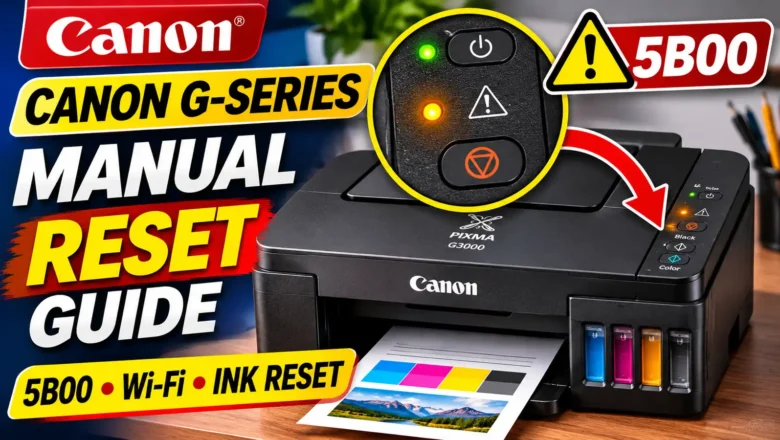
Knowing how to manual reset Canon PIXMA G1000 G2000 G3000 G4000 printers begins with identifying which system has locked or misconfigured your machine. In Canon's first-generation PIXMA G-series MegaTank lineup, the phrase "manual reset" refers to four completely different hardware procedures controlled by the physical buttons on the printer's operation panel: Waste Ink Counter / Ink Absorber Reset (Support Code 5B00 / 5B01, Error Code P07): The printer blocks all printing and flashes the ON/POWER lamp and Alarm lamp 7 times alternately because the internal waste ink counter has reached 100%. Wireless LAN / Wi-Fi Settings Reset (G3000 and G4000 Series): Clears stored Wi-Fi router credentials, IP configurations, and network passwords when moving the printer to a new wireless...
How to Clear Xerox Error Codes: Service Mode 6789 & Latched Faults

How to Clear Xerox Error Codes: Service Mode 6789 & Latched Faults

REPAIR PRINTER, Blog, RESET PRINTER
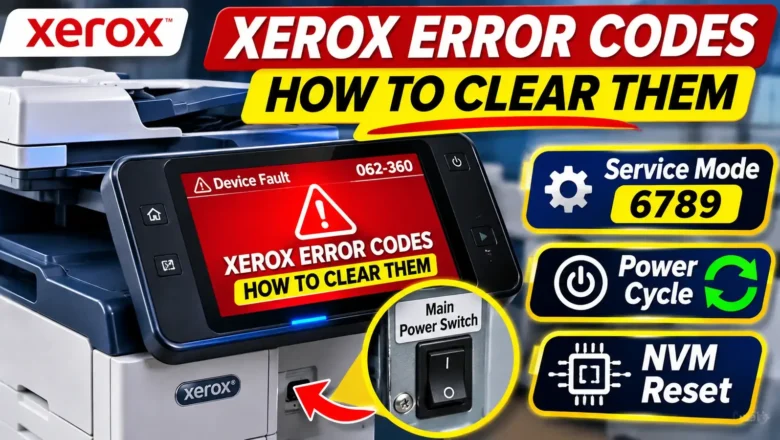
Understanding how to clear Xerox error codes requires knowing whether your printer has encountered a temporary sensor interruption or a protective hardware lockout stored in Non-Volatile Memory (NVM). Across Xerox VersaLink, AltaLink, and WorkCentre multifunction printers, error codes are divided into transient operational faults that clear after a full power discharge and latched safety codes—most commonly thermal fuser errors—that remain locked on the screen even if you unplug the machine. When a routine restart fails to restore the printer to a Ready state, accessing the hidden UI Diagnostic Mode (Service Mode) with the default Customer Service Engineer passcode 6789 allows you to clear fault logs, reset maintenance counters, or change latched NVM fault bits back to zero after repairin...
Ricoh SP 210 Red Light Error Solution: LED Checks & Fuser Reset

Ricoh SP 210 Red Light Error Solution: LED Checks & Fuser Reset

REPAIR PRINTER, Blog, RESET PRINTER
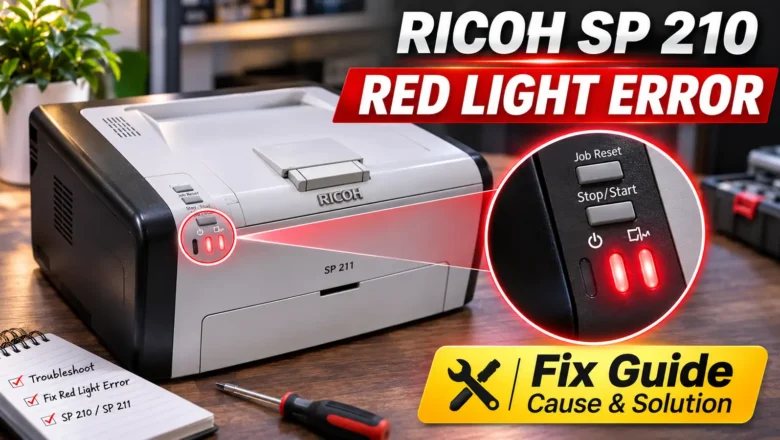
Finding a reliable ricoh sp 210 red light error solution starts with identifying which of the two red LEDs on the control panel is active and whether it is flashing or stays solid. Because the base Ricoh SP 210—along with single-function siblings such as the SP 210Q, SP 211, SP 212w, and SP 213Nw—has no LCD screen, the printer cannot display text warnings or numeric Service Call (SC) codes on its body. Every hardware stop, from an empty paper tray or unseated print cartridge to a locked fuser unit fault, is signaled through the Alert and Toner/Paper End indicator lights. When a ricoh red light error persists after you load paper, reseat the toner cartridge, clear the paper path, and restart the printer, the machine has almost always recorded a latched fuser error (SC541 through SC560) in ...
Canon E05 Error Reset: Fixing Print Head and Cartridge Detection

Canon E05 Error Reset: Fixing Print Head and Cartridge Detection

RESET PRINTER, Blog, REPAIR PRINTER
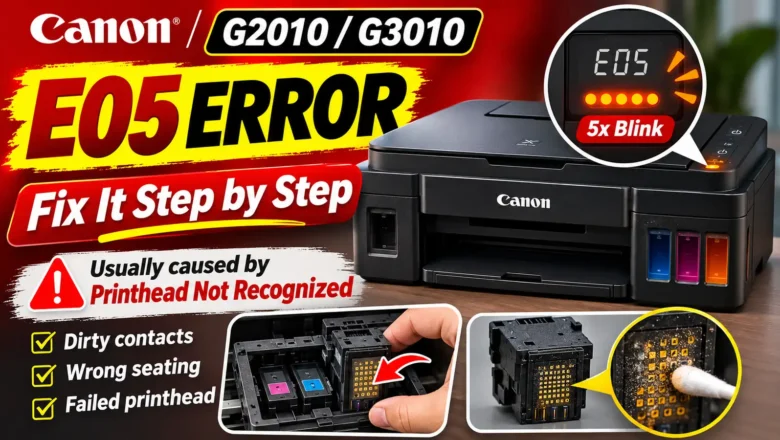
Performing a canon e05 error reset requires restoring physical and electrical communication between the printer carriage and the installed ink cartridges or print heads. Unlike standard low-ink warnings (such as Canon errors E13 or E16), which can be bypassed by holding down the Stop/Reset button for five seconds, error code E05 indicates that the printer cannot detect one or both print heads at all, detects an unsupported cartridge model, or senses an internal electrical fault in the print head circuit. Because the printer cannot print without an active nozzle circuit, pressing or holding buttons on the control panel will only cancel the current print job rather than clearing the fault. To clear error E05 permanently, you must identify which companion support code your printer is reporti...
How to Reset a Canon MG2522 Printer When Ink or Error Lights Flash

How to Reset a Canon MG2522 Printer When Ink or Error Lights Flash

REPAIR PRINTER, Blog, RESET PRINTER
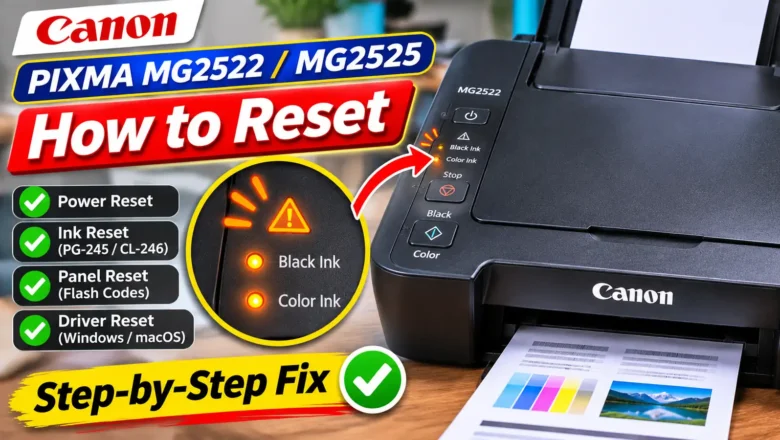
Knowing how to reset a Canon MG2522 printer starts with identifying what has actually locked up the machine. Because the Canon PIXMA MG2522—and its functionally identical sibling, the PIXMA MG2525—belongs to the entry-level MG2500 series, it has no LCD screen, no Wi-Fi module, and no single "Factory Reset All" menu button. Instead, every reset function is controlled through four physical buttons on the left side of the top panel (ON, Stop, Black, and Color) or through the Canon IJ Printer Driver over a USB connection. When users search for a pixma mg2522 reset, they almost always need one of four distinct procedures: A hard power reset to clear a frozen carriage, a stalled print queue, or a lingering false paper jam alert after clearing an obstruction. An ink level detecti...
Zhono Progeasy HP Chip Reset: 1215 & 1005 Technical Guide

Zhono Progeasy HP Chip Reset: 1215 & 1005 Technical Guide

RESET PRINTER, Blog, REPAIR PRINTER
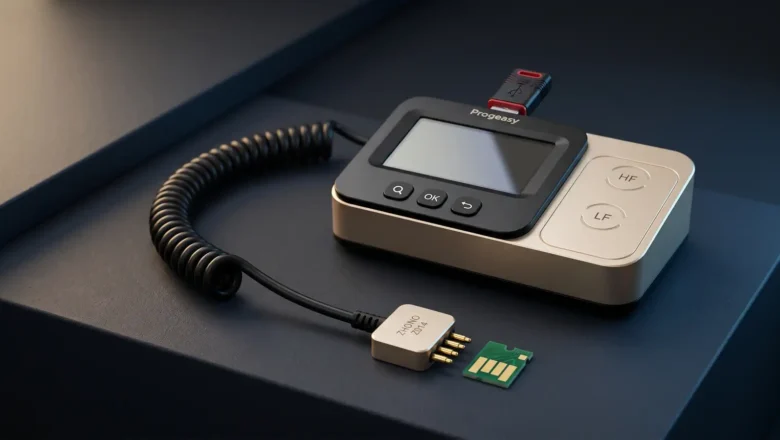
Refilling an HP laser toner hopper restores the physical toner supply, but the printer still relies on the cartridge identification chip to track page counts, toner status, and regional compatibility. When a refilled cartridge continues to trigger "Cartridge Depleted," "Replace Toner," or a flashing supply light, performing a Zhono Progeasy HP Chip Reset can restore supported OEM or compatible aftermarket chips to a ready state without replacing the circuit board on every cycle. Success depends on two factors: confirming that your specific HP chip generation is supported by your Progeasy hardware database, and matching the physical circuit board layout to the correct software profile before writing data. Hardware Scope and Supported HP Cartridge Profiles Guangzhou Zhono Microelectroni...
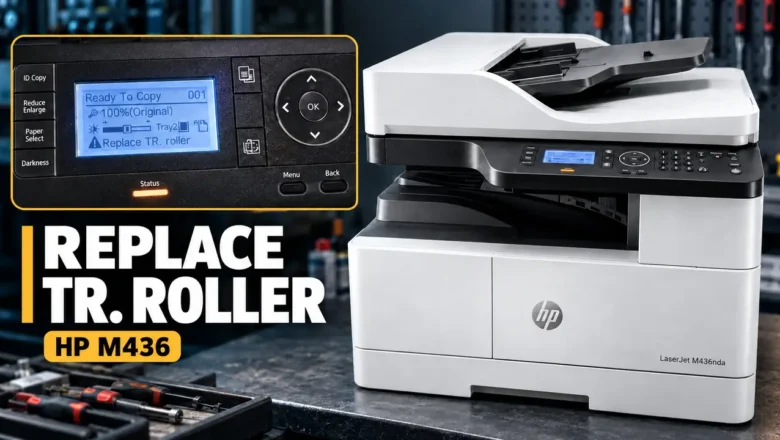
HP M436 TR Roller Reset: Clearing Replace TR. Roller and Replacing the Transfer Roller

HP M436 TR Roller Reset: Clearing Replace TR. Roller and Replacing the Transfer Roller

RESET PRINTER, Blog, REPAIR PRINTER
When an HP LaserJet M436 series multifunction printer displays Prepare TR. Roller or Replace TR. Roller, its internal maintenance counter has reached the 100,000-page threshold assigned to the transfer roller assembly. Performing an HP M436 TR roller reset through the printer's hidden Tech Menu (Menu > # > 10043616 > Menu) zeros out the Transfer Roller page register and clears the warning from the control panel. Because the transfer roller (HP Part Number W7U01-67901) does not contain an electronic chip or auto-reset fuse, the printer cannot detect when a new roller is installed. You must manually reset the counter after replacing the roller. Conversely, resetting the counter without inspecting or replacing a worn roller only silences the alert—it will not fix faded printouts, ba...
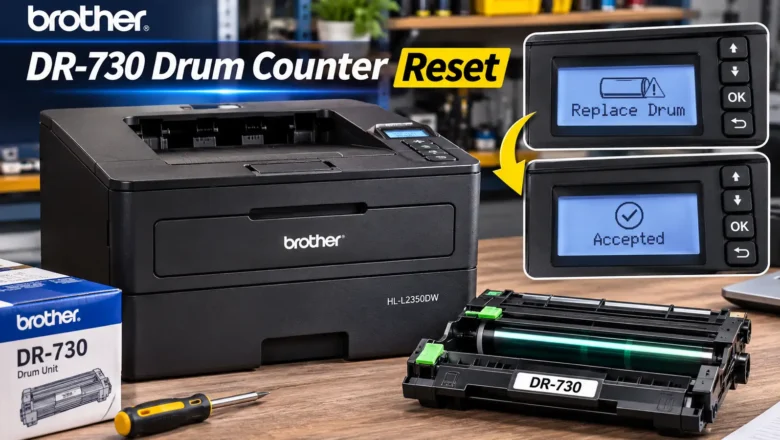
Brother DR730 Reset: Model-Specific Drum Counter Instructions

Brother DR730 Reset: Model-Specific Drum Counter Instructions

REPAIR PRINTER, Blog, RESET PRINTER
Performing a brother dr730 reset is mandatory every time you install a new DR-730 drum unit in a compatible Brother monochrome laser printer. Because the DR-730 drum cradle does not use an electronic smart chip or a mechanical reset gear, the printer cannot detect a newly installed drum assembly on its own. Until you manually reset the internal counter through the control panel, the machine will continue displaying Replace Drum or Drum End Soon. Unlike older Brother printers that required the front cover to stay open during a drum reset, every printer in the Brother DR-730 series requires the front cover to remain closed. However, the exact button combination depends on whether your printer uses a 1-line mono LCD, a 2-line mono LCD, or a color touchscreen. Even a single button difference—...
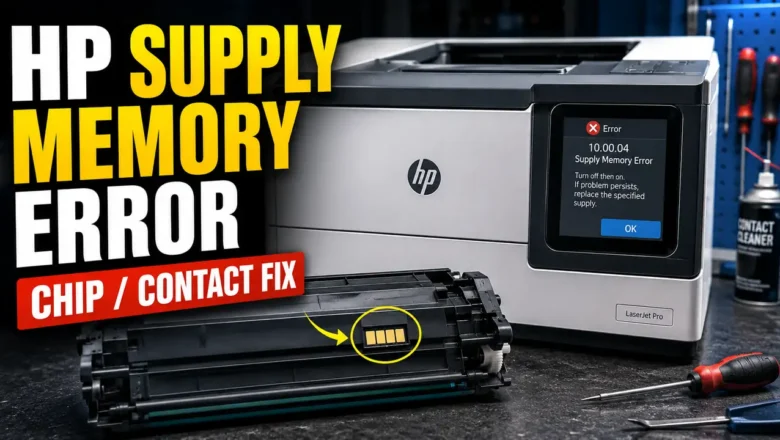
HP Supply Memory Error Fix: 4-Phase Chip & Firmware Guide

HP Supply Memory Error Fix: 4-Phase Chip & Firmware Guide

REPAIR PRINTER, Blog, RESET PRINTER
An HP Supply Memory Error Fix is a highly requested diagnostic procedure within the global printer maintenance community. When HP LaserJet models halt and display a "10.00.00" or "10.00.04" alphanumeric code, the printer is typically detecting a cartridge memory-chip communication problem, authentication issue, or supply contact failure. The printer relies on a supply memory-chip handshake to identify the cartridge and read its supply data. When this handshake fails, the printer locks out the consumable. By isolating the physical contact pins, evaluating the chip's seating, and reviewing cartridge policy, cartridge protection, and firmware update settings, technicians can determine the root cause. This technical manual details a comprehensive approach for an HP Supply Memory Error Fix,...
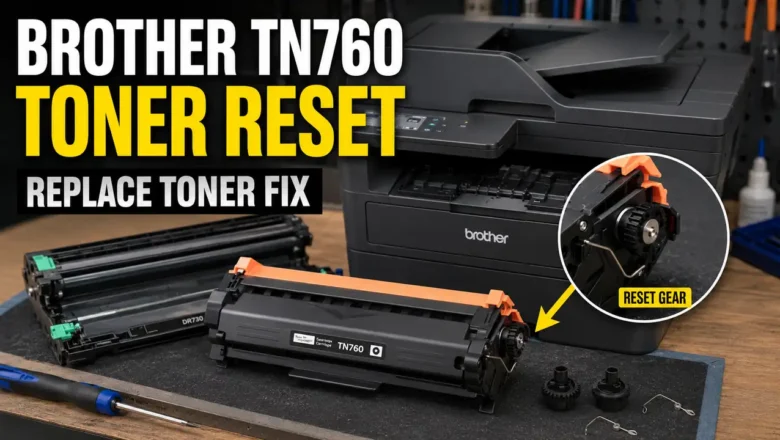
Brother TN760 Toner Reset Fix: 4-Phase Gear Override

Brother TN760 Toner Reset Fix: 4-Phase Gear Override

REPAIR PRINTER, Blog, RESET PRINTER
A Brother TN760 Toner Reset Fix is a highly requested diagnostic workaround within the global printer maintenance community. When Brother monochrome and color laser printers display the "Replace Toner" message, the machine often initiates a hard mechanical lockout. Unlike other manufacturers that rely strictly on digital EEPROM chips to estimate page counts, Brother utilizes a physical mechanical flag gear mechanism on the side of the toner cartridge. Once this gear completes its rotational cycle, it stops actuating a microswitch inside the printer chassis. This prompts the logic board to immediately halt all printing operations, even if a significant volume of toner powder remains inside the hopper. This technical diagnostic guide outlines the mechanical teardown of the cartridge end-...