

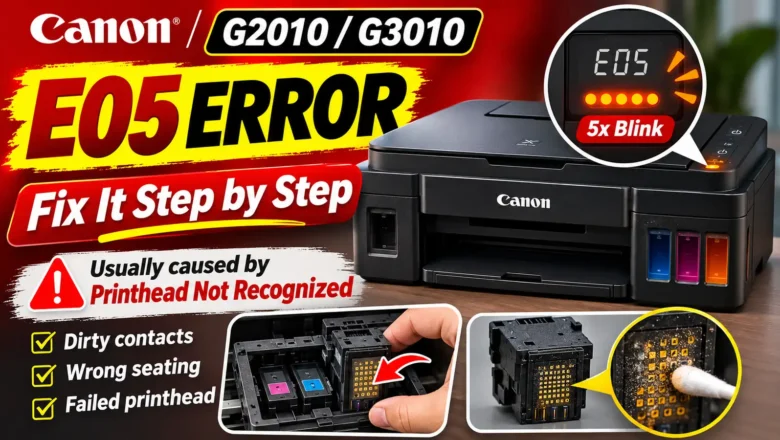
Canon E05 Error Reset: Fixing Print Head and Cartridge Detection
Performing a canon e05 error reset requires restoring physical and electrical communication between the printer carriage and the installed ink cartridges or print heads. Unlike standard low-ink warnings (such as Canon errors E13 or E16), which can be bypassed by holding down the Stop/Reset button for five seconds, error code E05 indicates that the printer cannot detect one or both print heads at all, detects an unsupported cartridge model, or senses an internal electrical fault in the print head circuit. Because the printer cannot print without an active nozzle circuit, pressing or holding buttons on the control panel will only cancel the current print job rather than clearing the fault.
To clear error E05 permanently, you must identify which companion support code your printer is reporti...