

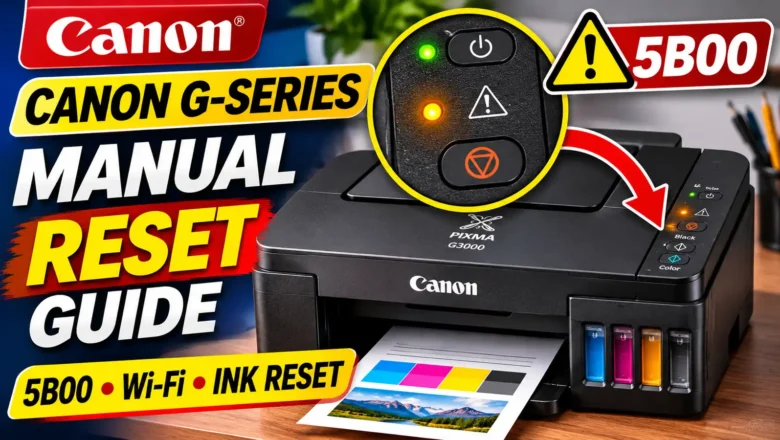
How to Manual Reset Canon PIXMA G1000 G2000 G3000 G4000
Knowing how to manual reset Canon PIXMA G1000 G2000 G3000 G4000 printers begins with identifying which system has locked or misconfigured your machine. In Canon's first-generation PIXMA G-series MegaTank lineup, the phrase "manual reset" refers to four completely different hardware procedures controlled by the physical buttons on the printer's operation panel:
Waste Ink Counter / Ink Absorber Reset (Support Code 5B00 / 5B01, Error Code P07): The printer blocks all printing and flashes the ON/POWER lamp and Alarm lamp 7 times alternately because the internal waste ink counter has reached 100%.
Wireless LAN / Wi-Fi Settings Reset (G3000 and G4000 Series): Clears stored Wi-Fi router credentials, IP configurations, and network passwords when moving the printer to a new wireless...