Ricoh SP 210 Red Light Error Solution: LED Checks & Fuser Reset
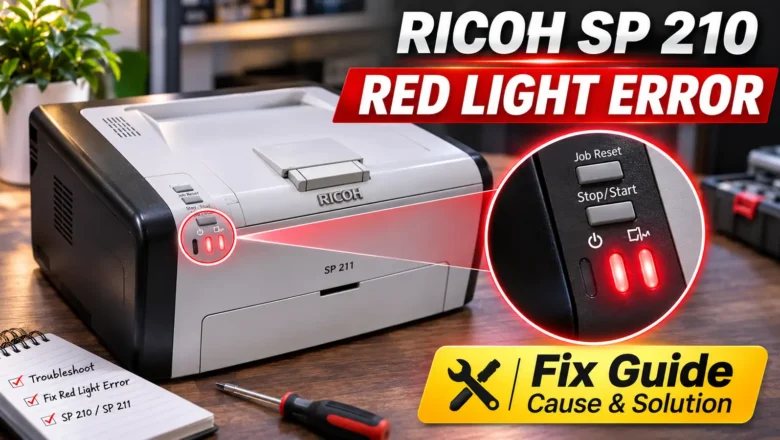
Finding a reliable ricoh sp 210 red light error solution starts with identifying which of the two red LEDs on the control panel is active and whether it is flashing or stays solid. Because the base Ricoh SP 210—along with single-function siblings such as the SP 210Q, SP 211, SP 212w, and SP 213Nw—has no LCD screen, the printer cannot display text warnings or numeric Service Call (SC) codes on its body. Every hardware stop, from an empty paper tray or unseated print cartridge to a locked fuser unit fault, is signaled through the Alert and Toner/Paper End indicator lights.
When a ricoh red light error persists after you load paper, reseat the toner cartridge, clear the paper path, and restart the printer, the machine has almost always recorded a latched fuser error (SC541 through SC560) in ...