

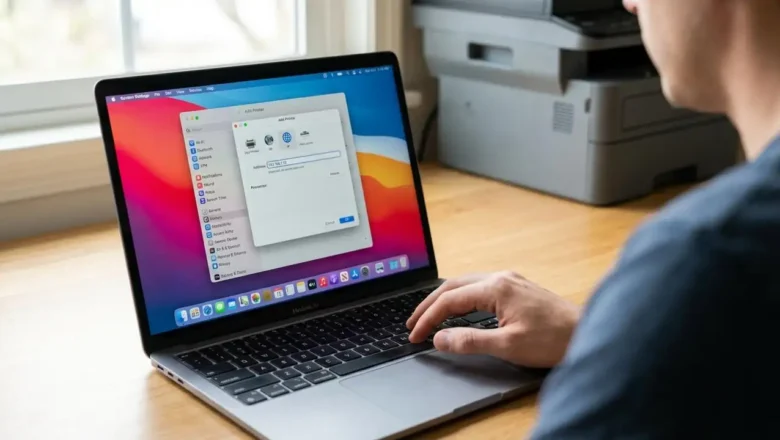
Manually Add Laser Printer Mac by IP Address Guide
How to Manually Add Laser Printer Mac by IP Address
If your network printer is no longer visible or accessible on your Apple computer, you may need to manually add laser printer Mac using its specific network address. This guide provides a detailed walkthrough for re-establishing the connection by directly inputting the printer's IP details into your system settings, especially when automatic network discovery fails. This process is essential for ensuring your device can communicate with the printer.
Before You Manually Add Laser Printer Mac: Locate the IP Address
To successfully connect your mac printer by ip address, you must first identify its unique network identifier. This is a critical first step, as the IP address acts as the direct pathway for your Mac to locate the printer on y...