
web analytics
Shadow

Tag: Xerox 116-324 Error Fix

xerox 116-324 error fix — controller reset steps

xerox 116-324 error fix — controller reset steps

Blog, REPAIR PRINTER
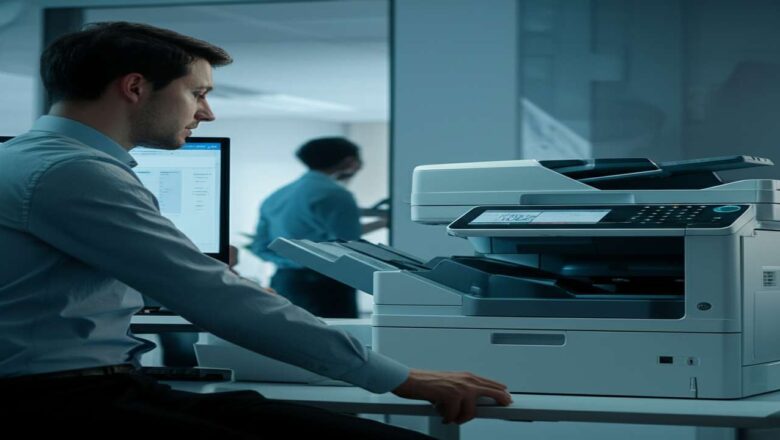
Xerox 116-324 Error Fix: Your Ultimate Controller Reset Guide A xerox 116-324 error fix is necessary when your printer’s system controller encounters a critical software fault, bringing all printing operations to a halt. This frustrating error message typically indicates a problem with the printer's internal processing, often triggered by a corrupt print job, a network communication glitch, or outdated firmware. Resolving it quickly is essential to get your machine back online and restore your office workflow. This guide provides a clear, step-by-step process to diagnose and clear the 116-324 error, starting with the simplest solutions and progressing to more advanced steps. You don’t need to be a technician to follow along. Table of Contents What is the Xerox 116-324 Controller ...
Reset Counter Xerox Phaser 3250 — safe, working methods

Reset Counter Xerox Phaser 3250 — safe, working methods

RESET PRINTER
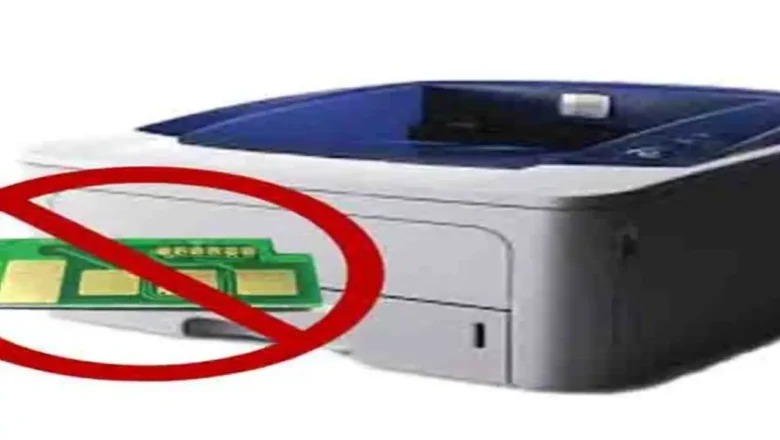
Reset Counter Xerox Phaser 3250 — what it is and when to use it Reset Counter Xerox Phaser 3250 is what many users look for after refilling the cartridge when the printer still shows a red/blinking light or refuses to print because the page counter or cartridge chip reports “end of life.” This guide explains how the counter and chip work, the lowest-risk fixes you should try first, and what to avoid so you don’t brick the device. How the counter and chip actually work The Phaser 3250 uses a toner cartridge with a yield chip (commonly 106R01374 for standard toner). The printer tracks pages through this chip and internal counters. At around 5,000–5,500 pages at 5% coverage (typical office text), the chip reports “spent” and the device can block printing—even if you physically refilled t...