

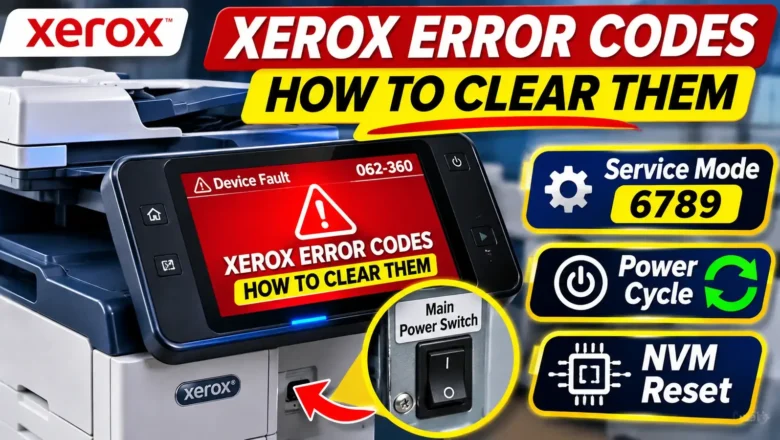
How to Clear Xerox Error Codes: Service Mode 6789 & Latched Faults
Understanding how to clear Xerox error codes requires knowing whether your printer has encountered a temporary sensor interruption or a protective hardware lockout stored in Non-Volatile Memory (NVM). Across Xerox VersaLink, AltaLink, and WorkCentre multifunction printers, error codes are divided into transient operational faults that clear after a full power discharge and latched safety codes—most commonly thermal fuser errors—that remain locked on the screen even if you unplug the machine.
When a routine restart fails to restore the printer to a Ready state, accessing the hidden UI Diagnostic Mode (Service Mode) with the default Customer Service Engineer passcode 6789 allows you to clear fault logs, reset maintenance counters, or change latched NVM fault bits back to zero after repairin...