

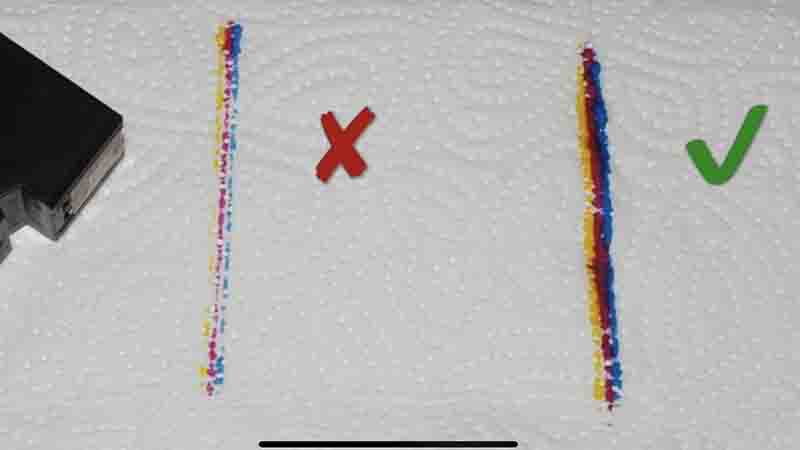
In a nutshell, affirmative, printer ink does indeed have an expiration date.
Under ideal conditions, ink cartridges can typically maintain their quality for around two to three years when appropriately packaged and stored. Nevertheless, under standard circumstances, they will ultimately dry up and lose functionality beyond this timeframe.
Interestingly, a number of prominent ink cartridge manufacturers do not affix explicit expiration dates on their products.
So, the challenge arises: how can you ascertain the production date of your ink cartridge and predict its longevity?
Let’s delve into everything you should be aware of regarding printer ink expiration below.
Ink Cartridge Expiry Date vs. Ink Warranty Expiration Date
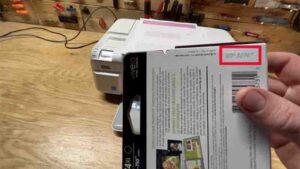
Fresh ink cartridges often display two different dates, either on the packaging or sometimes stamped directly on the cartridges themselves:
- Ink Cartridge Expiry Date: This date indicates when the ink inside the cartridge may no longer be viable for use.
- Ink Cartridge Warranty Date: While you might not always find an expiration date on the cartridge (especially true for third-party or refurbished cartridges), you’ll likely come across a date signifying the end of the ink cartridge warranty.
Warranties do vary among manufacturers but typically extend for one year from the date of purchase. It’s crucial to note that after this warranty date, the manufacturer ceases to cover the cartridge for any damages or defects. Although the ink cartridge might still function correctly beyond this point, the manufacturer provides no guarantees, and you use it at your discretion.
It’s worth mentioning that the markings on cartridges, as well as the expiration and warranty end dates, can differ depending on the manufacturer. Let’s delve into some brand-specific examples below.
HP Ink Cartridge Expiry Date
Cracking the code, often referred to as the HP ink cartridge expiration date code or the DaVinci code, imprinted on HP ink cartridges might pose a puzzle. However, experienced users have managed to decipher it as follows:
- The initial four digits signify the country of origin.
- The subsequent six digits signify the ‘install by’ date.
- The third set of digits represents the manufacturing date.
- As for the last four digits… Well, their purpose remains somewhat elusive. Perhaps they serve as internal tracking codes.
Locating the Expiration Date on HP Ink
Typically, HP ink cartridges display two distinct dates: the “manufacturing date” and the “warranty expiration” date, set to be two years after the manufacturing date.
Certain cartridges feature an “installation deadline” date, usually set at 18 months from the manufacturing date and occurring six months before the warranty’s conclusion.