epson l3210 resetter free download — safe reset & pad care
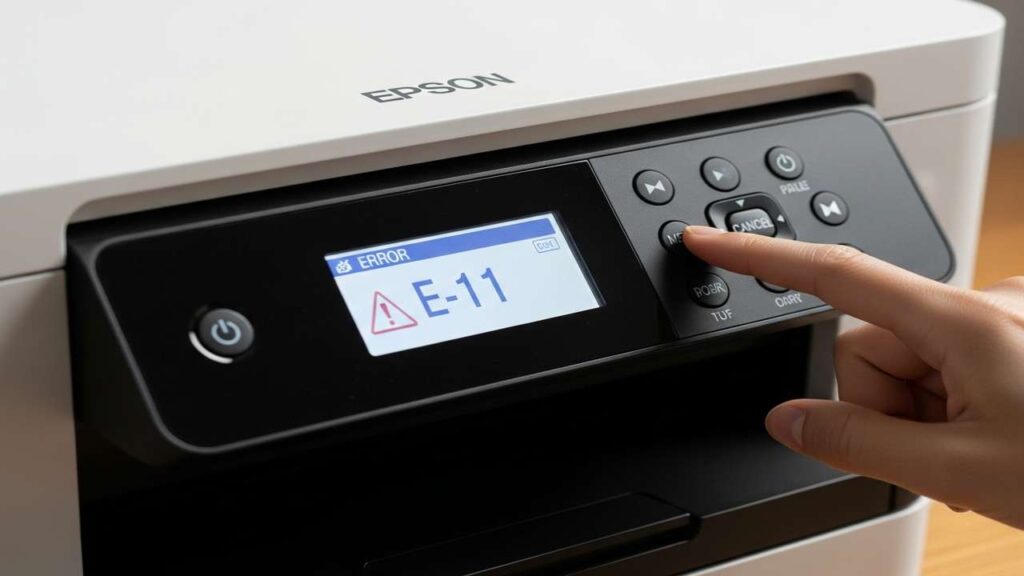
epson l3210 resetter free download is a phrase many search when the L3210 throws an ink pad end of service warning (E-11/E-12) or stops mid-job. Use our epson l3210 resetter free download guide to clear the counter safely, service the pads, and avoid malware or bad “cracked” tools that can brick your printer.
epson l3210 resetter free download — what the message really means
Your L3210 stores a waste-ink counter. When head cleanings and priming cycles accumulate, the printer locks to prevent overflow. A true fix has two parts:
-
Software reset of the counter (legal, model-compatible utility).
-
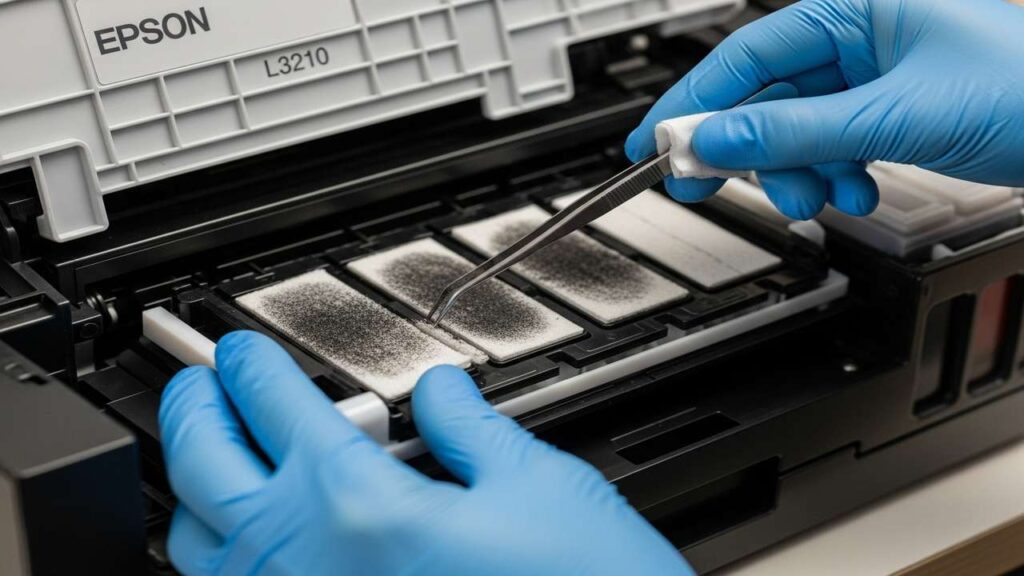
Hardware pad service (clean/replace pads or route to an external bottle if supported).
Important: Avoid unknown “free resetter” downloads. They often carry malware, corrupt EEPROMs, or write the wrong model profile. Use a legitimate service utility (trial/purchase) or a professional service.
Safe ways to reset (choose one)
-
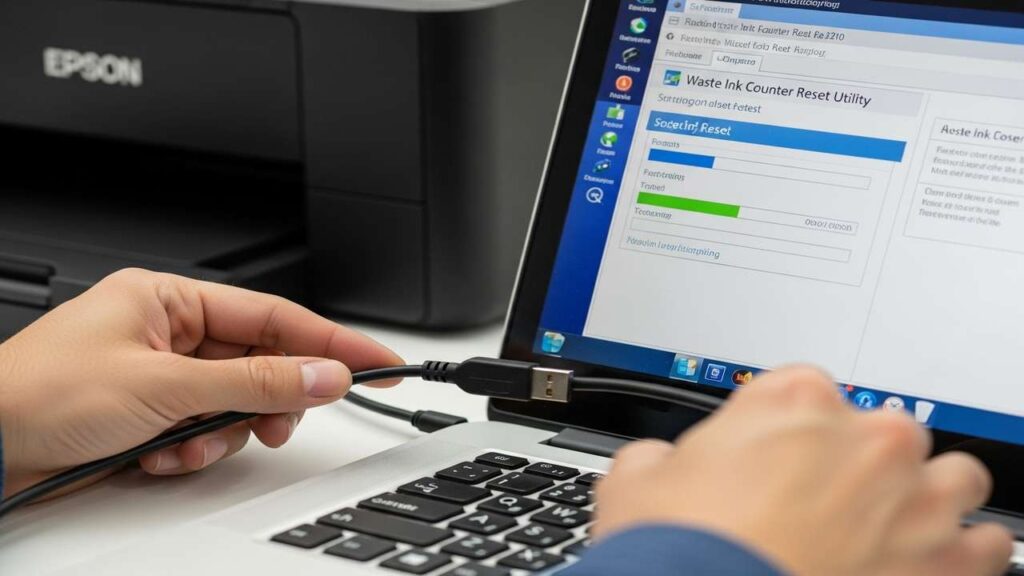
Official/legitimate service utility (recommended): Use a model-compatible service tool that resets the waste ink counter for L3210 via USB. Many legitimate tools offer a trial to verify connection, with a paid key to commit the reset.
-
Authorized service center: If you prefer zero risk, schedule a pad replacement + counter reset; they’ll return the unit tested, dry, and clean.
Prep before any reset
-
Power off, unplug, and place the printer on a protected surface.
-
Have lint-free cloths, distilled water, and nitrile gloves ready.
-
If the device recently ran multiple cleanings, allow 10–15 minutes to cool; saturated pads can drip.
Step-by-step: software reset the right way
-
USB cable only: Connect L3210 to a Windows PC via USB (avoid hubs).
-
Install driver if needed so the tool sees the device as “Ready/Idle.”
-
Open the legitimate service utility for L3210 (trial/purchase).
-
Choose Waste Ink Counter Reset (or Maintenance → Counter).
-
Run Check first to read current values → confirm model/serial are correct.
-
Click Reset and wait for the utility to finish.
-
Power cycle the printer; confirm the error is gone and the device is Ready.
Never use “generic” DLL swaps or tools for other models. A wrong profile can corrupt NVRAM.
Pad service options (stop future leaks)
-
Clean & dry (light use): Remove the pad stack (if accessible), rinse in warm water until clear, gently press out water (don’t wring), and air-dry 24–48h before reinstalling.
-
Replace pads (best): Install a new absorber kit built for L-series frames. Seat pads flat to maintain capillary flow.
-
External bottle mod (if supported): Route the waste tube to a sealed bottle below printer level; keep internal pads installed as backup, and check the bottle regularly.
Post-reset verification
-
Print a Nozzle Check. If lines are missing, run one standard cleaning only.
-
Inspect the service bay after a few pages—no fresh pooling should appear.
-
Log the service date; light use = 1–2 years between pad care, heavy use = sooner.
Keep the L3210 healthy
-
Print a small page weekly to avoid aggressive priming after long idle periods.
-
Use quality ink matched to EcoTank heads; poor ink increases cleanings.
-
Avoid repeated power cycles; each startup runs priming routines.
-
Update firmware only for fixes you need; avoid auto-updates during big jobs.
Troubleshooting by symptoms
-
Error returns immediately after reset: Pads still saturated or the reset didn’t commit. Service pads, re-run the reset, and power cycle.
-
Ink trails under prints: Mis-seated pads or spill; re-seat pads and clean the bay.
-
Utility can’t see the printer: Use direct USB, install drivers, disable other printer queues, and ensure the L3210 is in Ready/Idle.
-
Frequent cleanings, high waste: Check for air leaks/vent blockages and run only one cleaning between checks.
Step-by-step table (print this)
| Step | Action | Why it helps | Time |
|---|---|---|---|
| 1 | Power off & unplug; prep workspace | Prevents spills and shock | 2–3 min |
| 2 | Connect via USB; install driver | Ensures tool sees the L3210 | 2–5 min |
| 3 | Open a legitimate service utility for L3210 | Safe, model-correct reset | 1–2 min |
| 4 | Check current waste counter first | Confirms model/serial & values | 1 min |
| 5 | Run Waste Ink Counter Reset | Clears the lock safely | 1–2 min |
| 6 | Power cycle the printer | Commits the new state | 1 min |
| 7 | Service pads: clean/dry or replace | Prevents future overflow | 20–60 min (drying longer) |
| 8 | Print Nozzle Check (max one cleaning) | Verifies flow without overheating | 2–5 min |
| 9 | Inspect bay; log service date | Confirms no leaks & next window | 1–2 min |
FAQs
Is there a truly free resetter for L3210?
Free downloads are often unsafe or illegal. Use a legitimate tool (trial + paid key) or a service center—that keeps your printer and PC safe.
Can I reset without touching pads?
Only as a temporary measure. If pads are saturated, you risk leakage; service pads ASAP.
Will a deep cleaning fix the error?
No. The error is a counter/pad capacity issue. Deep cleaning adds more waste—use it sparingly only for print quality after the reset.
Can I dry pads with heat?
No. Heat deforms foam. Air-dry only.
Conclusion
Searching epson l3210 resetter free download is common—but the safest path is a legitimate, model-correct reset plus real pad service. Do both, and your L3210 will run cleanly without shutdowns, malware risks, or messy leaks.