web analytics
Shadow

REPAIR PRINTER

Fix Brother Printers Not Working After a Windows 11 Update

Fix Brother Printers Not Working After a Windows 11 Update

REPAIR PRINTER, Blog
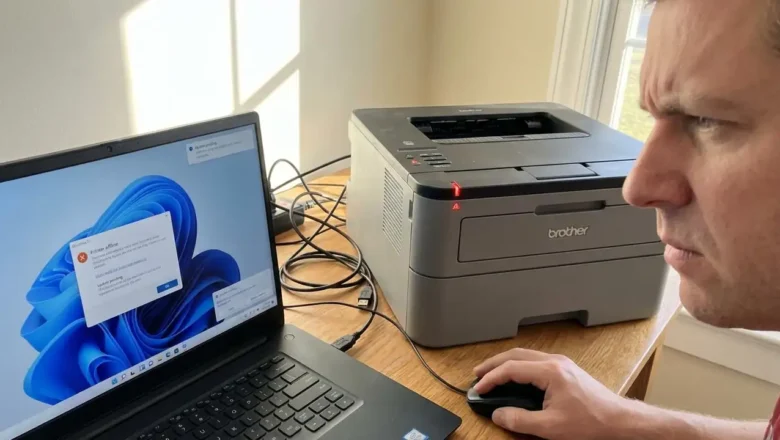
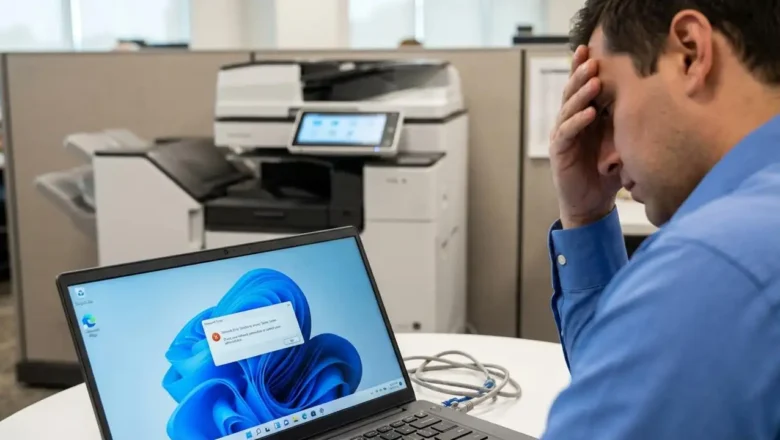
Fix Brother Printers Not Working After a Windows 11 Update Windows 11 updates are designed to enhance security and improve system performance, but they frequently introduce unexpected friction with peripheral hardware. One of the most common complaints following a major system patch is the sudden loss of printing capabilities. When you attempt to fix Brother printers that have stopped responding after an update, the challenge often lies in the way the operating system handles driver signatures and print spooler services. This disruption can halt productivity, leaving users with "Offline" status messages or documents stuck indefinitely in the queue. Understanding how to navigate these software conflicts is essential for restoring your workflow. While it might seem like a hardware failur...
How to Fix Xerox error 024-747: Resolve Paper Mismatch Issues

How to Fix Xerox error 024-747: Resolve Paper Mismatch Issues

Blog, REPAIR PRINTER, RESET PRINTER
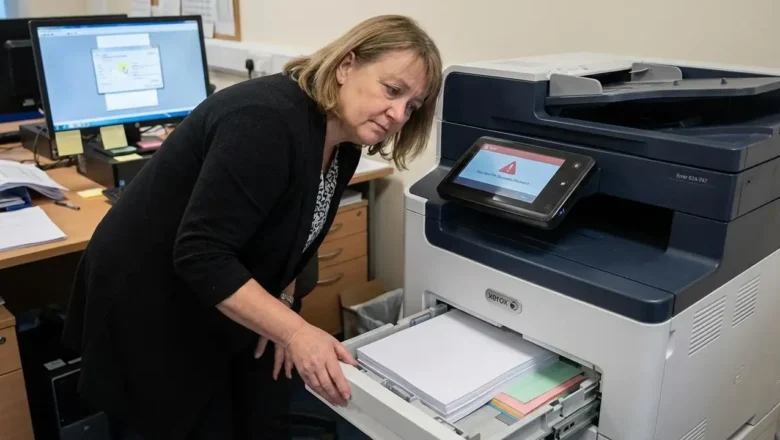
How to Resolve Xerox Printing Failures and Correct the 024-747 Parameter Mismatch Encountering a print job failure can disrupt the workflow of any office environment, particularly when the hardware identifies a conflict between the digital instructions it has received and its physical configuration. The error 024-747 is a common indicator of this specific type of technical friction. It serves as a notification that the printer is unable to execute a task because the parameters provided by the print driver do not align with the actual state of the paper trays. Understanding the nuances of this communication breakdown between software and hardware is the first step toward restoring full functionality to your device. The Nature of the error 024-747 Parameter Conflict At its core, the error...
scan to folder not working on Windows 11? Fix SMB Scan Issues

scan to folder not working on Windows 11? Fix SMB Scan Issues

Blog, REPAIR PRINTER, RESET PRINTER
Fixing scan to folder not working on Windows 11 Restoring network communication between multifunction printers and modern workstations Recent security updates in the Windows 11 environment, specifically those introduced in version 24H2, have modified how network protocols interact with peripheral hardware. These changes often lead to a situation where the scan to folder not working error occurs because the operating system now enforces stricter authentication and encryption standards. If your multifunction printer (MFP) relies on older communication methods, it will fail to deliver files to your shared directory without specific configuration adjustments. When the operating system deprecates legacy protocols, it effectively severs the link between your copier and your computer. Many...
Samsung Printer Diagnostics: Official 2026 Support Guide

Samsung Printer Diagnostics: Official 2026 Support Guide

Blog, REPAIR PRINTER, RESET PRINTER
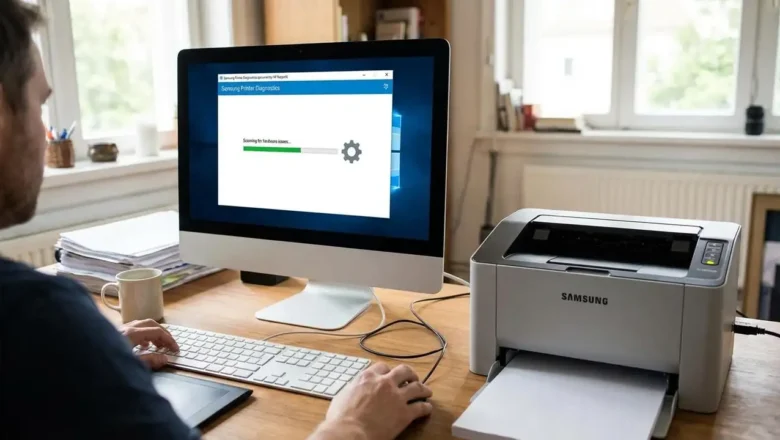
How to Use Samsung Printer Diagnostics for Support in 2026 Official software for legacy laser equipment is now managed through a single portal. If you need to resolve hardware errors or retrieve new files, utilizing the Samsung Printer Diagnostics utility is the most effective method for maintaining your device. By the year 2026, the landscape for technical assistance regarding these units has undergone a complete transition. Hardware maintenance responsibilities were moved by the original manufacturer to HP, meaning that legacy web portals no longer host the necessary files. Owners must now navigate to the HP Software and Driver Downloads page, which acts as the main digital location for all older printing hardware. Attempting to source files from retired web addresses may lead to out...
Konica waste toner box full Fixes and Maintenance Guide

Konica waste toner box full Fixes and Maintenance Guide

REPAIR PRINTER, Blog
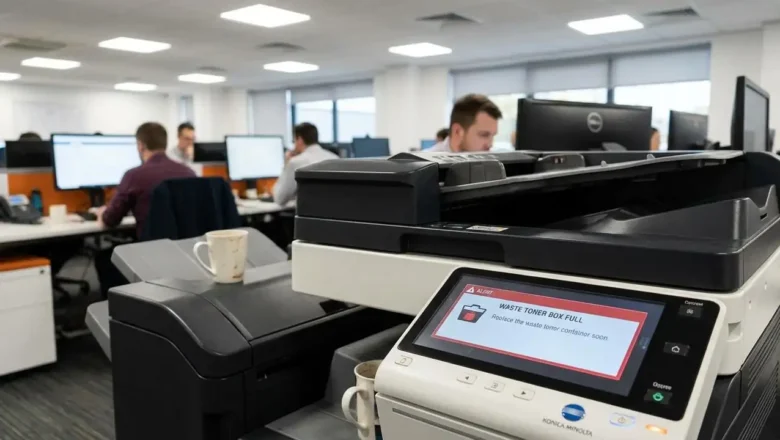
Addressing the Konica waste toner box full Warning Understanding why your copier has stopped printing and how to manage the hardware sensors. When your printing workflow stops suddenly, the cause is often a physical hardware notification rather than a digital glitch. Seeing a Konica waste toner box full message indicates that the internal collection vessel has reached its maximum volume limit. While many users look for a software bypass or a hidden button to clear this notification, such an option does not exist. The system utilizes hardware-level detection to ensure that no overflow occurs inside the delicate internal components of the imaging system. Believing that a software-based command or a service menu button provides a solution for this alert is a common misunderstanding. Th...
streaks after replacing toner – How to Fix Laser Print Defects

streaks after replacing toner – How to Fix Laser Print Defects

REPAIR PRINTER, Blog
Resolving streaks after replacing toner in Laser Printers Fix vertical lines, shadows, and image defects after a cartridge swap Experiencing visual defects like streaks after replacing toner is a common issue that typically stems from installation errors or contaminated internal components. While a new cartridge is expected to produce crisp documents, improper handling of packaging materials or a lack of maintenance during the swap can lead to immediate print quality degradation. If your pages show vertical marks or repeating patterns, you must isolate whether the cause is the toner unit itself, the drum, or the fuser assembly. When you notice streaks after replacing toner, the first priority is to verify that the environment and the supplies are handled correctly. Laser printing te...
Color Laser Wrong Colors Fix: Troubleshooting Inaccurate Prints

Color Laser Wrong Colors Fix: Troubleshooting Inaccurate Prints

REPAIR PRINTER, Blog
Fixing Inaccurate Color Laser Prints Experiencing inconsistent color output, such as red displaying as brown or blue appearing green, often points to an issue with your printer's internal color mixing process or a critical hardware component nearing its operational limit. Addressing a color laser wrong colors fix typically involves systematic checks, starting with calibration and moving to hardware and software configurations. This guide outlines the essential steps to restore accurate color printing. When your laser printer struggles to reproduce secondary colors correctly, it signifies a breakdown in its ability to combine primary colors—cyan, magenta, yellow, and black—with the right intensity. This can lead to prints that look faded, discolored, or significantly different from the ...
Drum Counter Reset: Fix Printer’s “Replace Drum” Message

Drum Counter Reset: Fix Printer’s “Replace Drum” Message

REPAIR PRINTER, Blog
Resolve Printer's Drum Counter Reset Issue Printers, particularly Brother models, often display a "Replace Drum" message that can persist even after installing a new drum unit. This is rarely due to a faulty sensor. Instead, the notification is typically tied to an internal page counter that requires a specific, manual drum counter reset procedure from the user. Understanding and performing this reset is crucial for clearing the message and resuming normal operation. This persistent message indicates that the device has not registered the installation of a fresh drum unit. Rather than a physical detection, the printer tracks print volume. When this volume reaches a predetermined limit, it triggers the "Replace Drum" alert. The only way for the printer to acknowledge the new component i...