

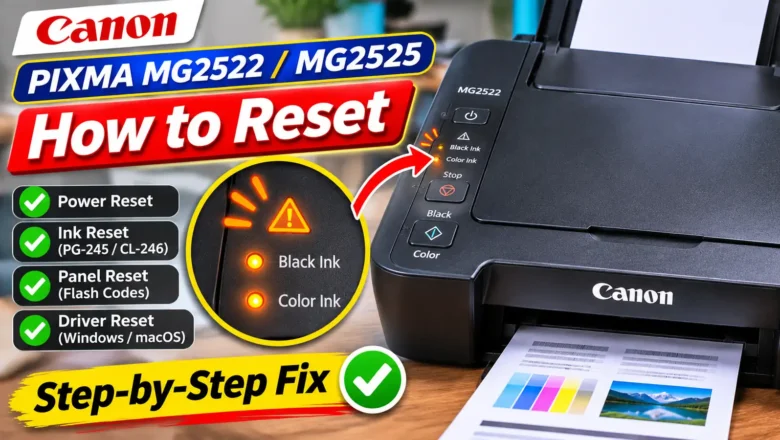
How to Reset a Canon MG2522 Printer When Ink or Error Lights Flash
Knowing how to reset a Canon MG2522 printer starts with identifying what has actually locked up the machine. Because the Canon PIXMA MG2522—and its functionally identical sibling, the PIXMA MG2525—belongs to the entry-level MG2500 series, it has no LCD screen, no Wi-Fi module, and no single "Factory Reset All" menu button. Instead, every reset function is controlled through four physical buttons on the left side of the top panel (ON, Stop, Black, and Color) or through the Canon IJ Printer Driver over a USB connection.
When users search for a pixma mg2522 reset, they almost always need one of four distinct procedures:
A hard power reset to clear a frozen carriage, a stalled print queue, or a lingering false paper jam alert after clearing an obstruction.
An ink level detecti...