web analytics
Shadow

Tag: firmware reset

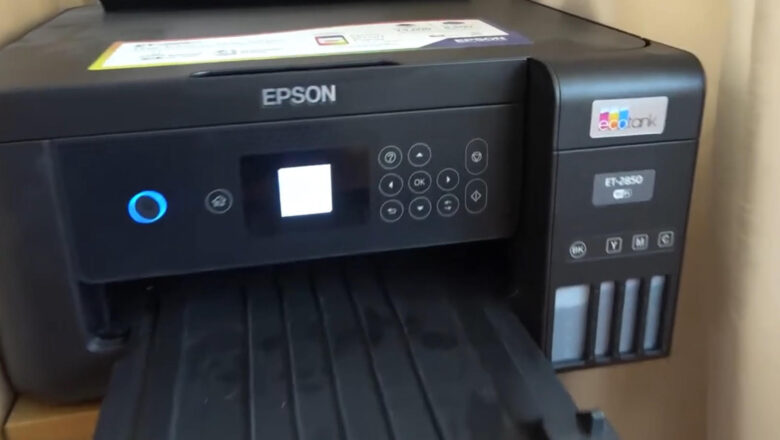
Epson Printer Firmware Reset: A Comprehensive Guide

Epson Printer Firmware Reset: A Comprehensive Guide

Blog, REFILL TONER, REPAIR PRINTER, RESET PRINTER
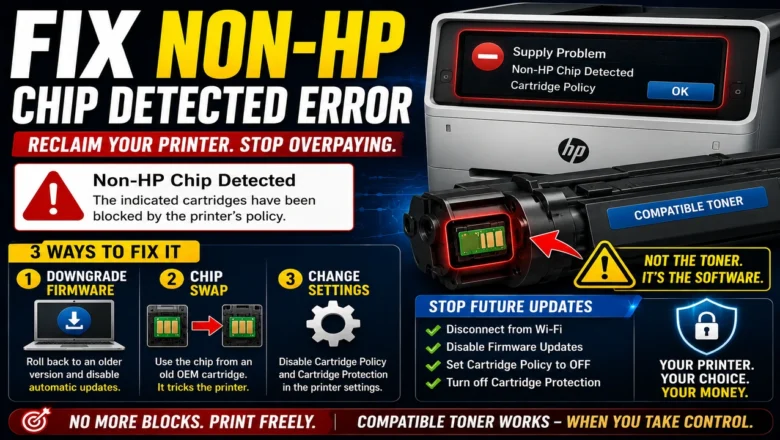
Optimizing Epson Printer Performance: A Comprehensive Guide to Firmware Management What is Firmware in Epson Printers? Firmware plays a crucial role in Epson printers, serving as the software embedded within the device that controls hardware operations and facilitates communication with the operating system. Unlike standard software updates, firmware changes involve a more complex process but can significantly enhance printer performance. Updated firmware optimizes functions like print quality, speed, and media compatibility, often introducing new features or bug fixes. Keeping your firmware current ensures your Epson printer operates smoothly. Why Update Epson Printer Firmware? Outdated firmware can cause errors such as "cartridge is missing" messages or reduced printing quality. Up...
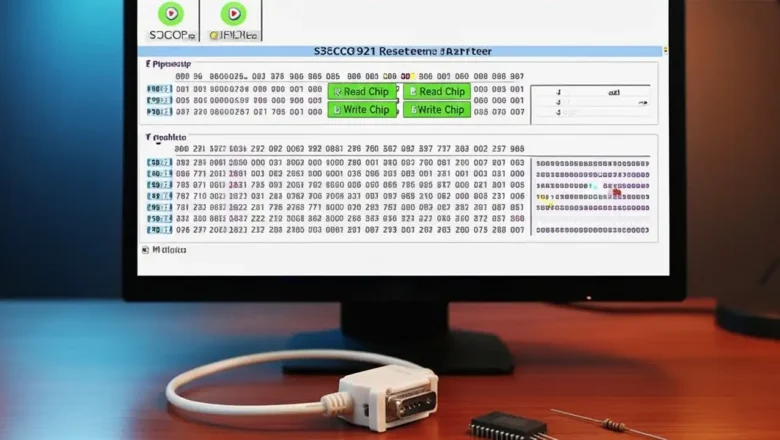
s3cc921 chip resetter — safe guide & how it works

s3cc921 chip resetter — safe guide & how it works

resetter software
s3cc921 chip resetter — what it does and when to use it s3cc921 chip resetter is a practical way to bring cartridges and small device modules back to life when page counters or region flags cause the printer (or another host device) to stop working even though the consumable has been refilled. The S3CC921 controller is used in a range of cartridges and small modules; it stores identification data (CRUM/serial), region info, counters, and status flags. This guide explains what can (and cannot) be reset, how to use a resetter correctly, the limits you should expect, and safe troubleshooting if the tool won’t detect your chip. How the S3CC921 stores data (know your boundaries) Two zones of memory: Programmable area — typically includes toner/page counters and region label....
Reset Samsung SCX 4300 — safe counter reset & chip guide

Reset Samsung SCX 4300 — safe counter reset & chip guide

RESET PRINTER
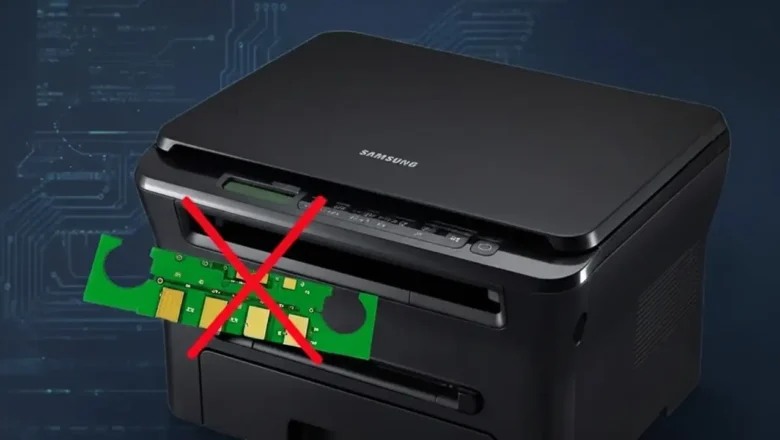
Reset Samsung SCX 4300 — what it is and when to use it Reset Samsung SCX 4300 is the fix many users look for right after refilling the toner and seeing the red light or “Replace/Install toner” messages even though there’s toner inside. The SCX-4300 platform uses a toner cartridge with a yield chip that tracks page counts. When that chip reports “end of life,” the printer can block printing until it detects a “fresh” supply. This guide walks you through the lowest-risk solutions first—chip replacement and stability checks—then explains the service-menu reset sequence that many technicians use on the SCX-4300, along with important cautions so you don’t brick your device. How the chip and counter actually work The printer looks at: The toner chip on the cartridge (stores a page ...
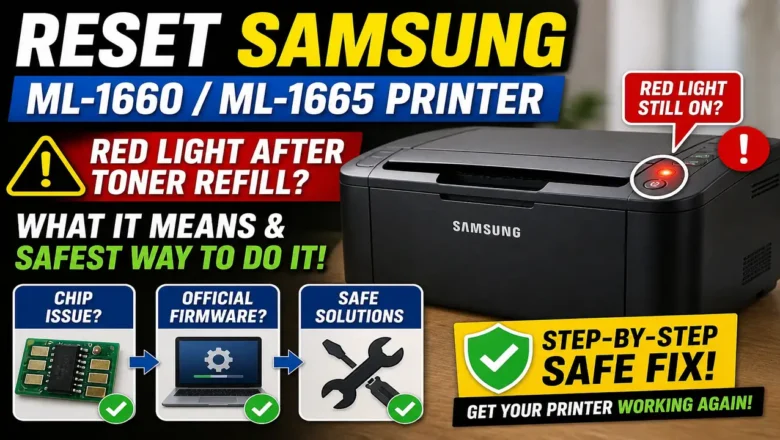
Reset Samsung ML-1660/ML-1665 Printer — reliable counter reset & troubleshooting guide

Reset Samsung ML-1660/ML-1665 Printer — reliable counter reset & troubleshooting guide

RESET PRINTER
Reset Samsung ML-1660/ML-1665 Printer: What It Means and the Safest Way to Do It Reset Samsung ML-1660/ML-1665 Printer is one of the most common searches after a toner refill when the red light stays on and the printer refuses to print. This usually happens because the printer is not judging toner status only by the toner inside the cartridge. It also checks the cartridge chip and its internal usage state, which means a refill alone may not restore normal printing. That is why Reset Samsung ML-1660/ML-1665 Printer can mean several different things depending on the real cause. Sometimes it means replacing the toner chip. Sometimes it means reloading official firmware. Sometimes it simply means clearing faults, checking contacts, and getting the printer back into a normal ready state. Once...