
web analytics
Shadow

Tag: HP Color LaserJet MFP 179fnw

How to Reset the HP Color LaserJet MFP 179fnw

How to Reset the HP Color LaserJet MFP 179fnw

Blog, RESET PRINTER
How to Reset the HP Color LaserJet MFP 179fnw If you are experiencing issues with your HP Color LaserJet MFP 179fnw printer and need to reset it, this guide will walk you through the process. Resetting the printer can help resolve various problems, such as network connectivity issues, paper jams, and printing errors. Please note that resetting the printer will also reset any custom settings you have configured. Step 1: Power Cycle the Printer The first step in resetting the HP Color LaserJet MFP 179fnw is to power cycle the printer. This process will clear any temporary errors or glitches that may be causing the issue. Turn off the printer by pressing the power button. Unplug the power cord from the printer and the wall outlet. Wait for at least 60 seconds to allow the printe...
hp color laserjet pro m254nw driver: Download & Install (Windows/Mac)

hp color laserjet pro m254nw driver: Download & Install (Windows/Mac)

PRINTER DRIVER
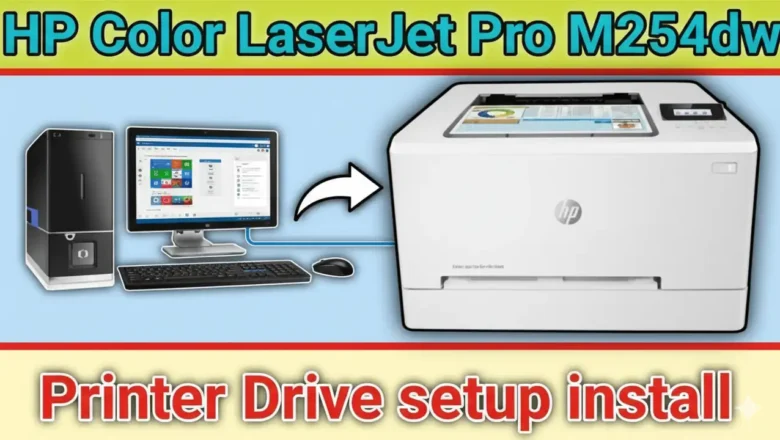
hp color laserjet pro m254nw driver — installing the official, model-specific package ensures stable printing performance, accurate color, and reliable scanning utilities (where supported) without risking malware or license issues. This guide walks you through safe download, clean installation on Windows/macOS, wired/wireless setup, and quick fixes for common issues. Why the hp color laserjet pro m254nw driver matters Using the exact package for your OS unlocks full feature support, minimizes crashes, and prevents conflicts with generic drivers. It also keeps your system compliant with HP’s licensing and security updates. Download the hp color laserjet pro m254nw driver safely Go to HP’s official support page for the M254nw. Choose your operating system (Windows 11/10/...